
Why a Life OS ends up in a workspace tool
Flexible workspace tools are a reasonable place to start. You can shape a page into a habit tracker, a goal dashboard, a journal, a reading log, or a weekly review, and none of it requires waiting for a product team to ship the feature you want.
That is a real strength, and for plenty of people it is the right answer. If designing the system is part of the appeal, a blank canvas is hard to beat.
The system you build is also the system you maintain
The cost shows up later. A hand-built Life OS carries design decisions, linked databases, view configurations, formulas, and a slow drift of stale pages nobody has the appetite to clean up. Every new idea is another small build.
There is a point where the upkeep starts competing with the work the system was supposed to support. If you have rebuilt your dashboard more times than you have reviewed a week inside it, that is the signal.
What HourLife gives you instead
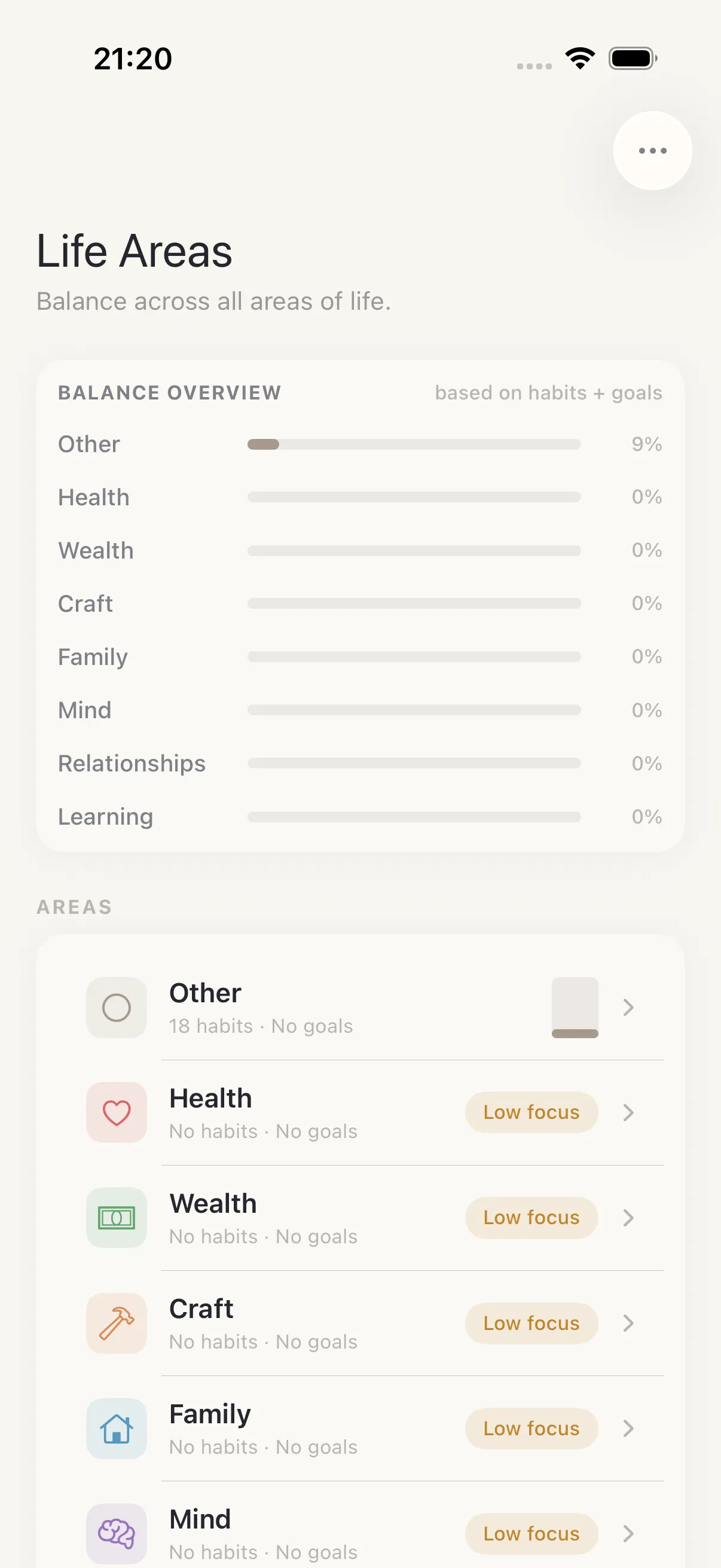
HourLife covers the same ground as a typical personal Life OS, but as native modules rather than pages you assemble:
- Today for daily planning.
- Brain for quick capture.
- Tasks and Focus for execution.
- Habits and Routines for repeated behaviors.
- Goals and Projects for the bigger picture.
- Journal, Mood, Gratitude, Highlights, Decisions, and Learning for reflection.
- Markdown export for keeping a readable record outside the app.
You are giving up infinite customization. What you get back is a system that works on the days you have no energy to configure anything.
When a flexible workspace is still the right call
HourLife is personal software for iPhone and Mac. It is not a docs tool, a shared knowledge base, or a place to run a team, and it does not try to be. If your setup carries meeting notes, client work, a wiki, or anything other people also write in, a general workspace is doing a job HourLife is not built for.
Many people end up with both: the workspace for work and reference material, HourLife for the daily loop of planning, doing, and reflecting.