What we shipped, and why.

Every HourLife release gets written down here — what changed, what it is for, and the thinking that got it there.

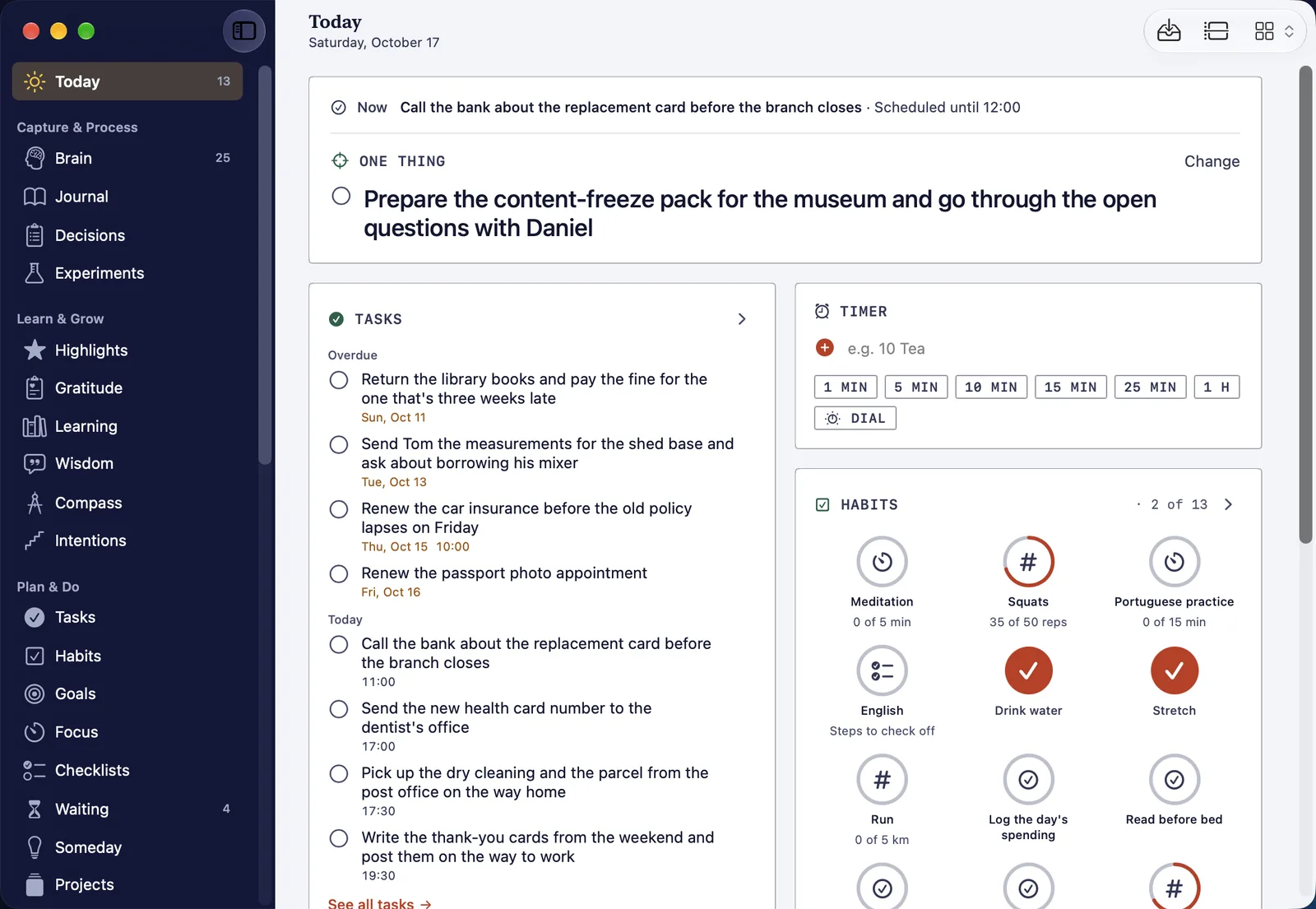
HourLife for Mac 1.0: your whole record, with a keyboard

HourLife for Mac 1.0: your whole record, with a keyboard

HourLife for Mac 1.0 is a native Mac app for the desk half of the week: every module in a sidebar, Today five ways, a Command Bar and a key for nearly everything, a panel at the edge of the screen, and the same record as your iPhone through your own iCloud.

HourLife Release v1.0 11 min read
HourLife 1.3: read the week back, one day at a time

HourLife 1.3 adds Day by day: a week or a month laid out one day at a time, with what each day held. It also sits inside the weekly review, so you can read the week back before you score it.

HourLife Release v1.3 2 min read

HourLife 1.2: scan a document straight into HourLife

HourLife 1.2 adds a document scanner to Vault, Secure Box and Things: point the camera at the page and it is filed where you are. Meditation sessions also survive a locked phone now.

HourLife Release v1.2 1 min read

HourLife 1.1: put today’s tasks in your order

HourLife 1.1 puts the order of today’s work back in your hands. Reorder tasks by hand, keep the arrangement for each day, or let time stay in charge.

HourLife Release v1.1 1 min read
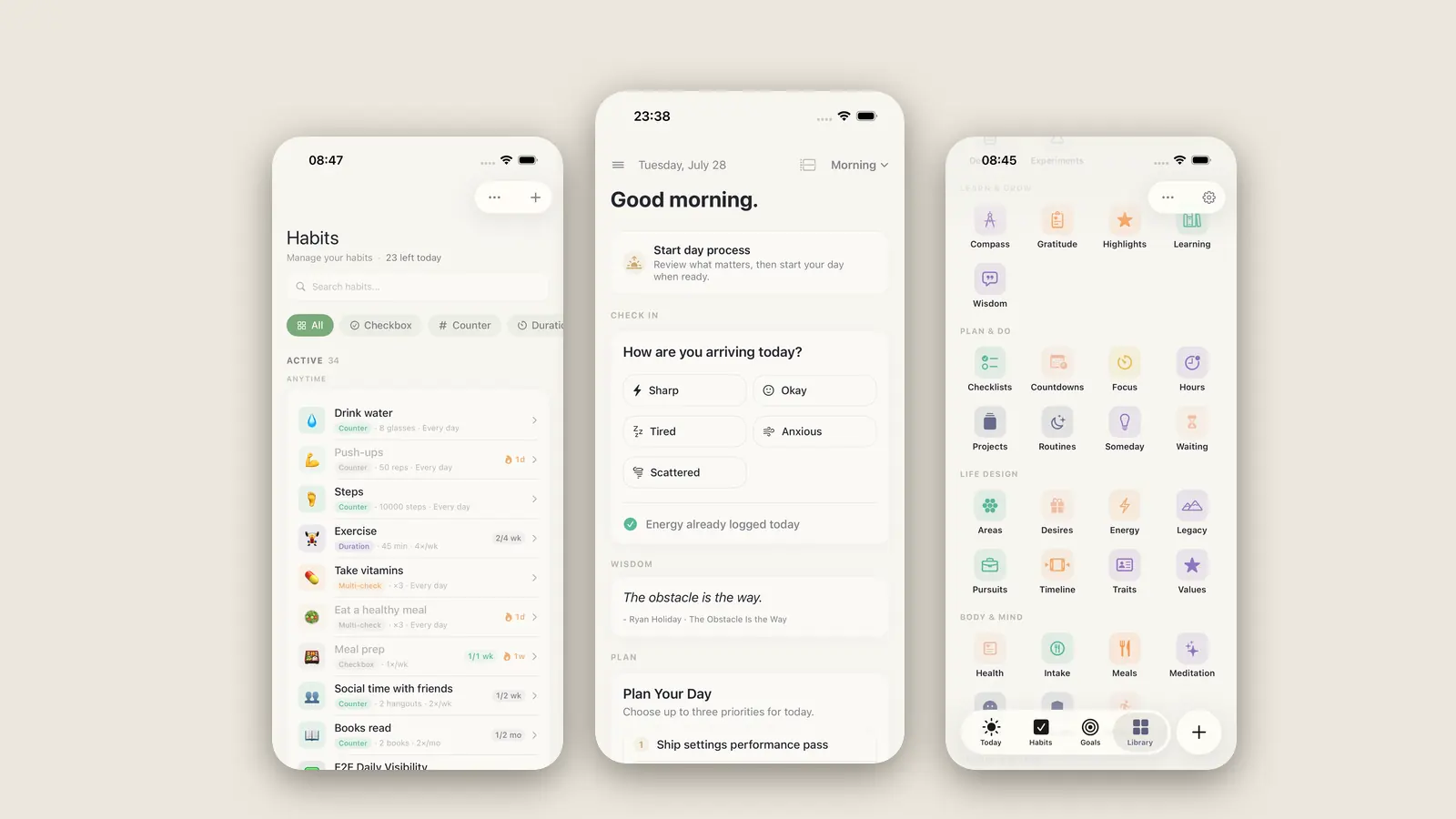
HourLife 1.0: forty-two modules, one day at a time

HourLife 1.0: forty-two modules, one day at a time

The main app is finished. Forty-two modules, four tabs, and a storage layer we rebuilt so your health records never touch iCloud. Here is what 1.0 does, what we cut, and why the Today screen asks how you are arriving before it shows you a list.

HourLife Release v1.0 10 min read

One app for the whole of a life.

HourLife plans the day, holds a direction, and keeps a record of the life you actually lived.