
Your record should outlive the app
The more personal a system becomes, the more export matters. Tasks, habits, goals, journal notes, mood, and reflection are not disposable app data. They are a record of how you spent your time and what mattered to you at the time.
HourLife treats export as a trust feature rather than a checkbox. The goal is a file that is readable without the app that produced it.
Why Markdown and not a proprietary format
Markdown is plain text with just enough structure. It opens in any editor, survives every operating system upgrade, and is still legible in a decade. A proprietary export you can only reopen inside one app is not really ownership.
It also travels well. A Markdown day drops straight into a plain folder, a knowledge base, or a personal wiki without a conversion step.
A day, not a task report
A useful export preserves context, not just completions. What you planned, what actually happened, which habits held, what you captured before it slipped, and what you noticed at the end are all part of the same day.
- What you planned and what you finished
- Which habits and routines held
- Focus work and how the day actually went
- Notes captured in Brain before they were sorted
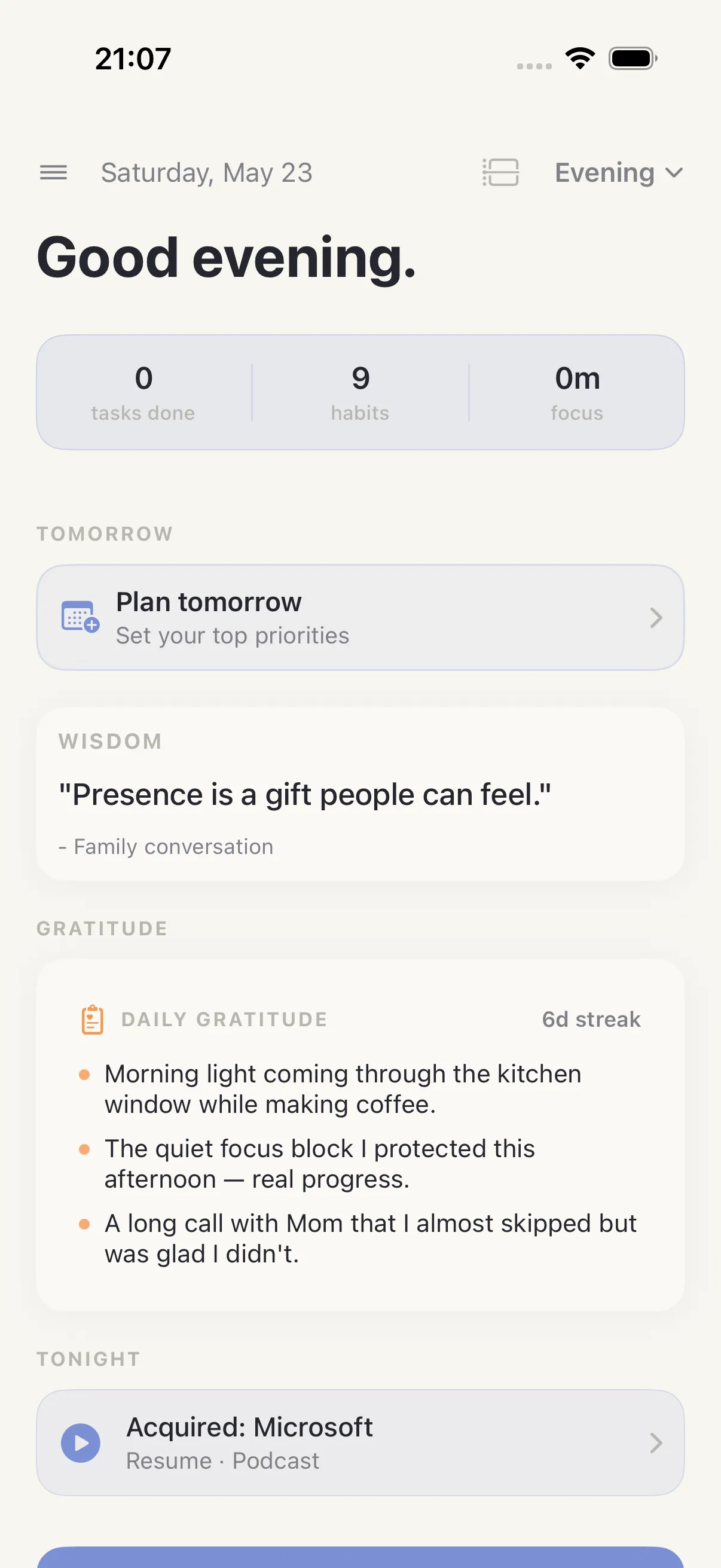
- Journal entries, gratitude, and highlights worth keeping
Exactly which sections appear depends on which HourLife modules you use. A day you spent only on tasks exports as a day of tasks.
Ownership as a default, not a paid upgrade
Export exists so that changing your workflow later does not cost you your history. It also makes HourLife a reasonable companion to a plain text archive rather than a competitor to it.
You should be able to leave. That is what makes it safe to commit in the first place.