
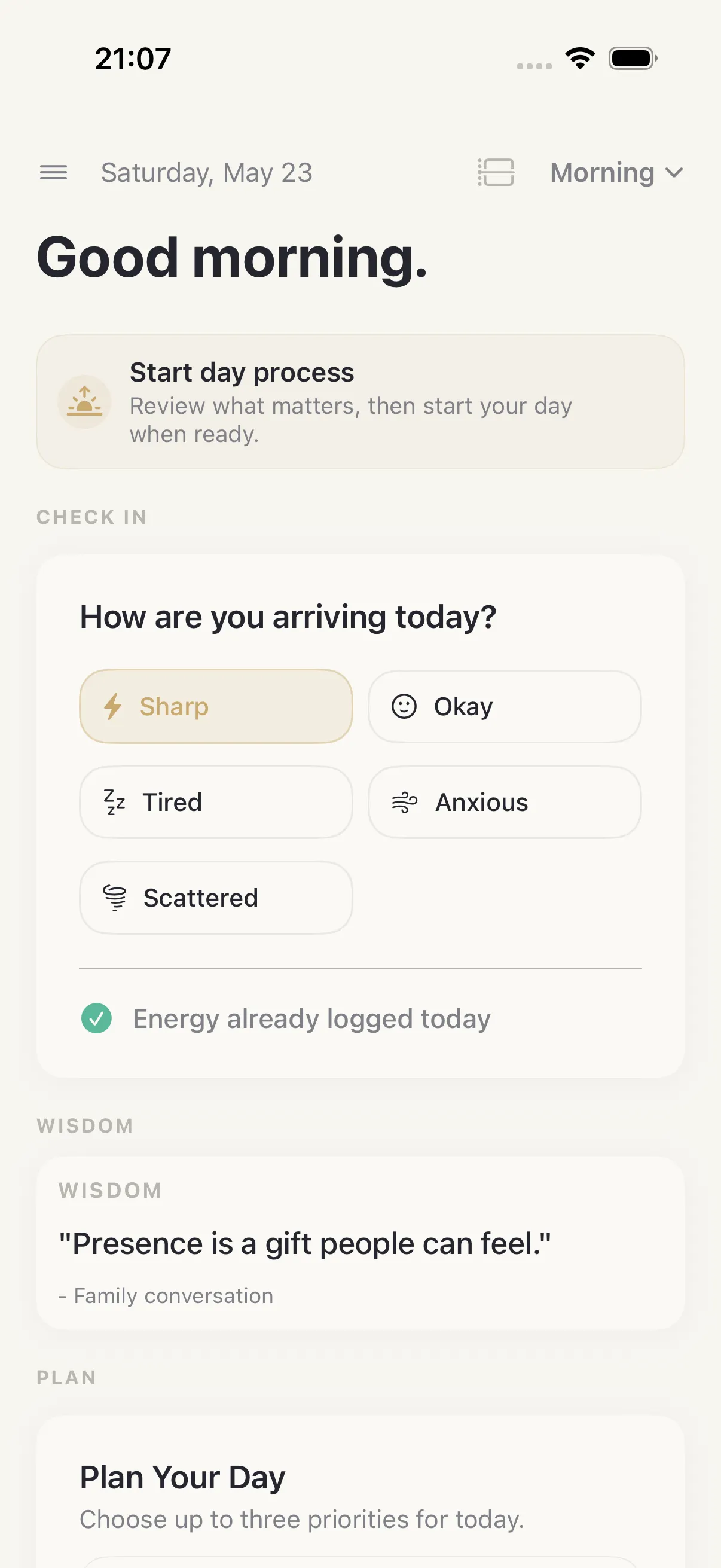
Daily planning should not end after the morning
A daily planner is only useful if it survives the real day. Plans change. New tasks appear. Energy drops. A stray thought needs somewhere to land. A meeting creates a follow-up. A habit still needs to happen after the task list gets crowded.
HourLife is designed around the full daily loop: plan, capture, execute, reflect.
Start with Today
The Today page gives you a practical place to see what matters now. Add tasks, pick priorities, keep routines visible, and use Brain for quick capture when something does not yet belong anywhere.
You do not need to decide whether a thought is a task, note, goal, or journal entry the second it appears. Capture it first. Organize it when you have attention.
Focus on the next action
Daily planning is not only about deciding what to do. It is also about doing it. HourLife includes a focus workflow so a task can become a work session, not just another line in a list.
That connection matters for people who want their planner to reflect reality. If the day includes focused work, habits, energy, mood, and reflection, the planner should make room for all of it.
Close the day with a useful record
At the end of the day, HourLife can turn the plan into a record: completed tasks, habit progress, focus work, thoughts, journal notes, gratitude, highlights, and exportable Markdown.
This makes the planner useful beyond tomorrow. You can look back and see how your days actually worked.