- Games
- Brain tests
- Aim Trainer
Aim trainer
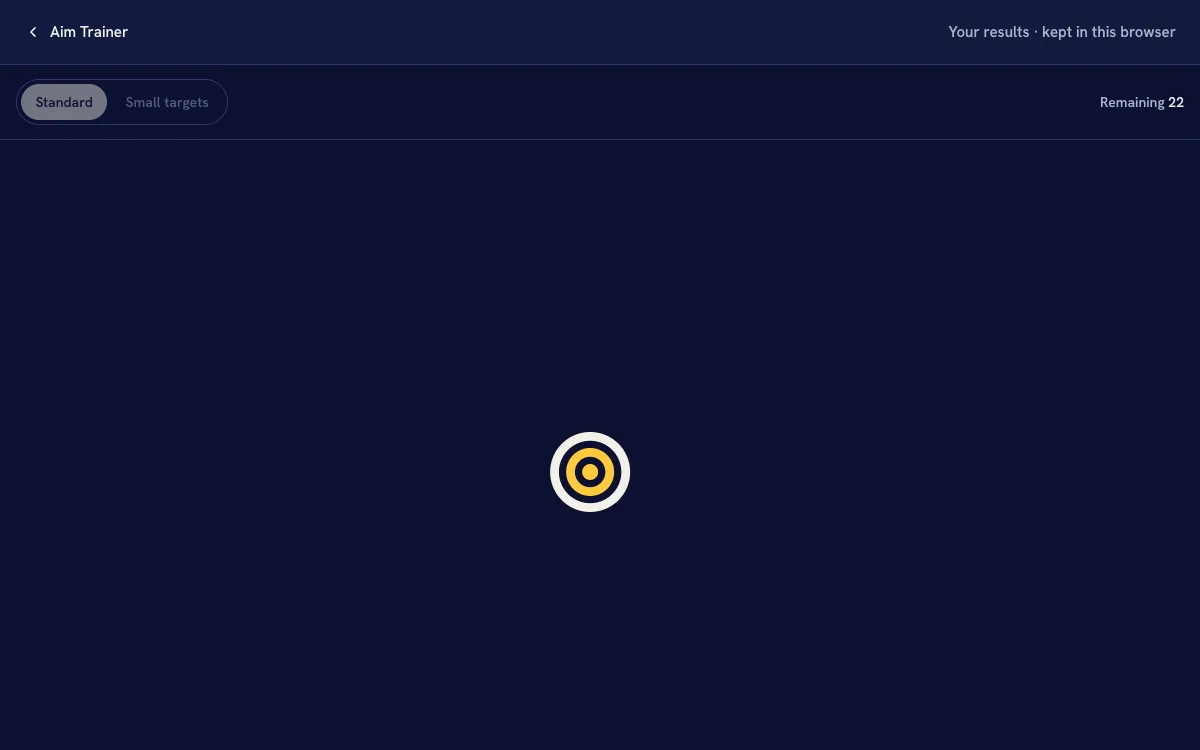
Thirty targets appear one at a time, each somewhere new. Hit each one as fast as you can. Your score is the average time per hit, with misses counted on the side.
- 1 minute for 30 targets
- Two sizes standard and small
- No account your times stay in this browser
Hits are timed from the frames the screen drew and your presses from the browser's own clock. A mouse, a trackpad and a finger aim differently, so compare like with like.
Your results
- Latest
- Best
- Average
How it works
Press Start
A Start target sits in the middle of the arena. Click or tap it, or press Space or Enter, and the first of 30 targets appears somewhere else.
Hit each target
Each target appears at a random spot, never right beside the last one. Its time runs from the frame it appears to the moment you press it. A press that lands off the target counts as a miss, and the target stays put for another try.
Read your average
You get your average time per hit, your fastest hit, your misses and your accuracy. Small targets keeps its own history, because its times aren't comparable with Standard.
Why small, far targets take longer
Pointing at something happens in two parts: a quick movement towards it, then small corrections as you close in. The smaller the target, the more correcting you do before you can press with confidence.
In 1954 Paul Fitts showed that the time this takes grows with the distance to a target and shrinks with its width, and that the two trade off in a regular way: doubling the distance costs about as much time as halving the width. That is why Small targets is slower than Standard, and why a target that appears across the screen takes longer than one close by.
The device matters as much as the hand. A mouse, a trackpad, a pen and a finger each aim differently, and a bigger screen means longer moves. Compare runs on the same device.
Questions
-
How is my score worked out?
Each hit is timed from the screen frame its target appeared on to the moment your press arrived, both on the browser's own clock. Your score is the average of the 30 hits in milliseconds, so lower is better. Accuracy is your 30 hits as a share of every press you made in the arena.
-
Do misses count against me?
A miss adds no penalty of its own, but the target stays and its clock keeps running, so the time it takes to aim again shows up in that hit. Your misses are also counted and shown with your score.
-
Can I do this with a keyboard?
Only partly. The keyboard can start a run with Space or Enter and stop one with Escape, but aiming needs something that points: a mouse, a trackpad, a pen or a touchscreen. Keys can't move to a spot on the screen, so the targets can't be hit with keys alone.
-
Why are Standard and Small kept apart?
Smaller targets take longer to hit for everyone, so mixing the two would make your times jump around for no reason. Each mode keeps its own last 20 runs, and each run is compared only with runs of the same size.
-
Why are my times different on my phone?
A finger covers more of the target than a cursor, a phone screen makes the moves shorter, and touchscreens report a tap a little later than a wired mouse reports a click. Those pull in different directions, so compare phone runs with phone runs.
-
Where are my results saved?
Only in this browser, in its local storage: the last 20 runs of each mode. Nothing is sent to HourLife, and clearing your browser's site data or pressing Clear removes them.
More brain tests
Speed · 1 min
Reaction Time Test
Wait for green, then tap. One round for a quick check, five for an average.
Take the testTime · 2 min
Time Perception Test
Hold a target length in your head, repeat a length you saw, or pick the longer of two. No clock on screen.
Take the testMemory · 2 min
Sequence Memory Test
Watch squares light up in order, then repeat it. Each round adds one more.
Take the testAim the day, too
HourLife is an iPhone app that draws your day as 24 hours you can see, so you can pick where the next one goes.

