HourLife for Mac · Version 1.0 is coming soon
HourLife, made for the Mac.
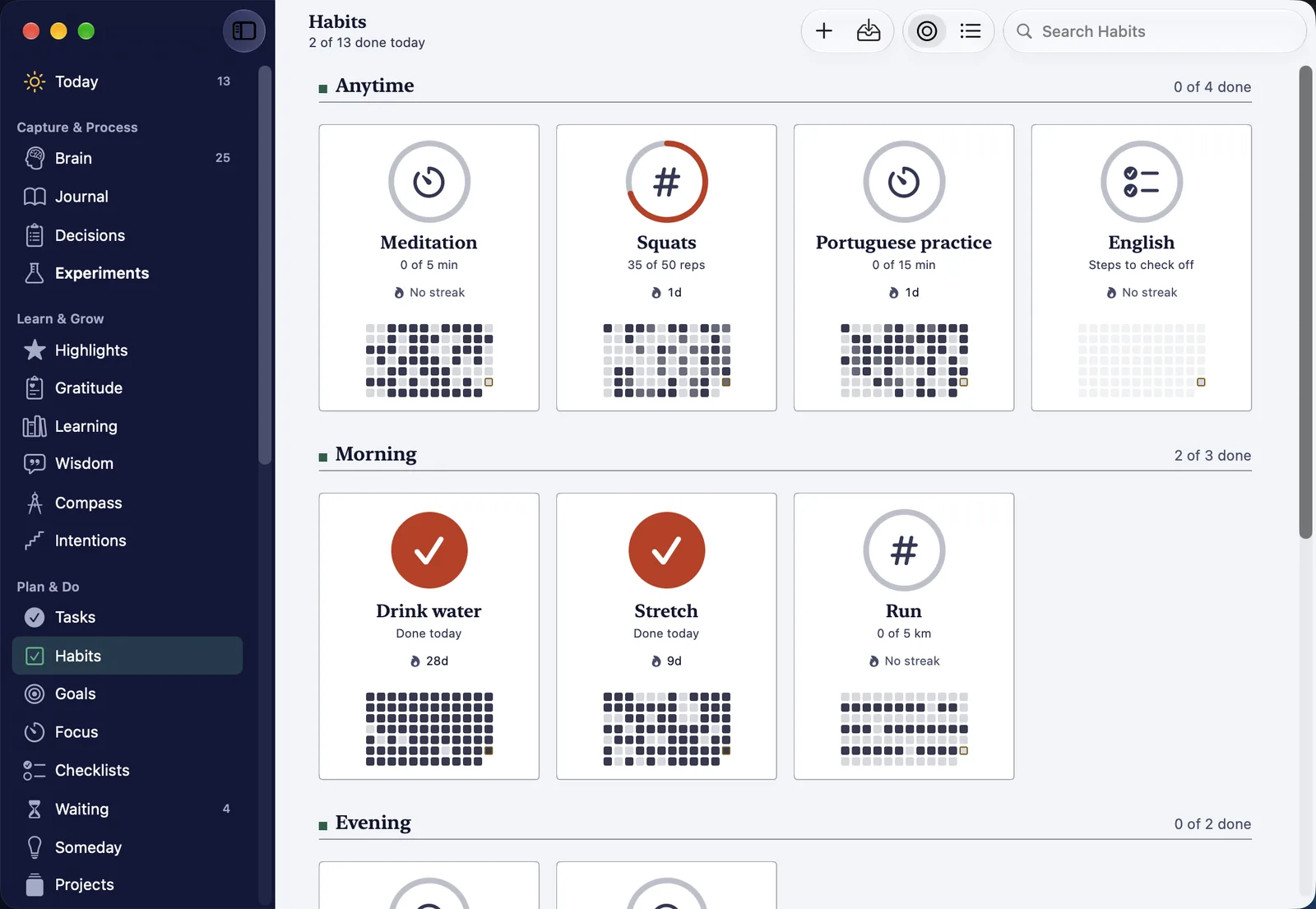
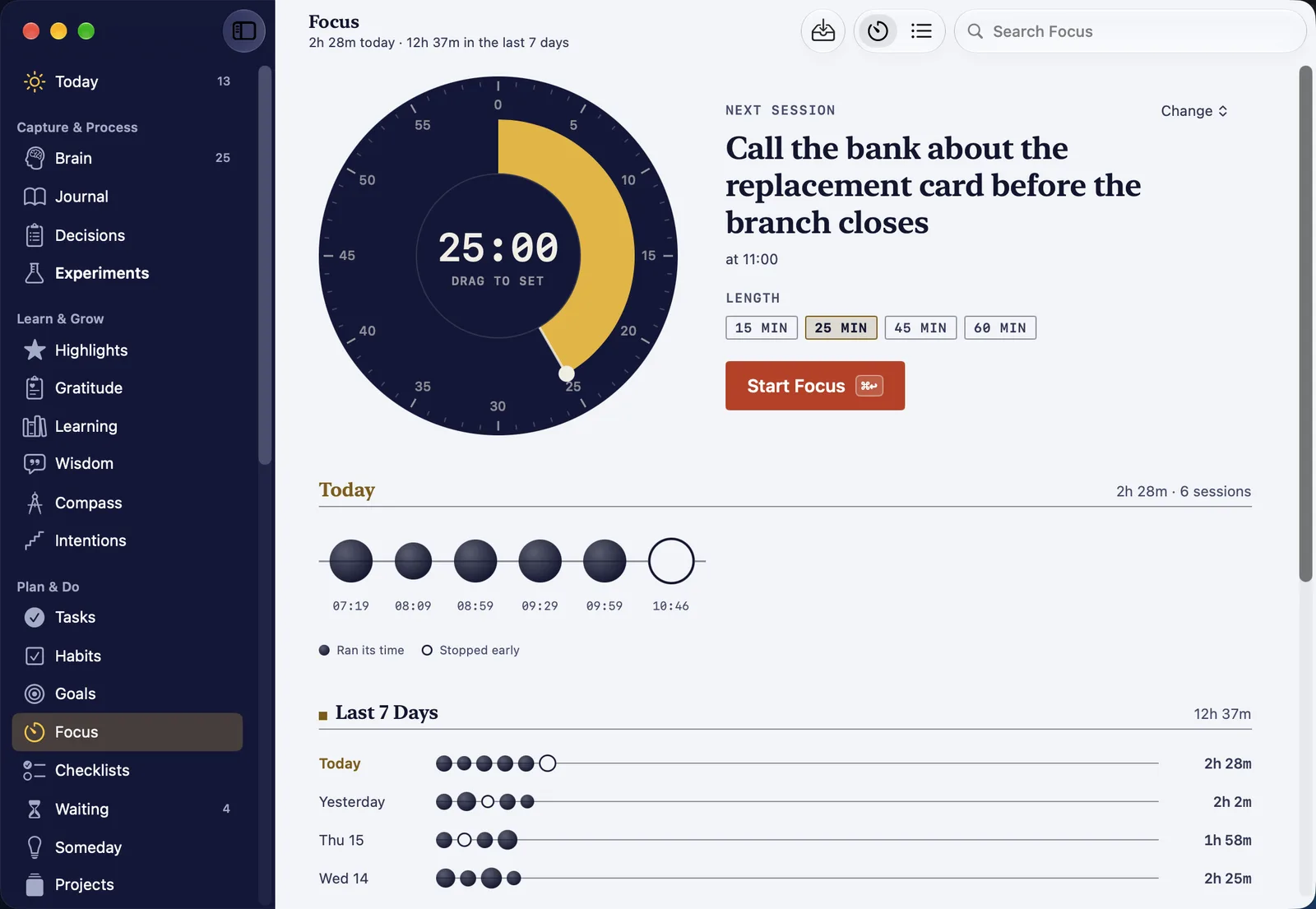
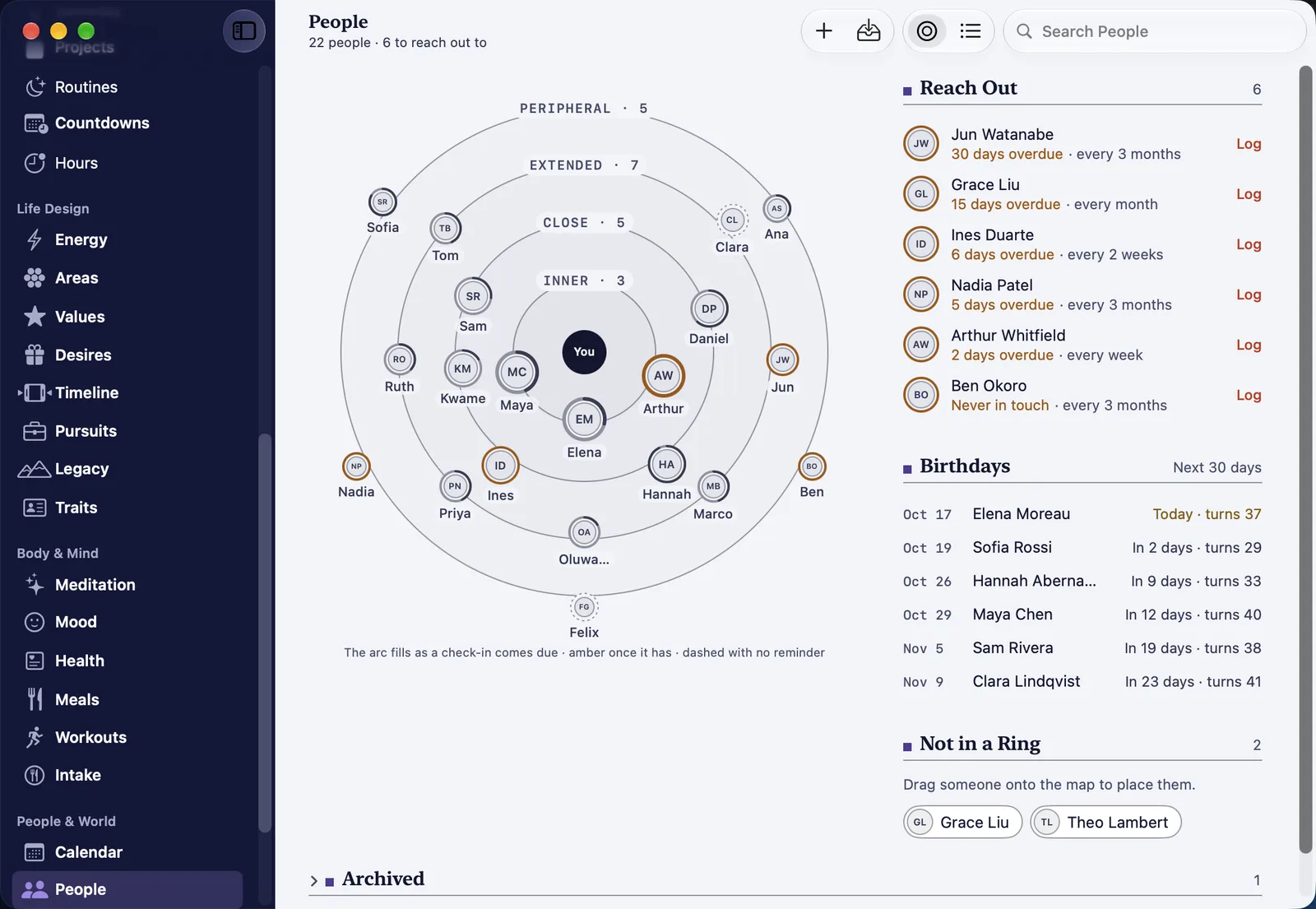
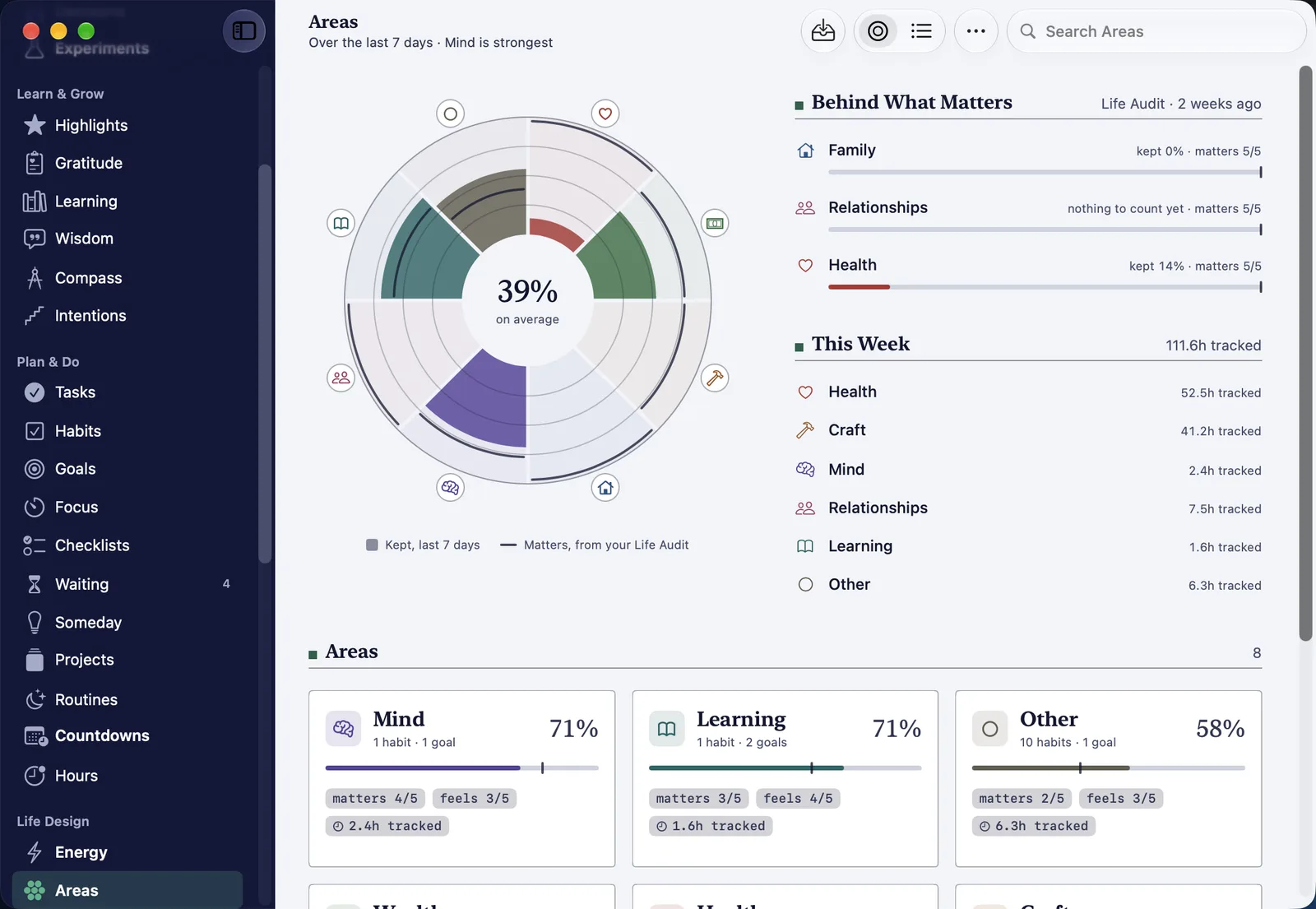
A native Mac app, with every page in a sidebar, room to see a week at once, and a key for everything. With iCloud sync on, it uses the same data as HourLife on your iPhone, so what you plan on one is there on the other.
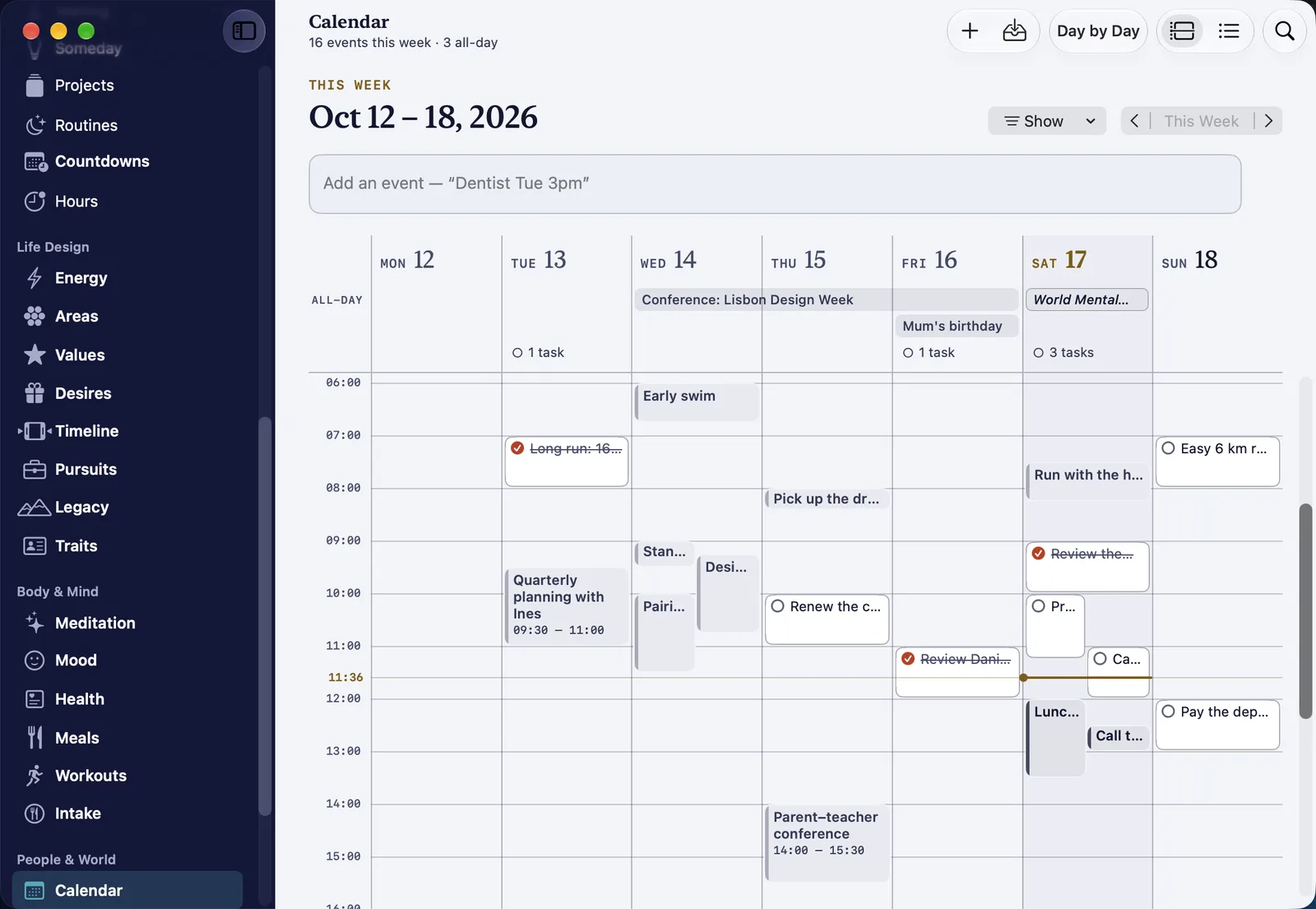
A window for every part of the day.
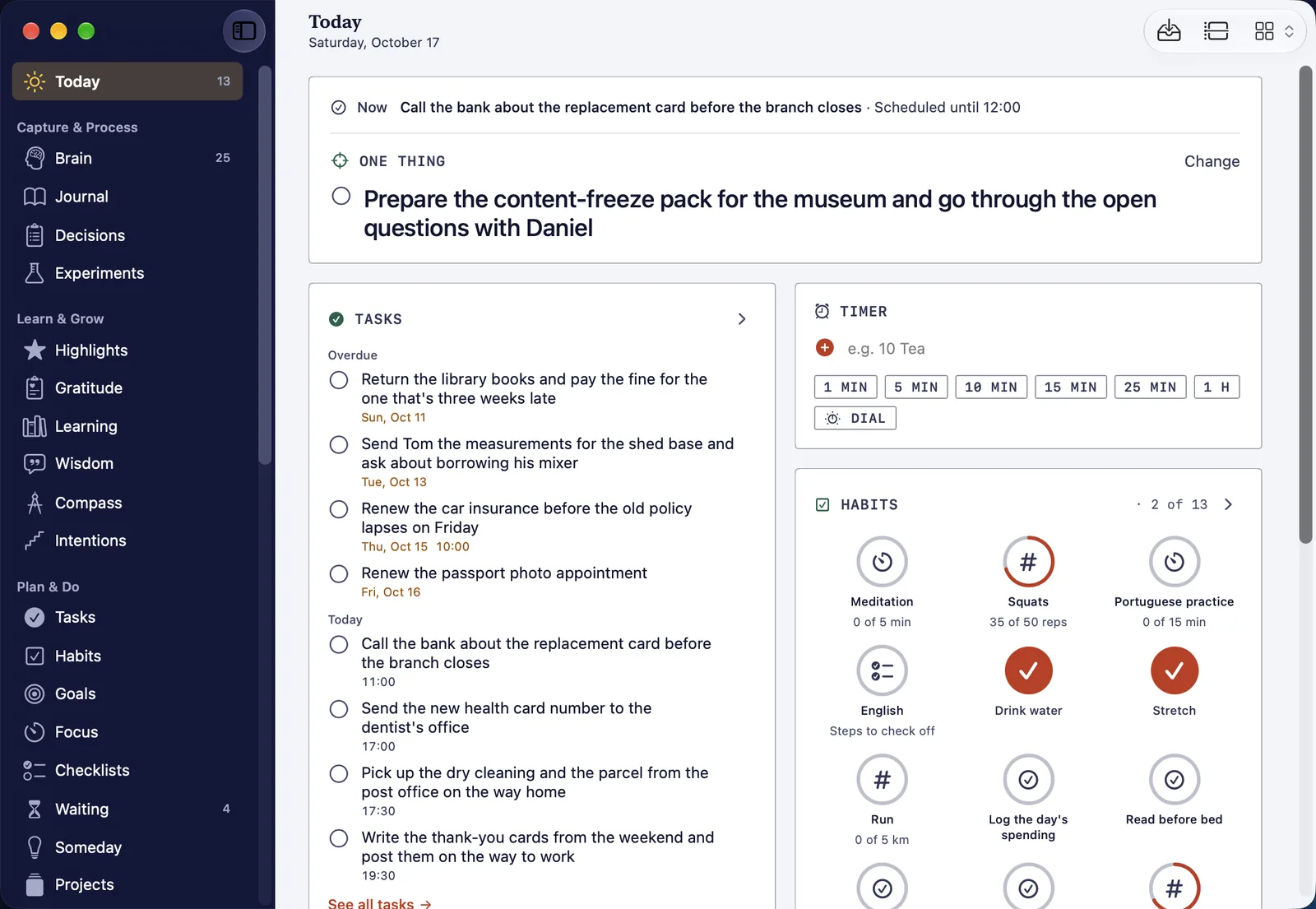
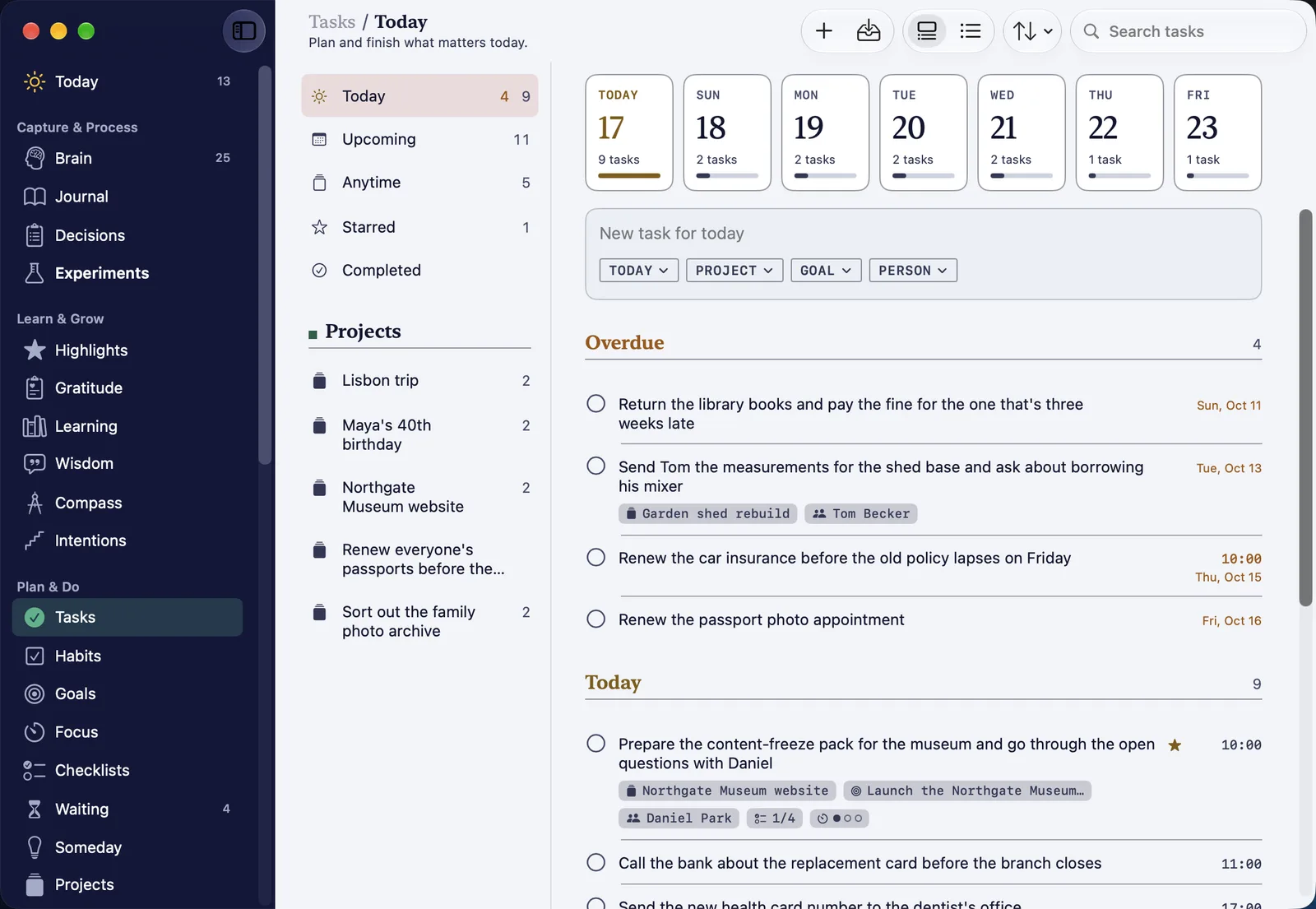
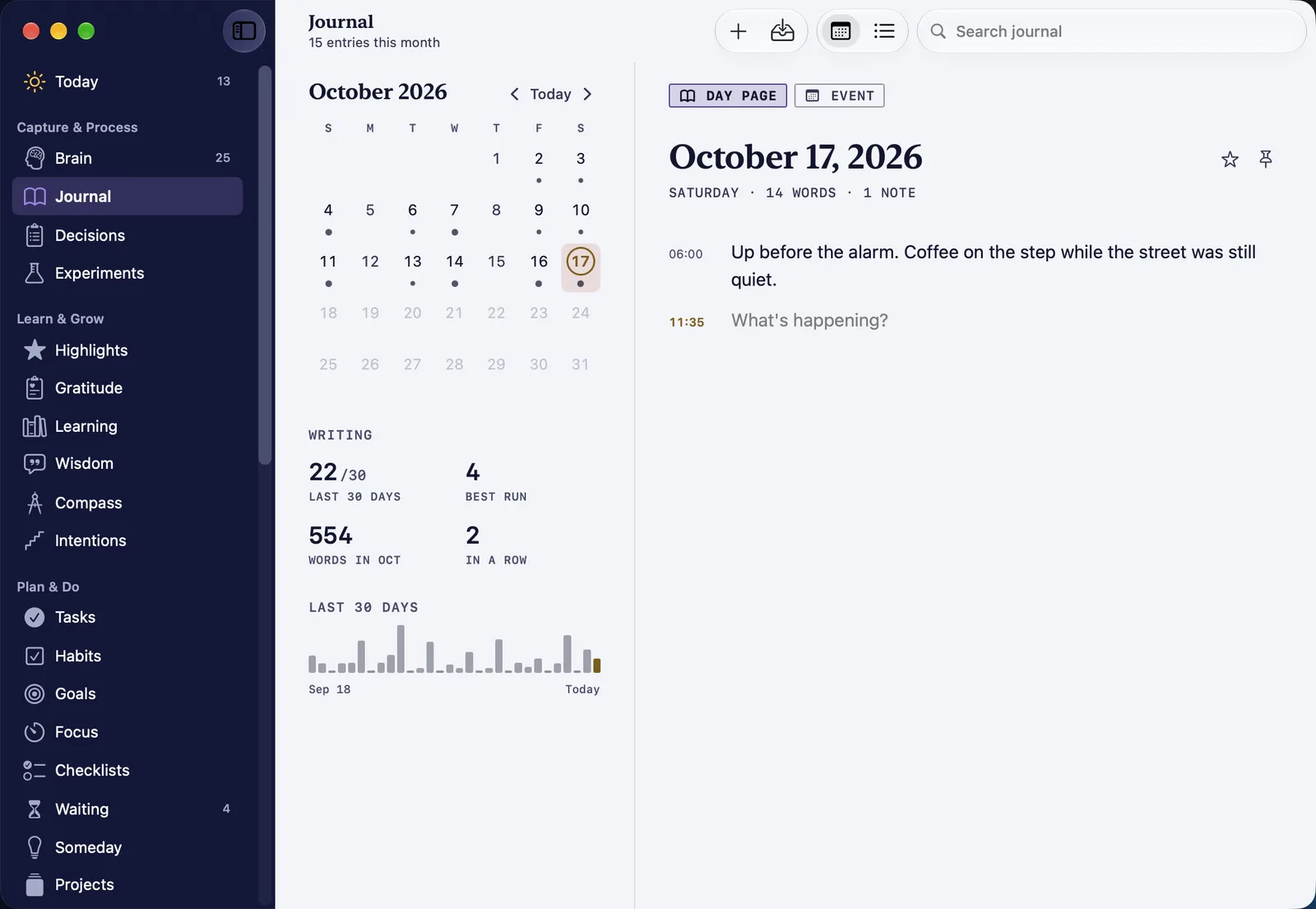
Eight of the pages in its sidebar, each drawn for a larger screen.
-
One record
With sync on, the Mac uses the same iCloud data as HourLife on your iPhone. It runs through your own iCloud account, and we never receive it.
-
Health stays off iCloud
Health records never go through iCloud. They come from your iPhone over your Wi-Fi once the two are paired, and what comes from Apple Health is changed only on the iPhone.
-
One purchase
HourLife Premium is monthly, yearly or lifetime, and one purchase unlocks it on your Mac and your iPhone.
Screens from HourLife for Mac 1.0 before its release, filled with sample data. Needs macOS 26 or later.
Made for a keyboard.
Every page, item and action is a few keys away, so a thought never waits for the mouse.
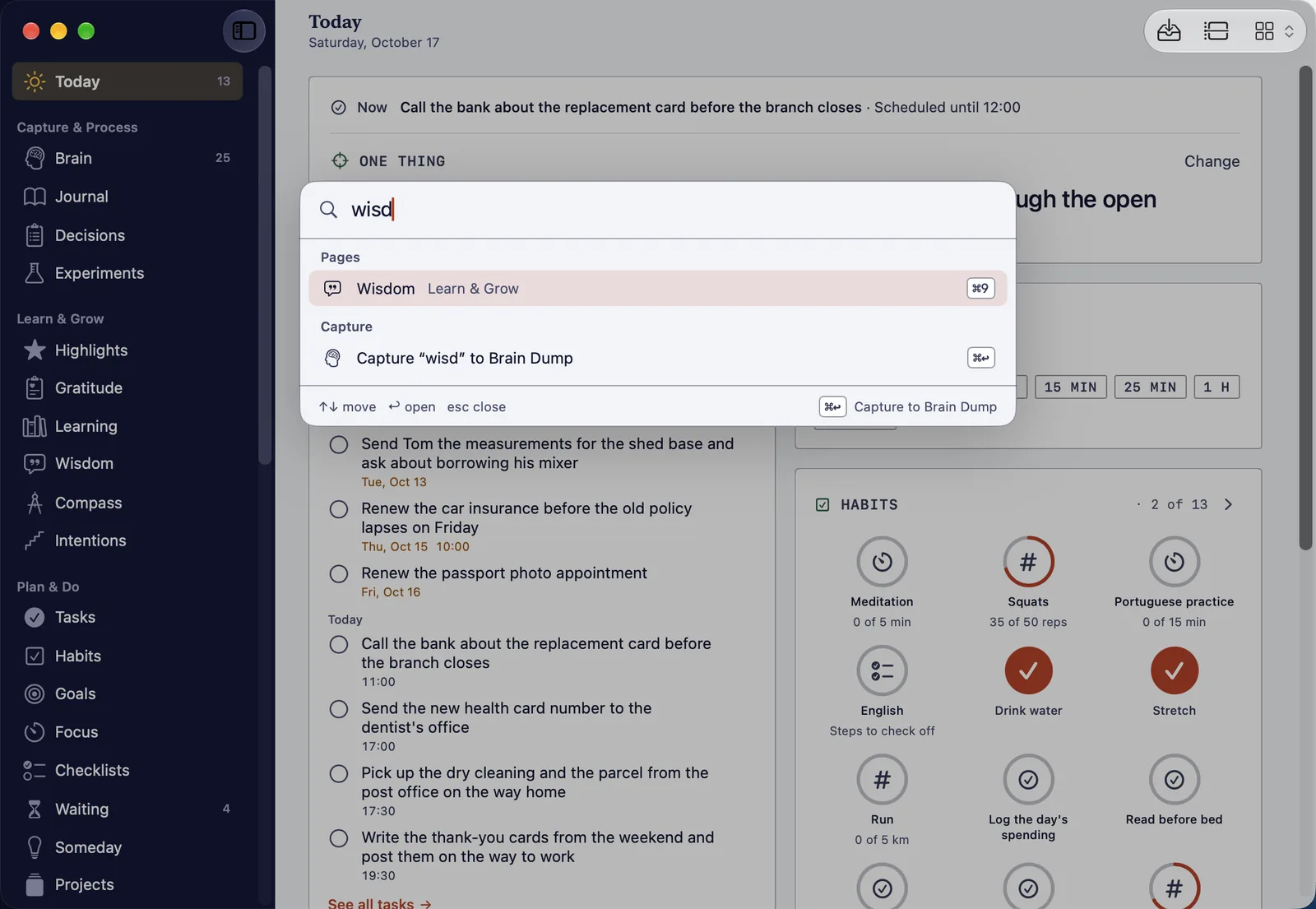
⌘K
Go anywhere
The Command Bar finds any page, action or item by name. Press ⌘↩ instead of ↩ and what you typed goes to Brain Dump.
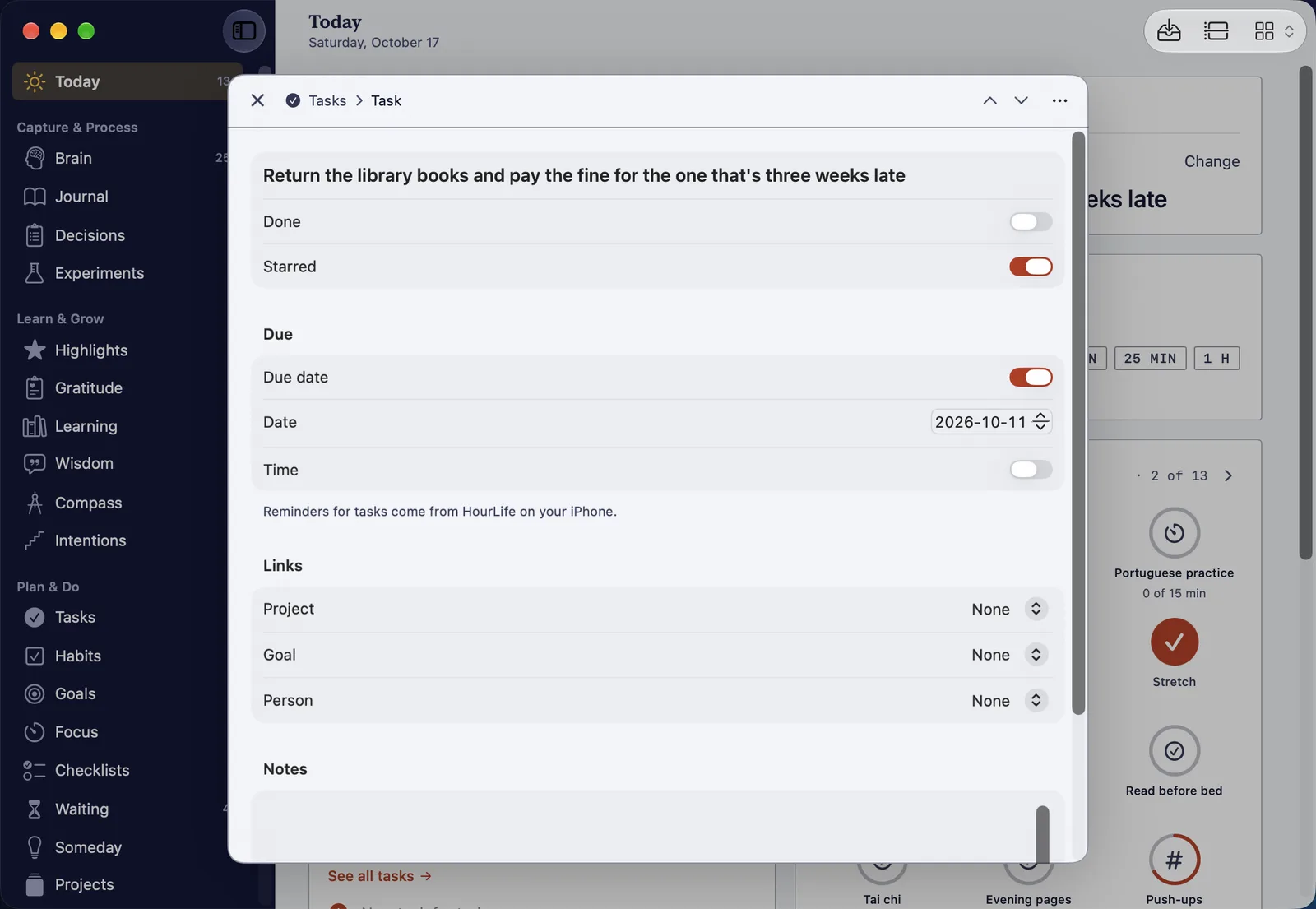
⌘↑⌘↓
Edit without leaving the list
Open a task and it floats over its page with every field at hand. ⌘↑ and ⌘↓ step to the item above or below.
More shortcuts
- ⇧⌘K
- Quick Capture, from any page
- ⌘N
- Add something new to the page you are on
- ⌘1–⌘9
- Go to the first nine pages in the sidebar
- ⌘F
- Search the page
- ⌥⌘N
- Open another window
- ⌥⌃⌘T
- Start a new timer
Always at the edge of the screen
Push the pointer against the edge of the screen and a side panel opens over any app, with the hour, how far the day has come, a capture box, a focus session, today's tasks, a habit to log and today's wisdom. You choose which in Settings.
Keep HourLife in the menu bar and it keeps running after you close the last window.
Start on your iPhone today.

When the Mac app ships, it picks up the same record, through your own iCloud account.
 Coming soon to the Mac