Keep

Keep · Health, head to toe

Your numbers, visits and notes.

A quiet place to look after your health over the years, in your own words, on your own phone.

Your key numbers, your visits, your medicines, the papers that came home, and how the parts of you are. Keep writes down what you tell it and brings it back when you need it: at the next appointment, or years from now.

iPhone · Stays on your phone · Free · Coming to the App Store

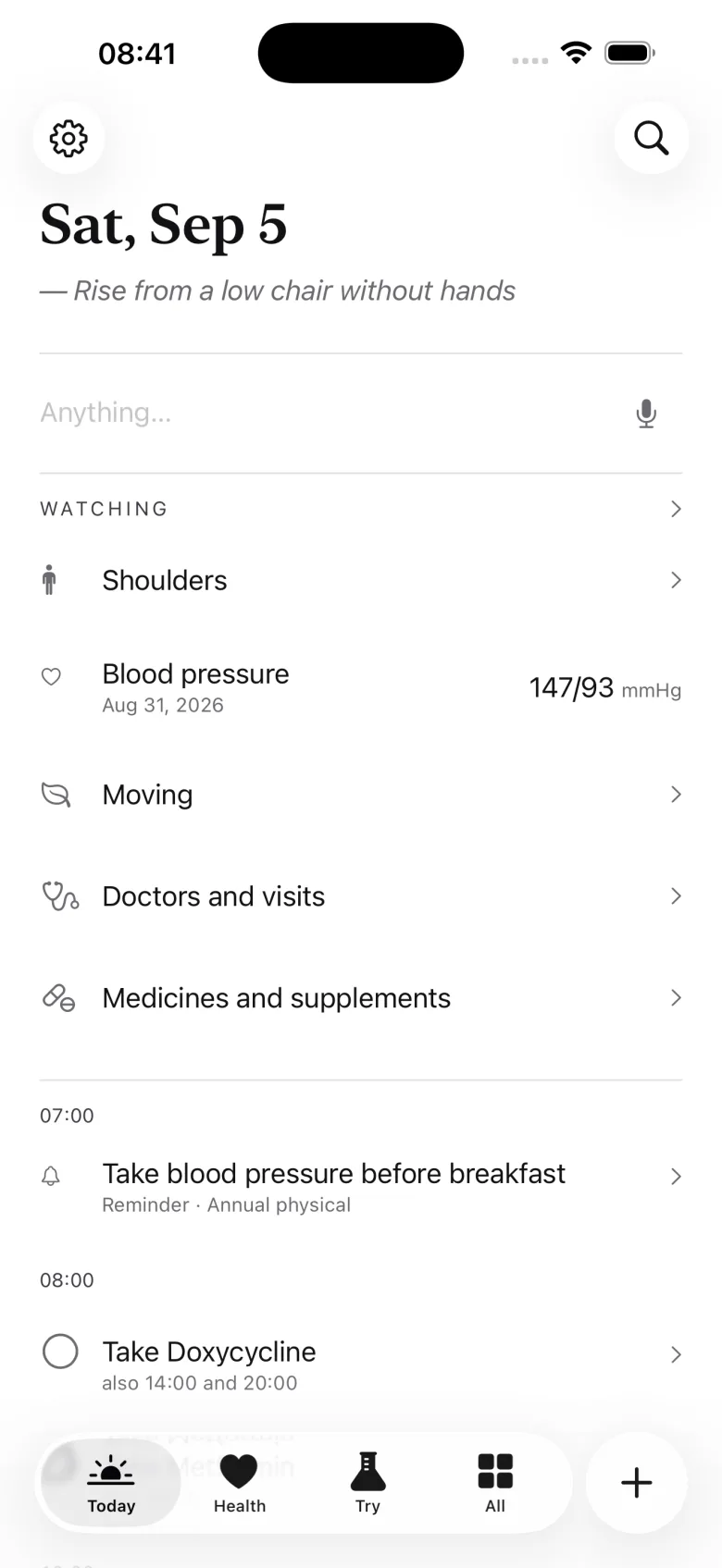
Keep's Today page: the date, a line to write on, what you are watching, and the day's reminders

What it is for

The record you bring to the appointment, not a score to keep up.

Most health apps want a number from you every day and give you a grade back. Keep wants nothing from you. It holds what you choose to write, so that when someone asks "when did that start?" or "what are you on?", the answer is in your hand.

Your numbers

Six that matter, in your units.

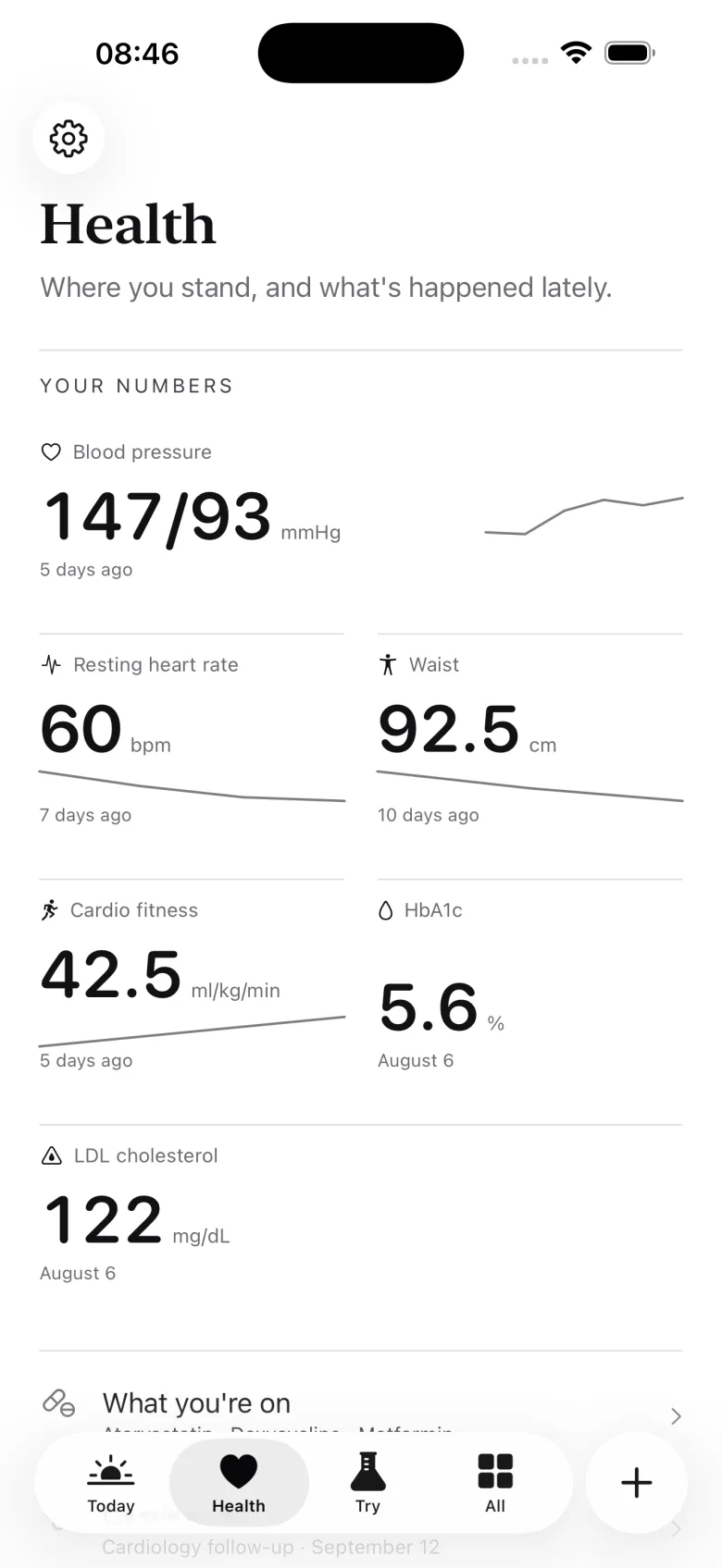
Blood pressure, resting heart rate, waist, cardio fitness, HbA1c, and LDL. Written in from a check-up, a lab report, or Apple Health when you choose. Nothing is ever overwritten, so a correction stays visible.

Your visits

Before, and after.

The questions you meant to ask, an alarm and a calendar entry if you want them, then what was said, what to watch for, and the papers scanned in. A question never asked carries on to the next visit.

Your words

How the parts of you are.

A journal, a head-to-toe pass over your body, what you have noticed, and what you have learned about your own health. Typed, or said out loud and turned into words on the phone.

How it works

Write it down, keep it, bring it, look back.

01 · Write

The pen is on every page.

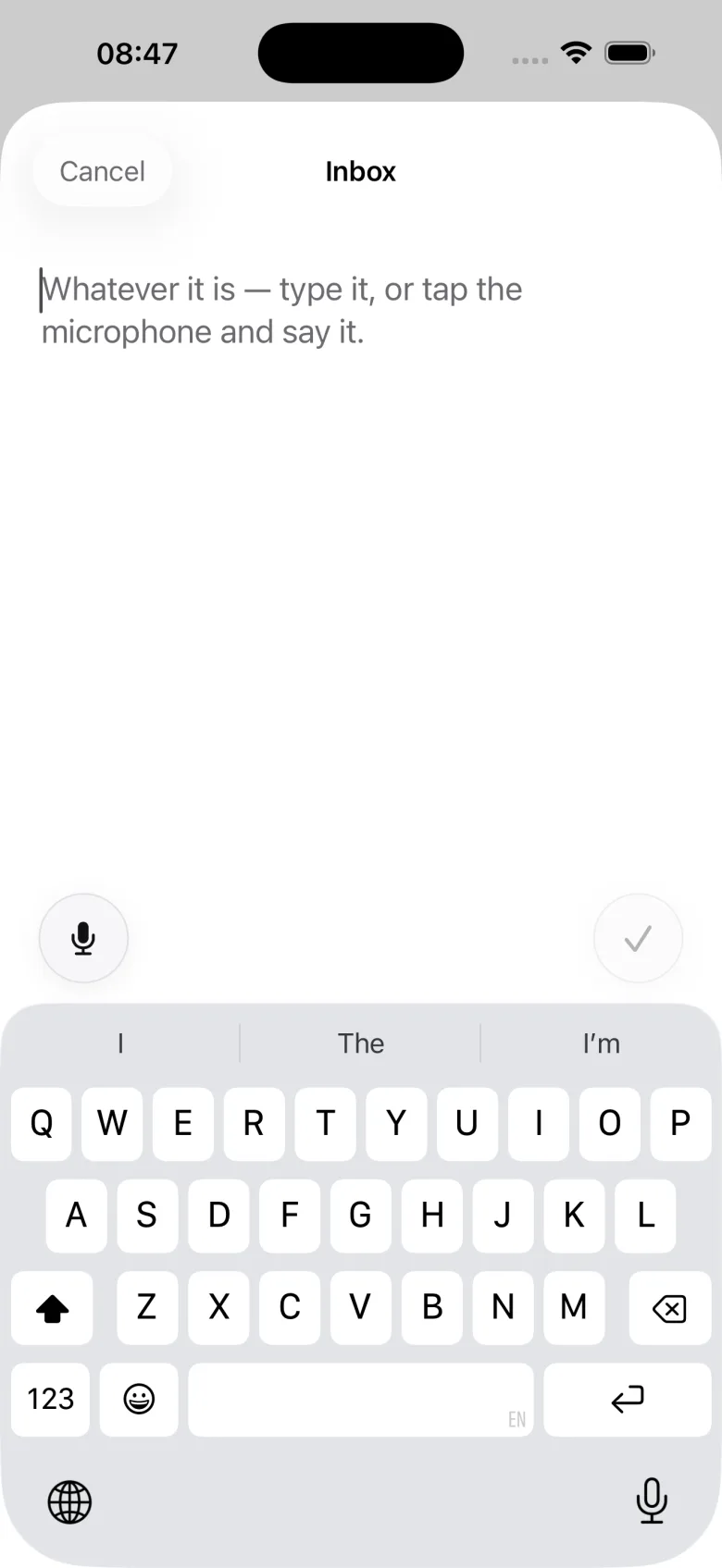
Whatever it is, type it or say it. A reading, a medicine, a visit, something you noticed, a question for the doctor. One tap files it where it belongs, and a line you have not filed yet waits in the margin until you do.

Keep's Inbox sheet, open with the keyboard and a microphone button, ready for whatever you want to write

02 · Keep

One place for what came home.

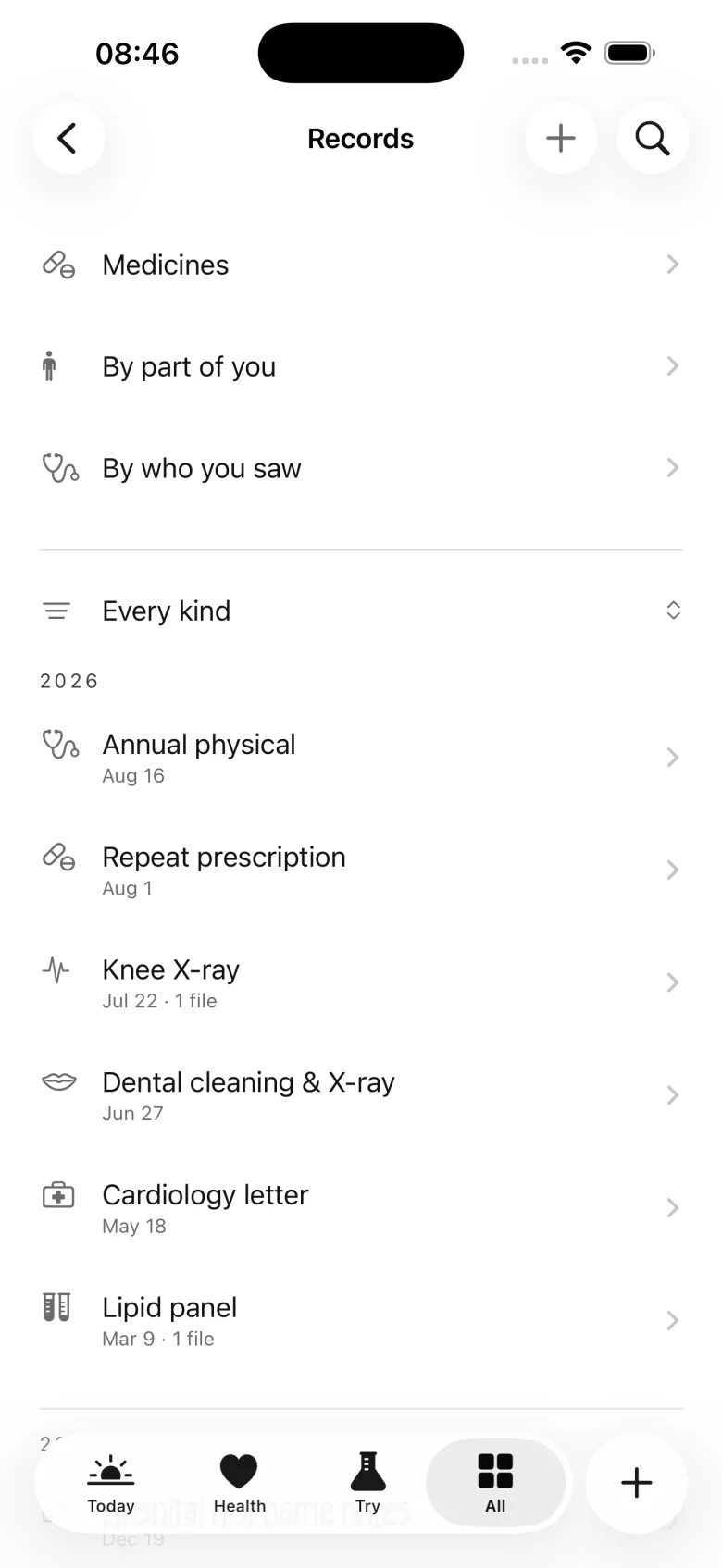
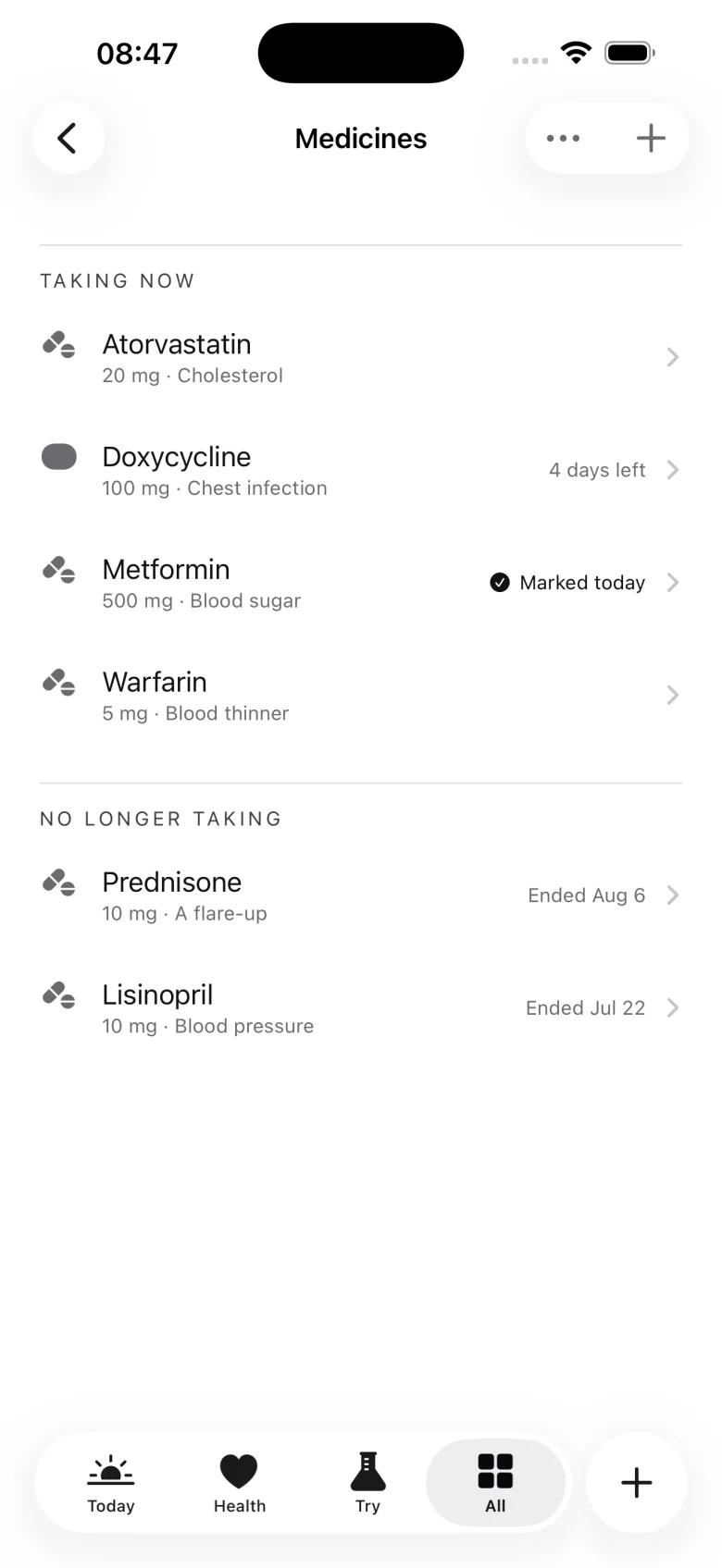
Letters, results, scans, and prescriptions, by date, by the part of you they are about, or by who you saw. Medicines with what they are for and when they ended. Everything is searchable, and nothing is interpreted for you.

Keep's Records page: papers by year, with doors to browse them by part of you or by who you saw

03 · Bring

Walk in with the whole picture.

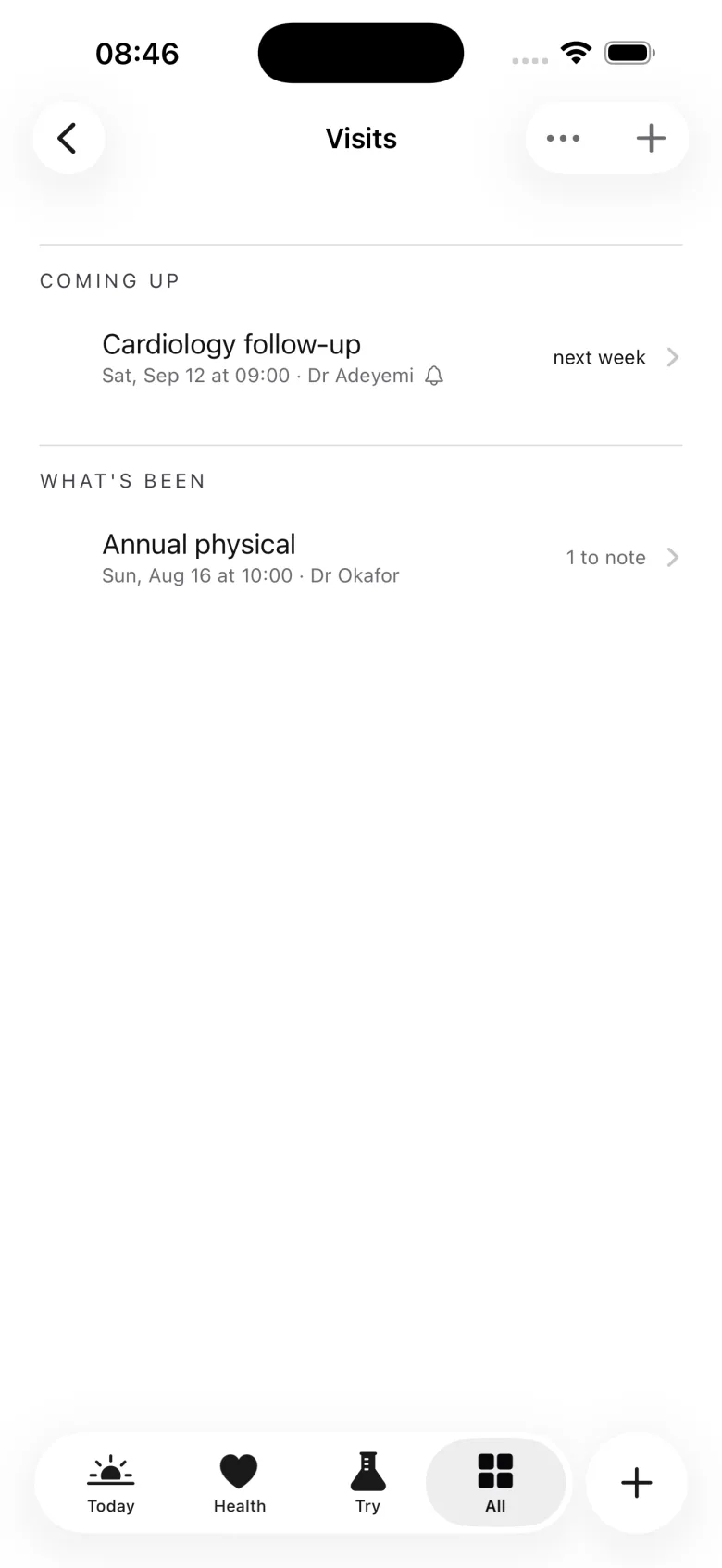
A visit in Keep has two halves. Before: the questions you want to ask, a checklist of what to take, and, if you ask for them, an alarm on the day and an entry on your own calendar that follows the date if it moves. After: what was said, what to watch for, and the papers that came home, scanned in on the spot.

The page for the next visit shows what has changed since the last one, in your own readings and your own words. And if a number has drifted against your earlier ones, Keep says so once, on that page, so you can decide whether it is worth mentioning.

Keep records and reminds. It never recommends.
Keep's Visits page: a follow-up coming up next week with its alarm set, and last month's physical with a note still to bring

04 · Look back

Time, in your own record.

Keep shows you what you wrote and when, and leaves the meaning to you. A month at a glance, a stretch of it written out in sentences, and one index that names every part of the app in your own words rather than with a badge.

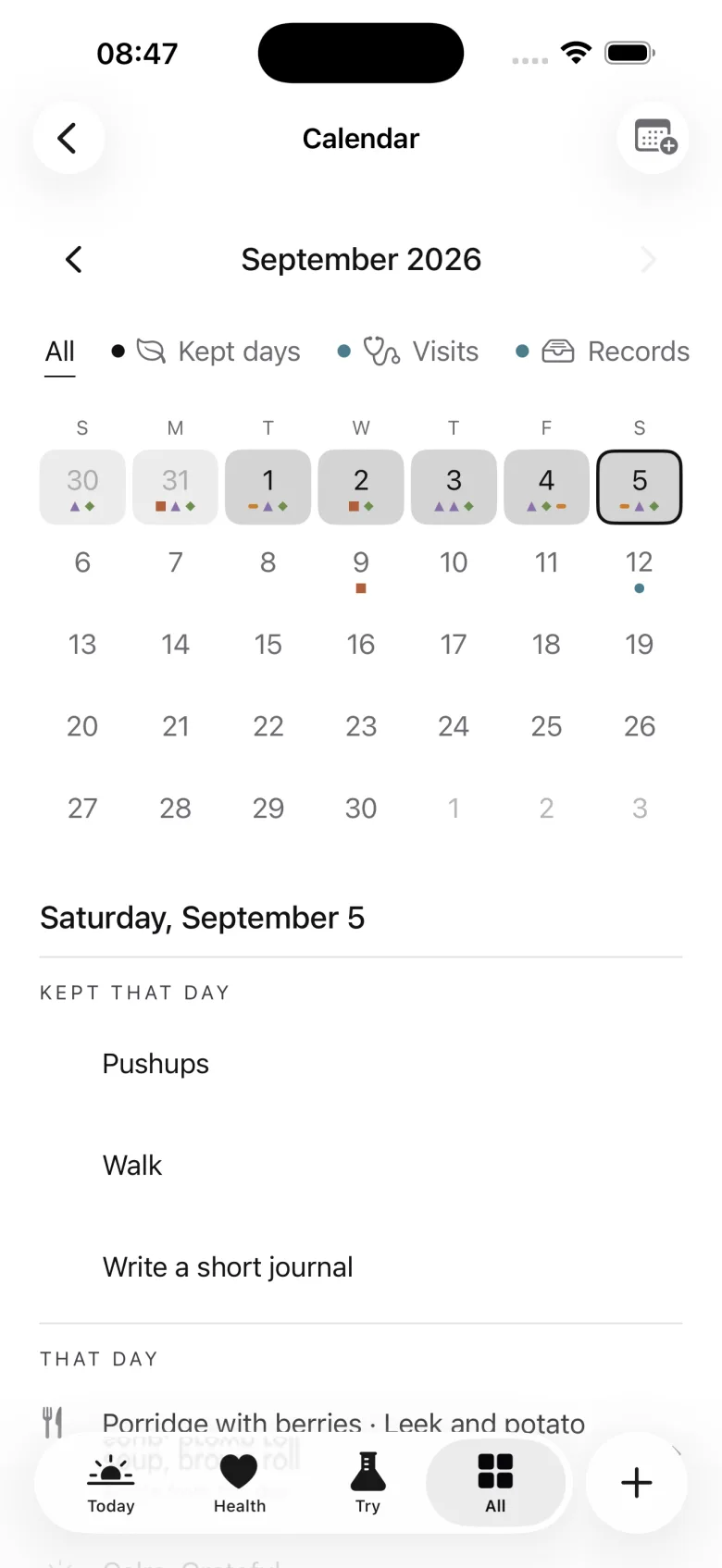
Keep's Calendar page

Calendar

A month with a dot for each kind of thing you kept, and the day's own page beneath it.

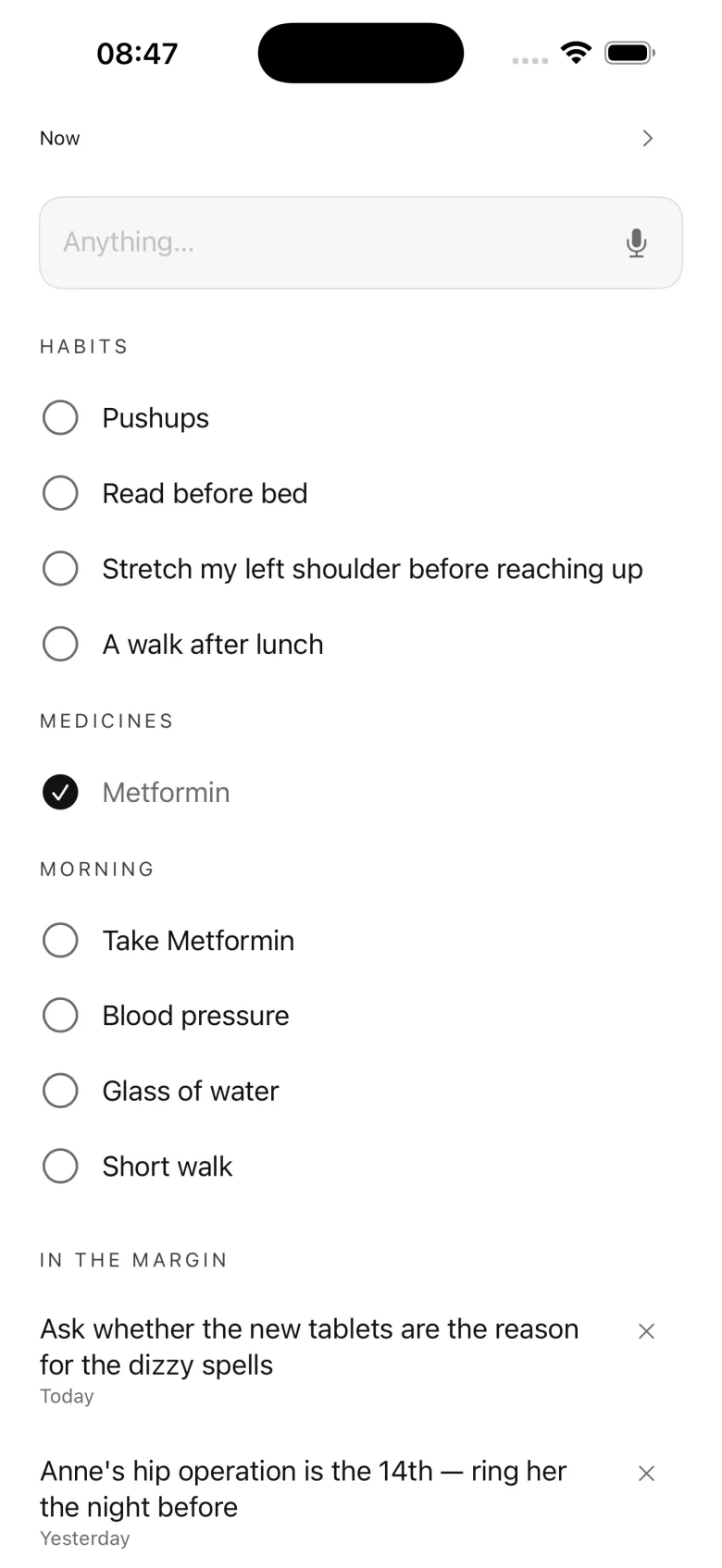
Keep's The margin page

The margin

A drag in from the right edge: a scrap box, the day's marks, and what is next.

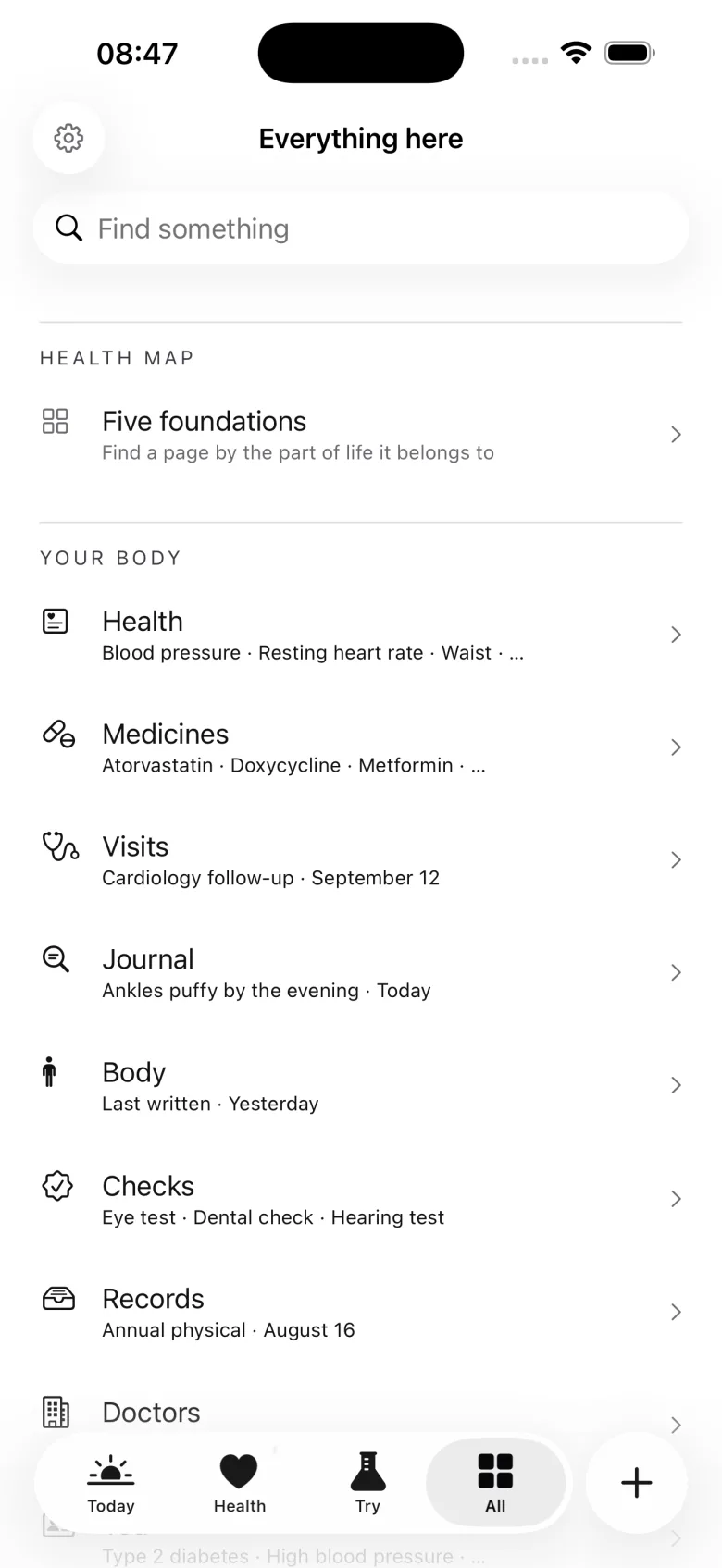
Keep's Everything here page

Everything here

Every part of Keep by name, each row saying what is behind it. No counts, no badges.

Made to meet you where you are

The app adjusts. You don't squint.

One slider moves the whole app between focused and clear: larger type, more room between things, bigger targets for your thumb. Everything else about how it looks is yours to set, once, and leave.

Comfort

One slider

Type, spacing, and tap targets move together, and the whole app follows your iPhone's text size too.

Input

Typing or speaking

Say it instead of typing it, wherever there is a line to write on. Speech becomes words on the phone.

Look

Three styles, six colours, three faces

A page, a ledger, or a cabinet, in the colour and typeface you find easiest to read.

Lock

Face ID, if you want it

Off by default. Turn it on in Settings and Keep covers itself whenever you put the phone down.

Ways out

Your record should outlive any app, including this one.

A spreadsheet of your readings. The whole of Keep as one file, which a new phone can read back in. And a handoff sheet: the essentials in your own words, with your medicines, numbers, doctors, and people gathered under them, as a PDF for whoever helps you.

Each one is made on the phone and goes wherever you send it. That is the only time Keep sends anything anywhere, and only because you asked.

Everything is stored on your iPhone. There is no account, sign-up, or email address to hand over.

No ads, no tracking, no analytics, and no server of ours. We could not read your record if we wanted to, and we have made sure we never need to.

What it refuses to do

The shorter list is the honest description.

  • No medical advice, no interpretation of your results, no treatment suggestions
  • No score, no streak, no grade, and no counter of what you have not done
  • No nudge to open it every day; it waits until you have something to write
  • No account, no sign-up, and no server of ours holding your health
  • No ads, no tracking, no analytics, nothing belonging to another company

Private by default

On your phone, and nowhere else.

Keep does not sync. Your readings, records, and notes stay on the iPhone you wrote them on, and the only copies that exist are the ones you make on purpose. The whole policy is short enough to read, and it is on this site and in the app.

Storage
Your iPhone only. No server of ours, no copy in iCloud made by Keep.
Sign-in
None. There is nothing to create and nothing to hand over.
Apple Health
Off unless you turn it on. Read-only, four numbers, only when you ask.
Your data
A spreadsheet, an archive, or a handoff PDF, any time. Delete everything in one place, with no undo.

Pricing

Free.

The current release has no subscription, no purchase, and no account. Everything on this page is in it. If an optional purchase is ever added, it will be described here before it ships, and nothing already in your hands will be taken back.

Everything included

Free

Your numbers, medicines, visits, records, journal, body, checks, habits, plans, people, the handoff sheet, the calendar, and every way out. The whole app, with no in-app purchase in it.

Keep is an independent app from the people who make HourLife. It is not one of the mini apps and it shares nothing with them: no purchase, no account, no data. HourLife itself, the full Life OS, is a separate app on its own terms.

Version 1.0 · Coming to the App Store

Quiet on purpose, and staying that way.

Keep is for adults looking after their own health, at their own pace. It will never tell you what your numbers mean, and it will never tell you off for a week you did not open it.

From the same house

Keep holds your health. HourLife holds the rest of your life.

Plans, goals, habits, and a journal for everything that is not a doctor's business, in a private Life OS that syncs through your own iCloud account.