1 · Deterministic state
Stable demo fixtures keep screens consistent across releases — never real user data.
Guide
Feature Clusters
Product Guides
Home
Capture & Process
Learn & Grow
Plan & Do
Life Design
Body & Mind
People & World
Screenshots
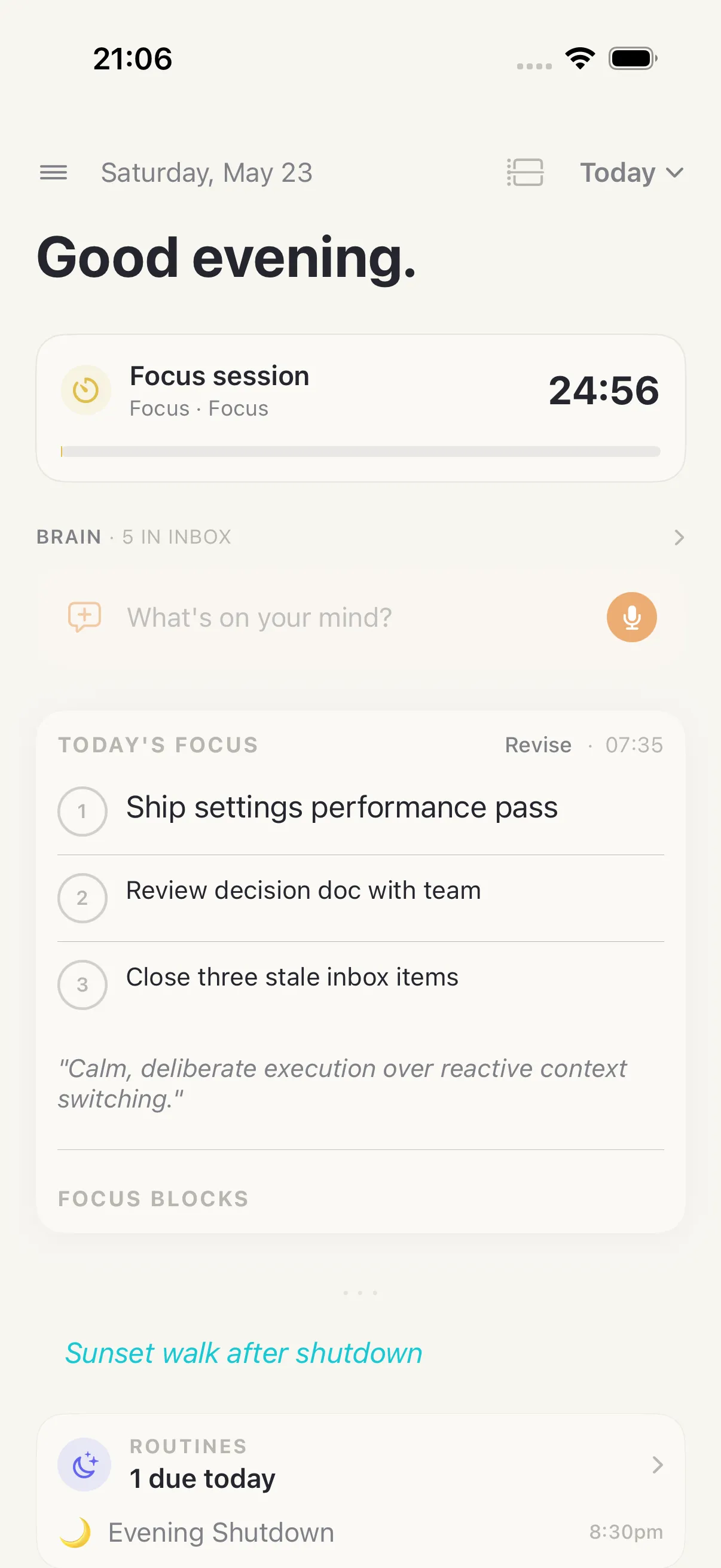
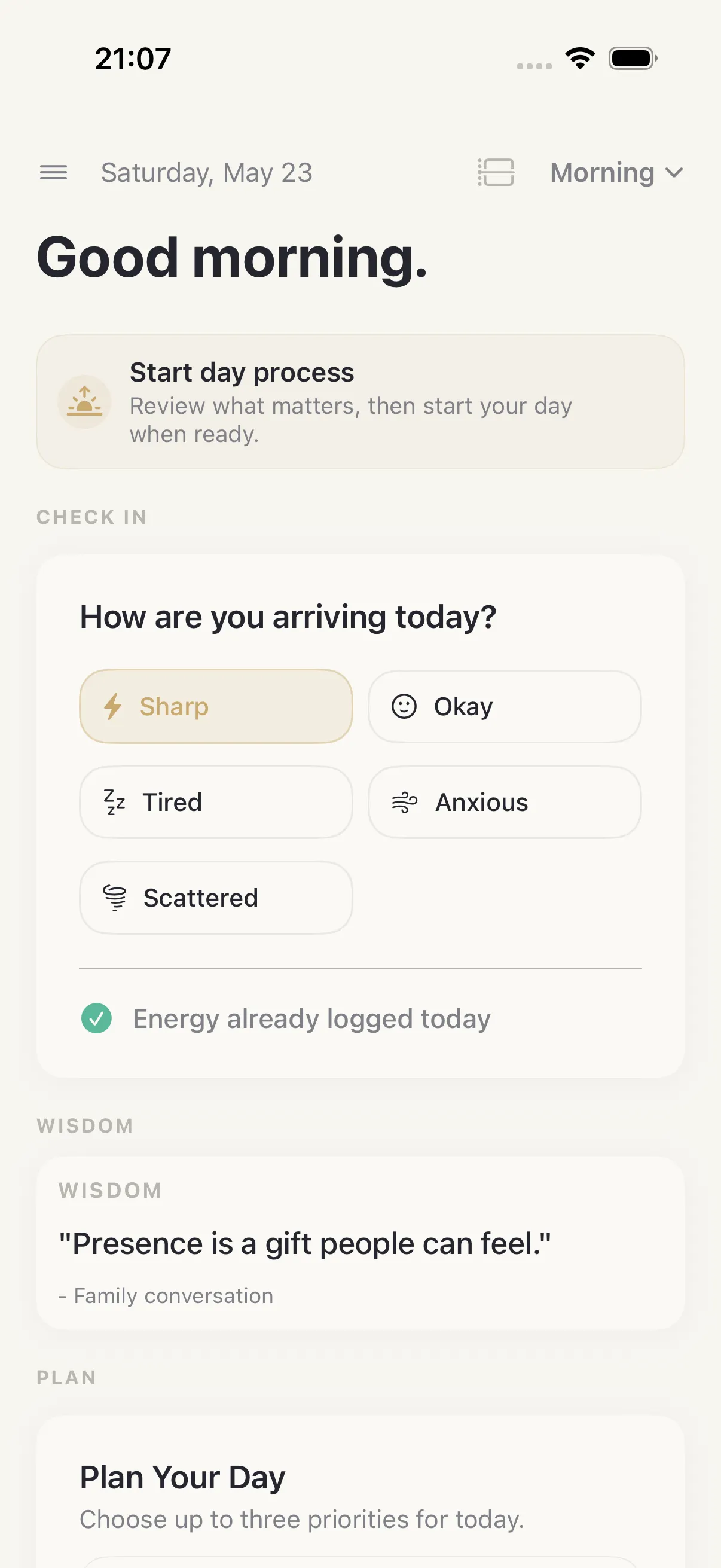
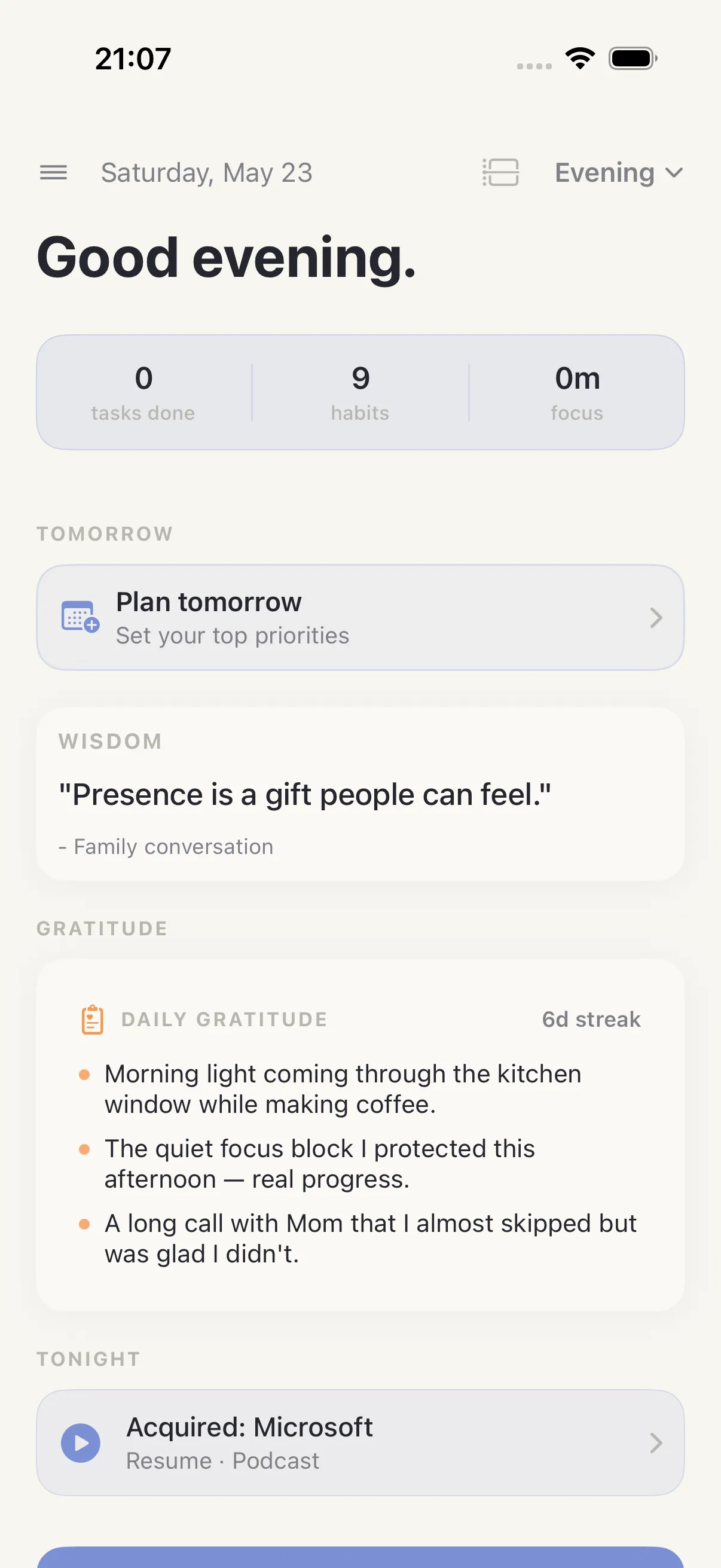
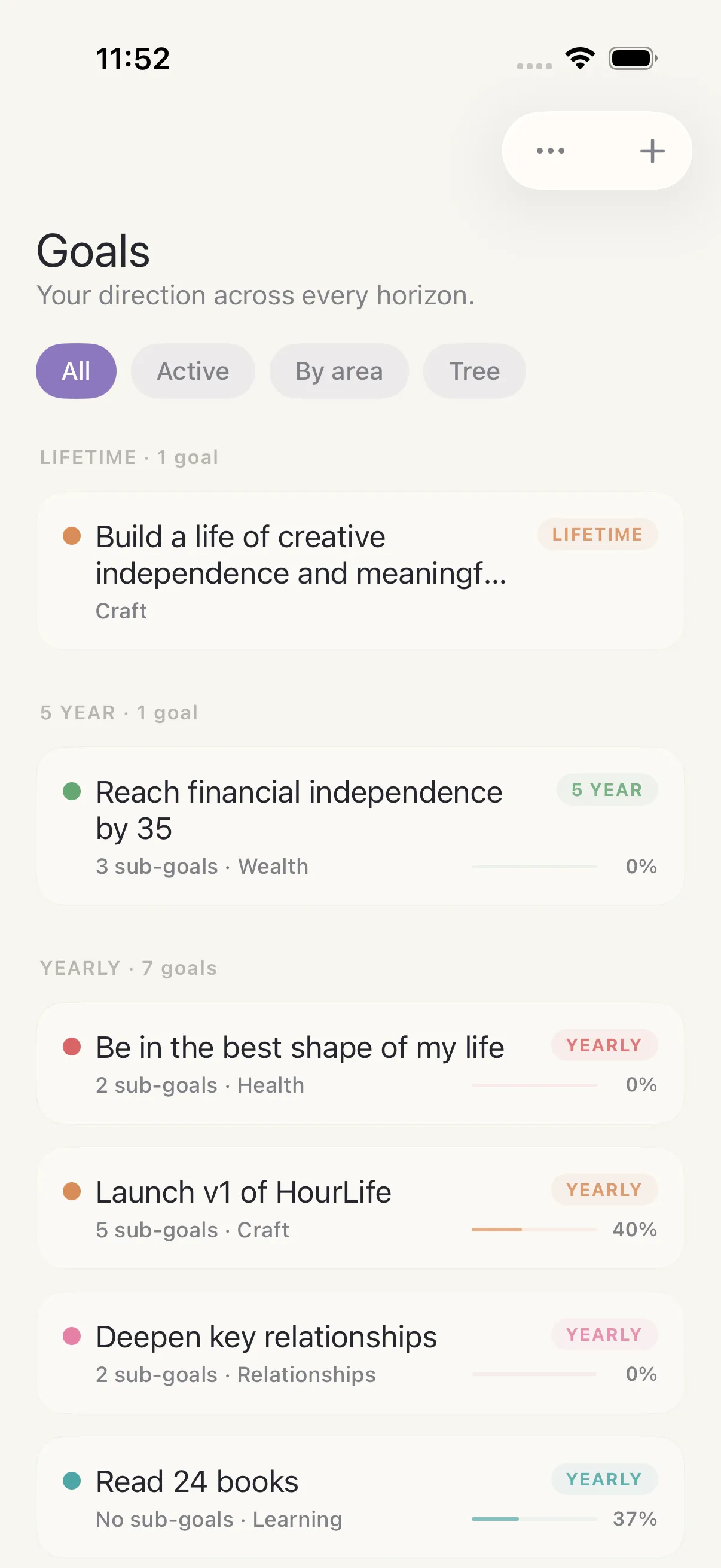
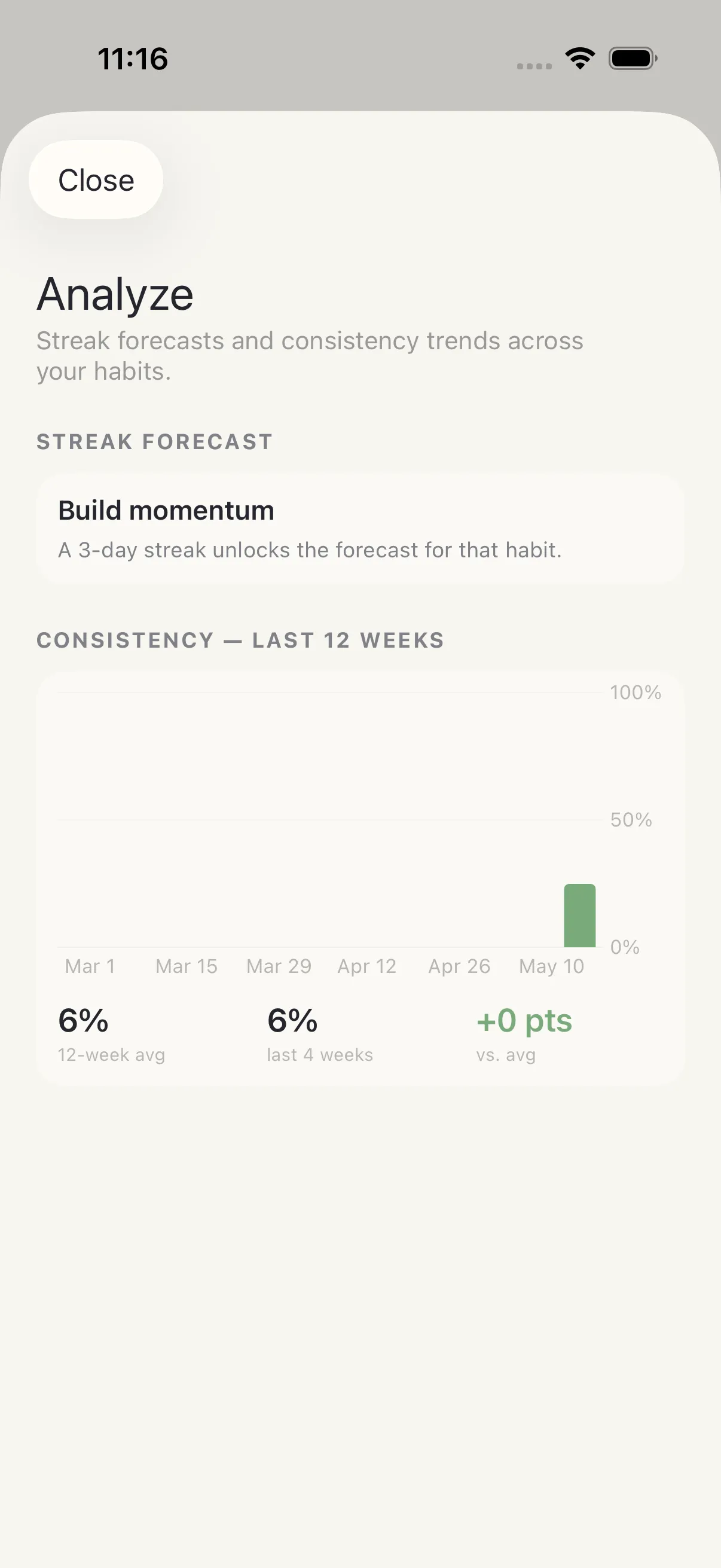
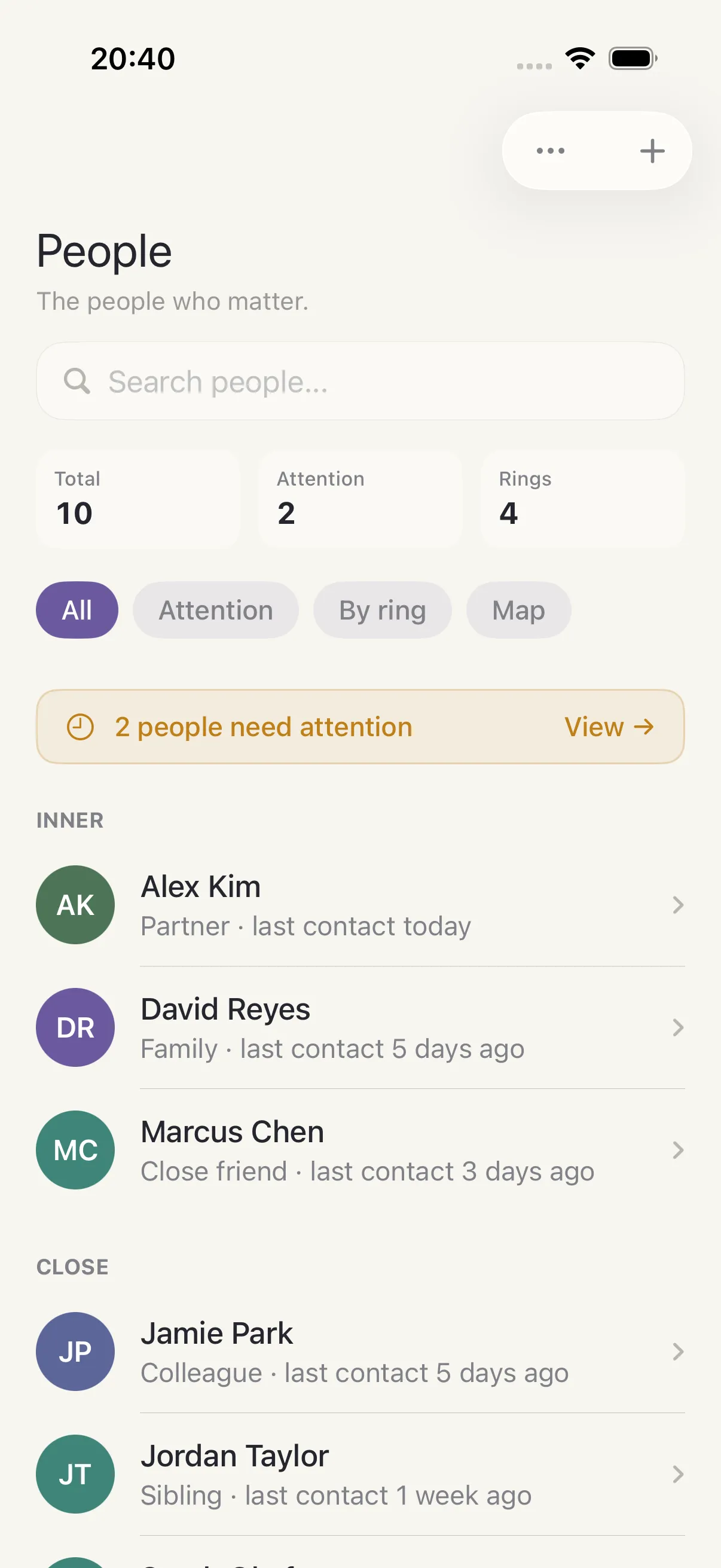
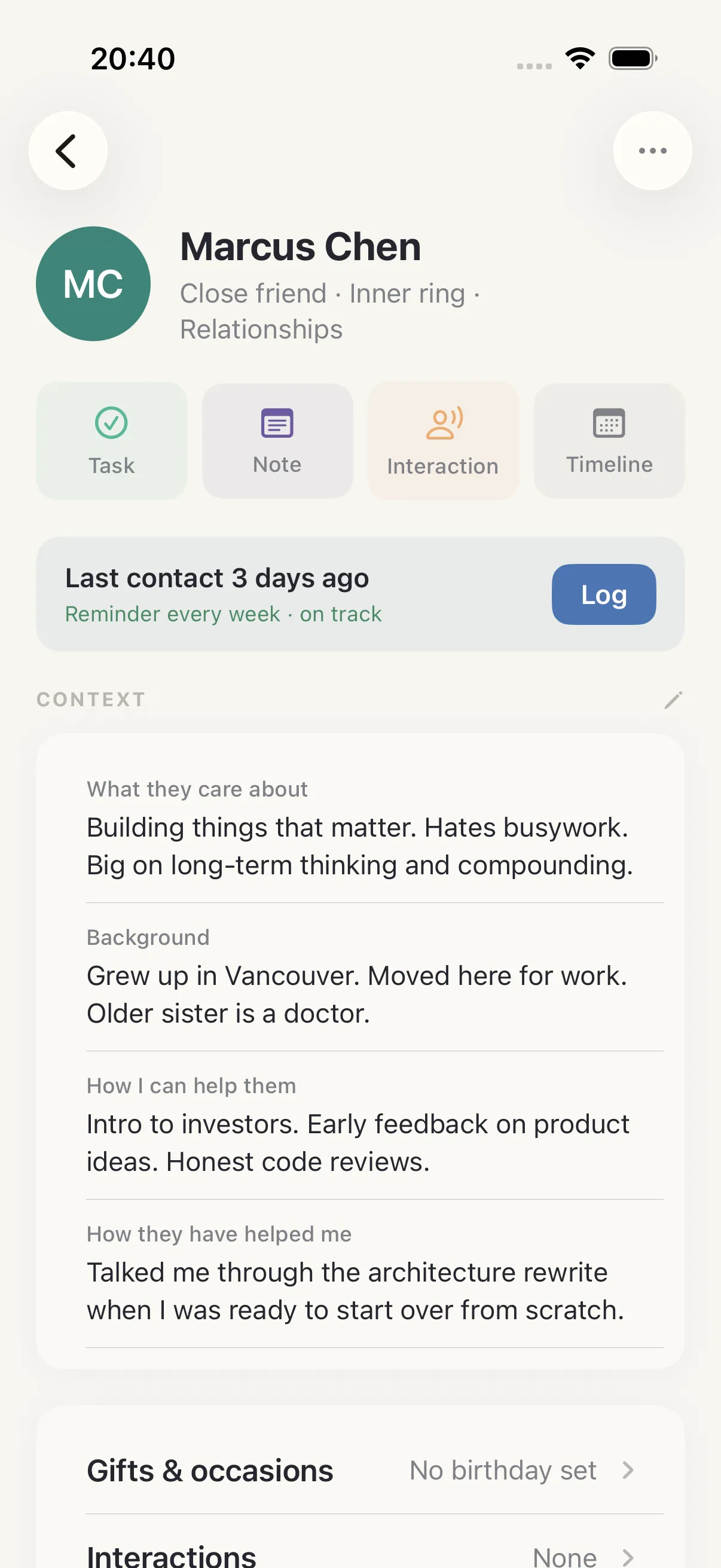
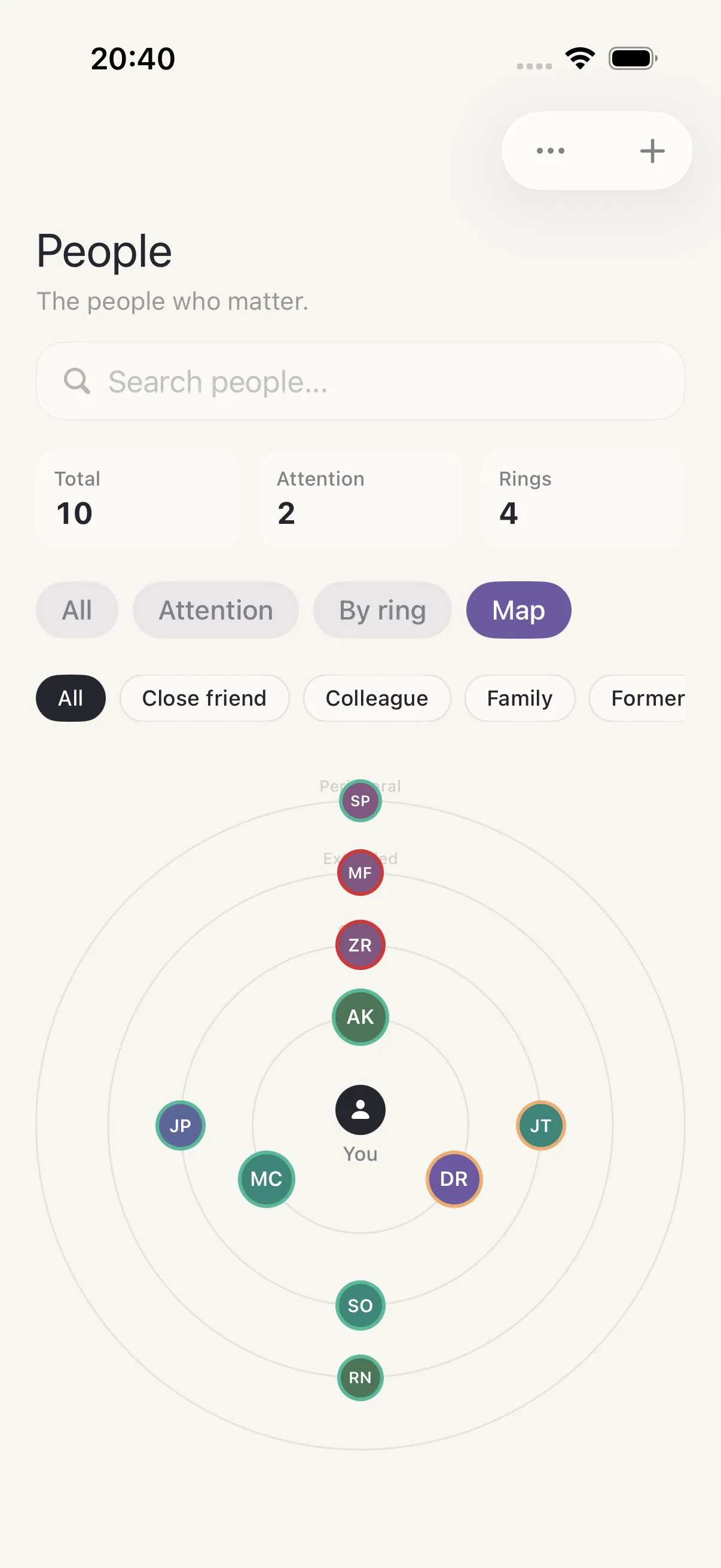
Real screens captured from HourLife with deterministic demo data. No personal information.
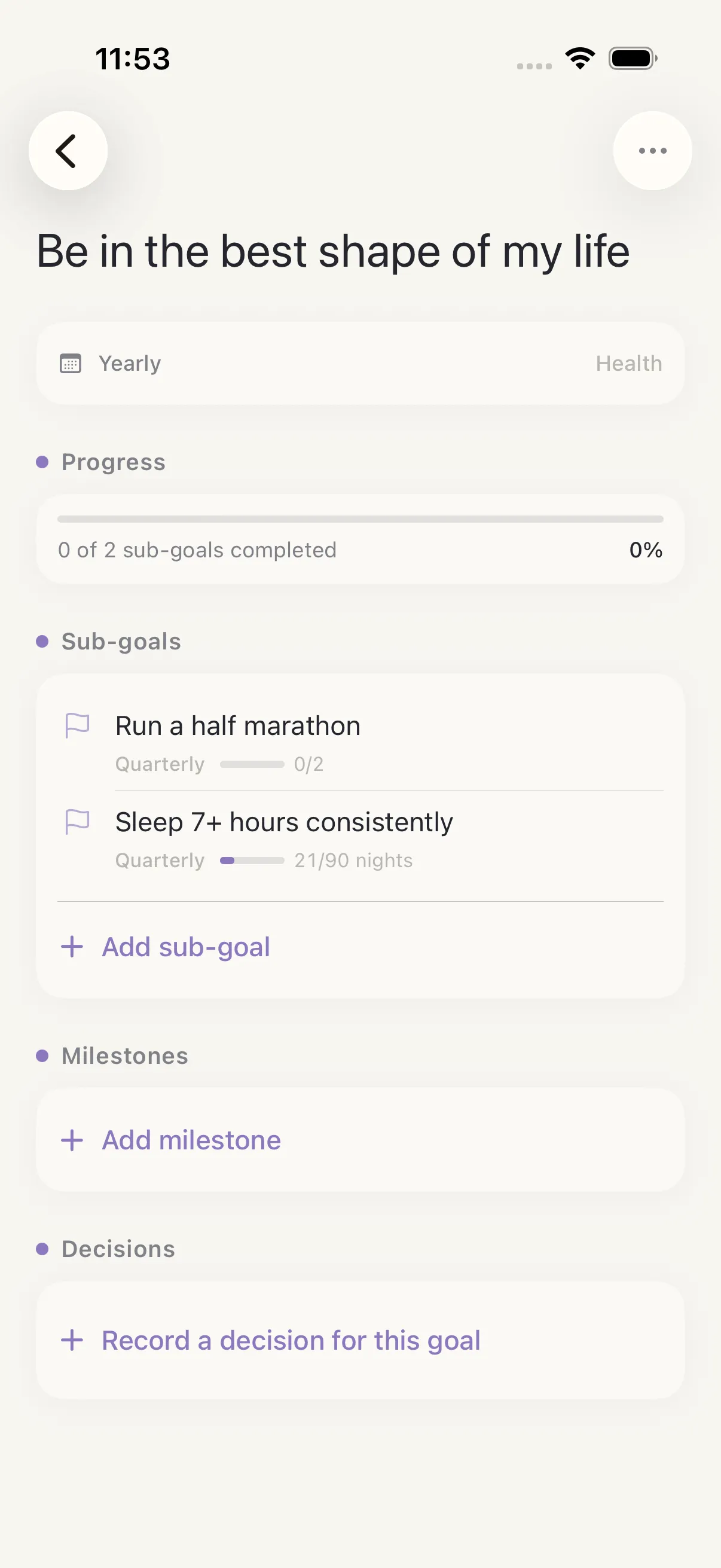
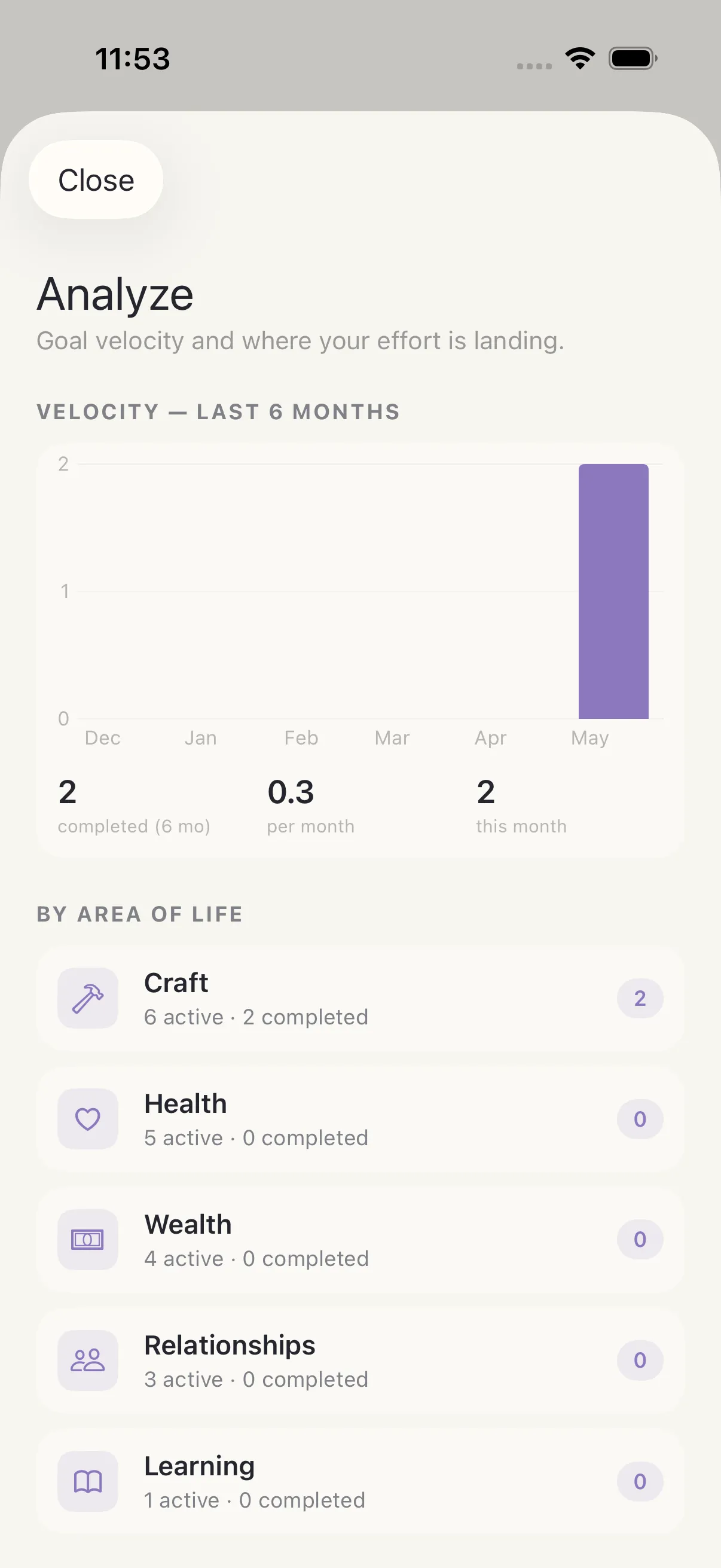
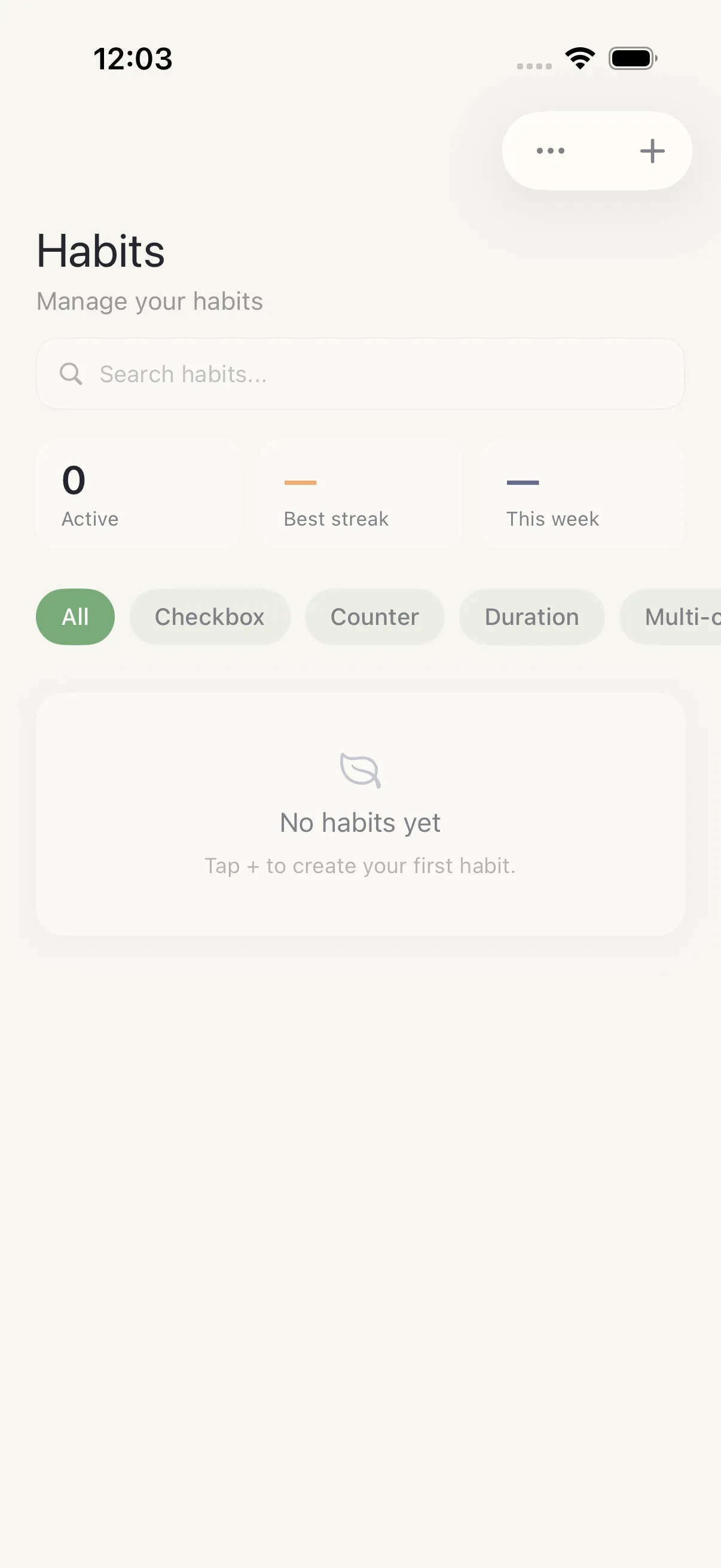
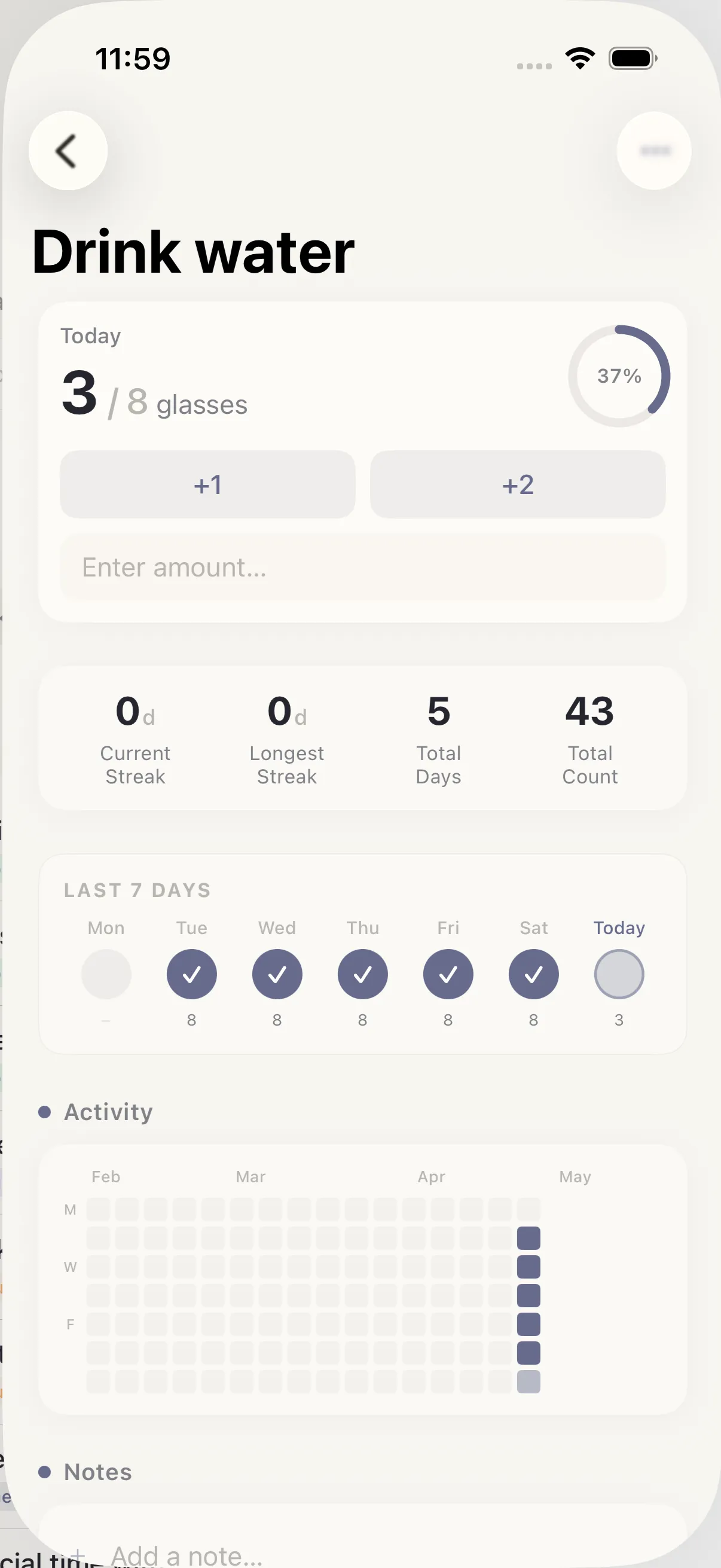
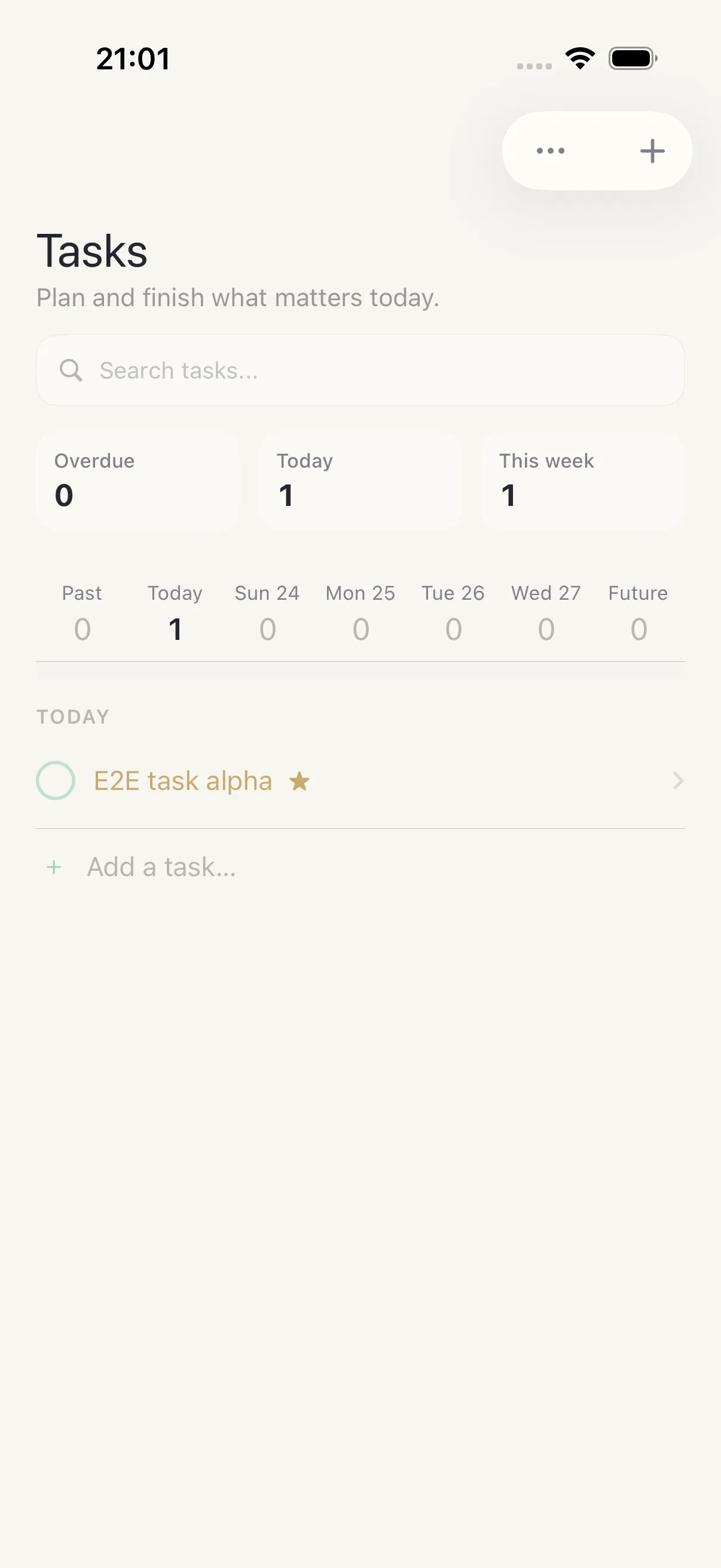
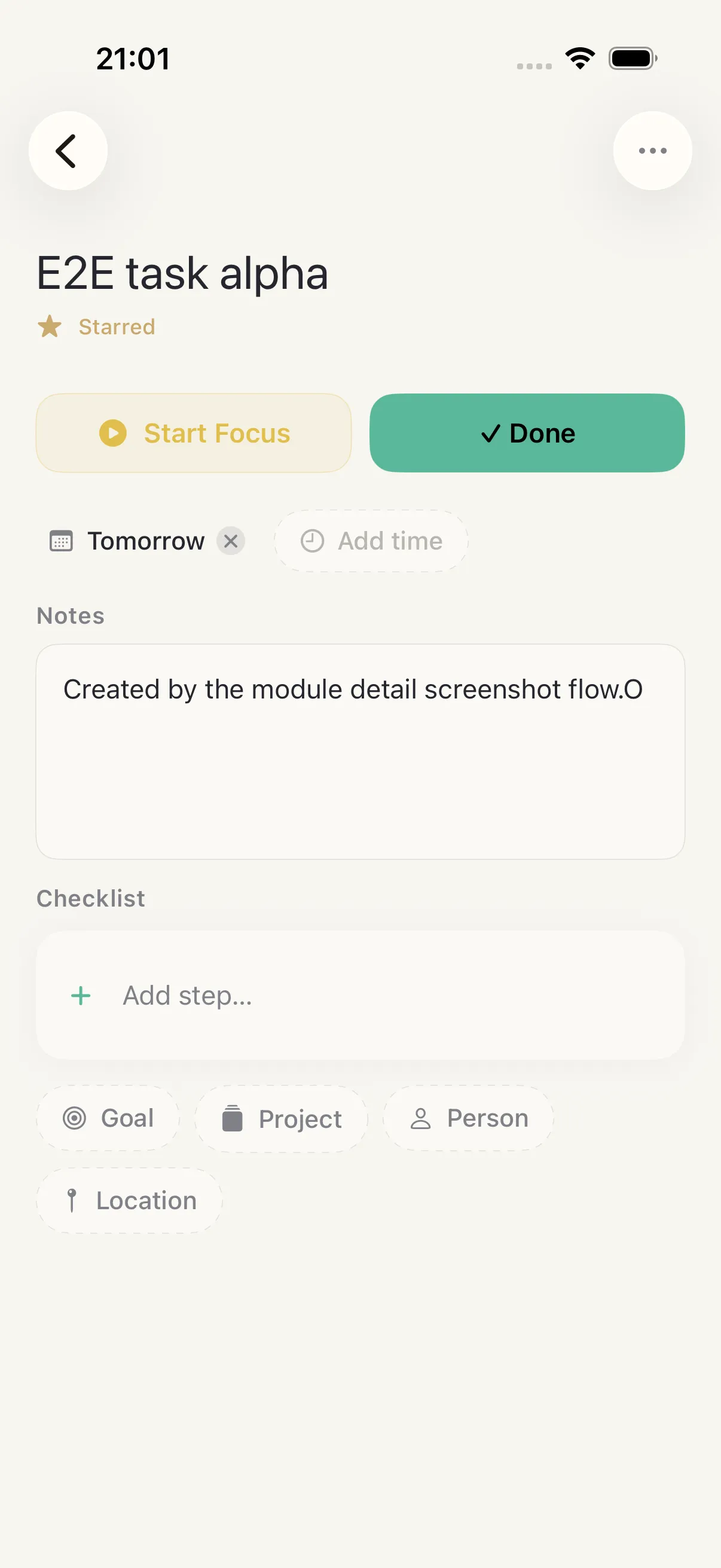
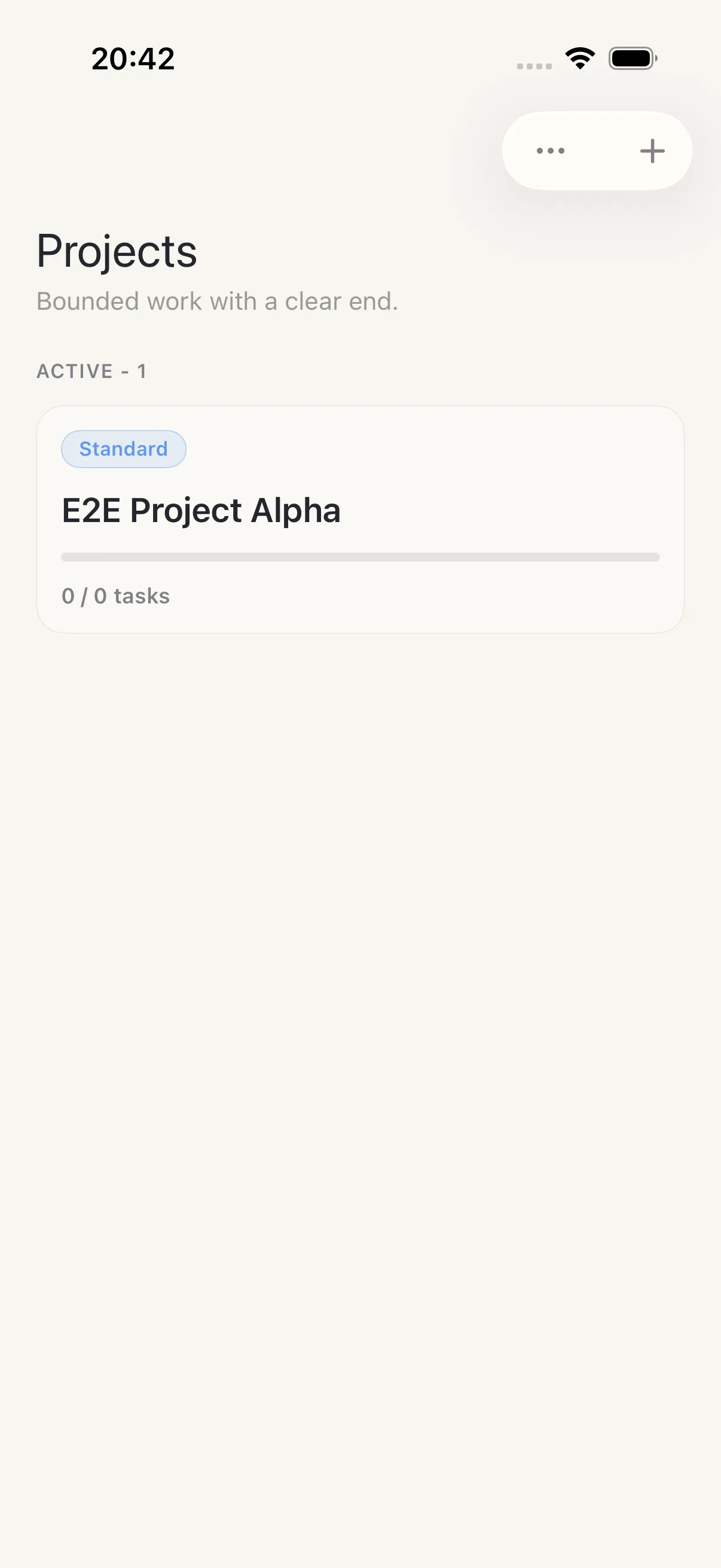
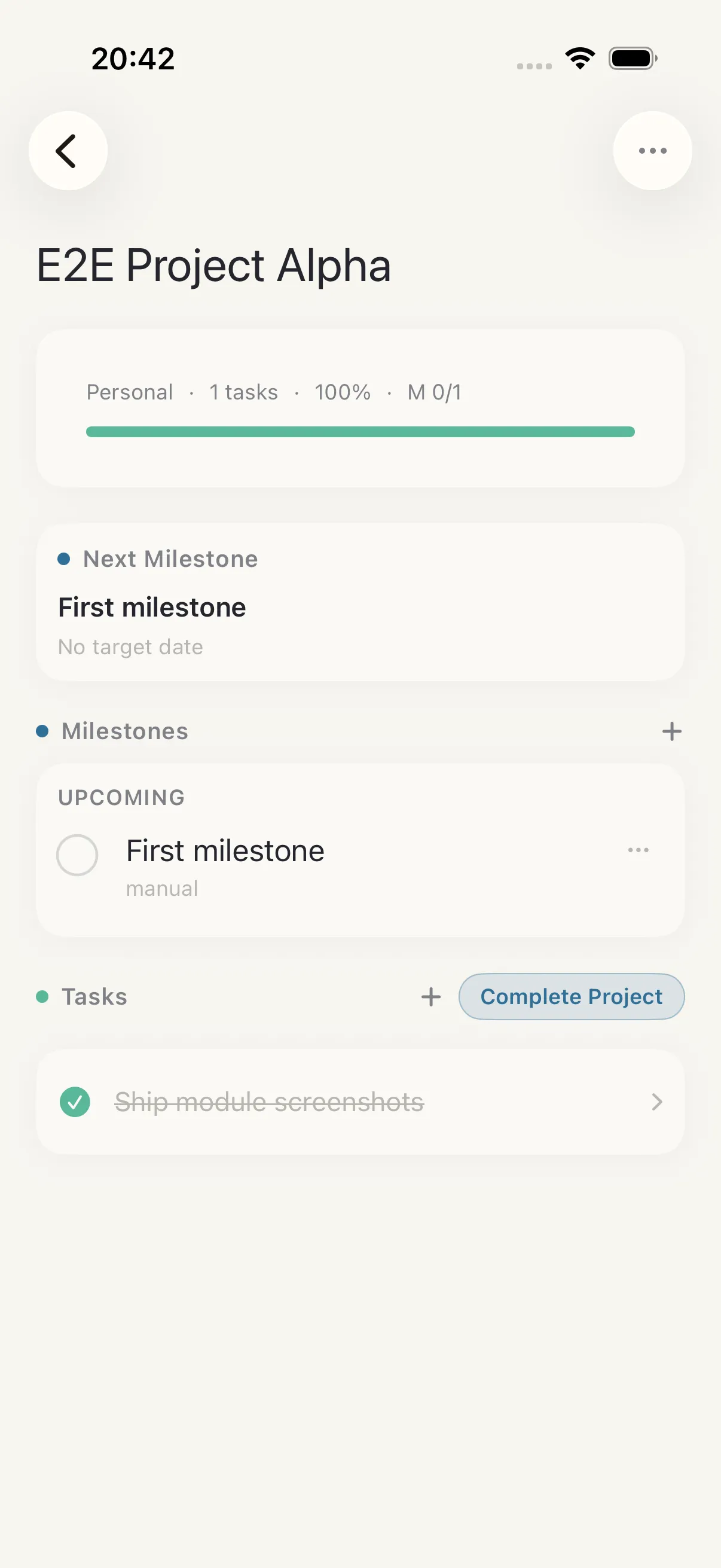
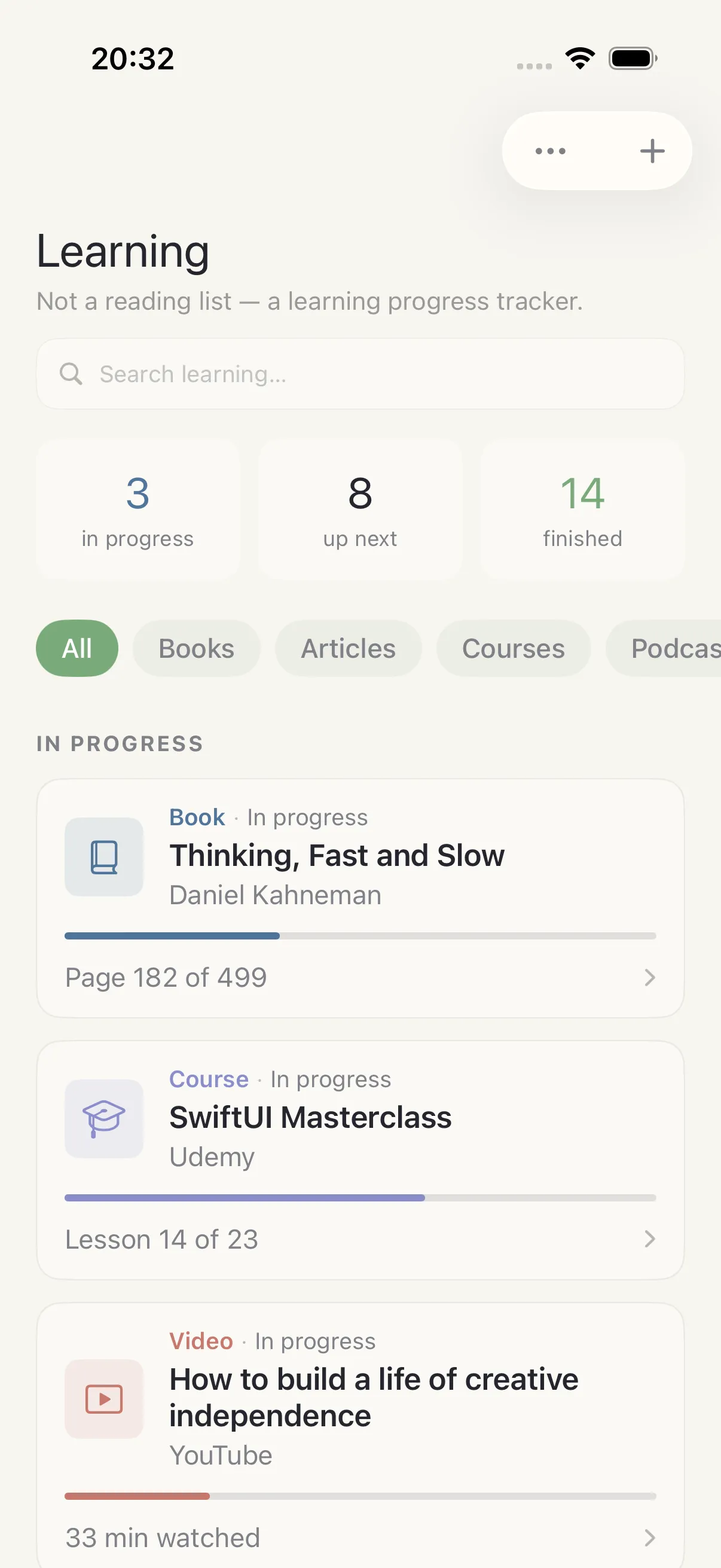
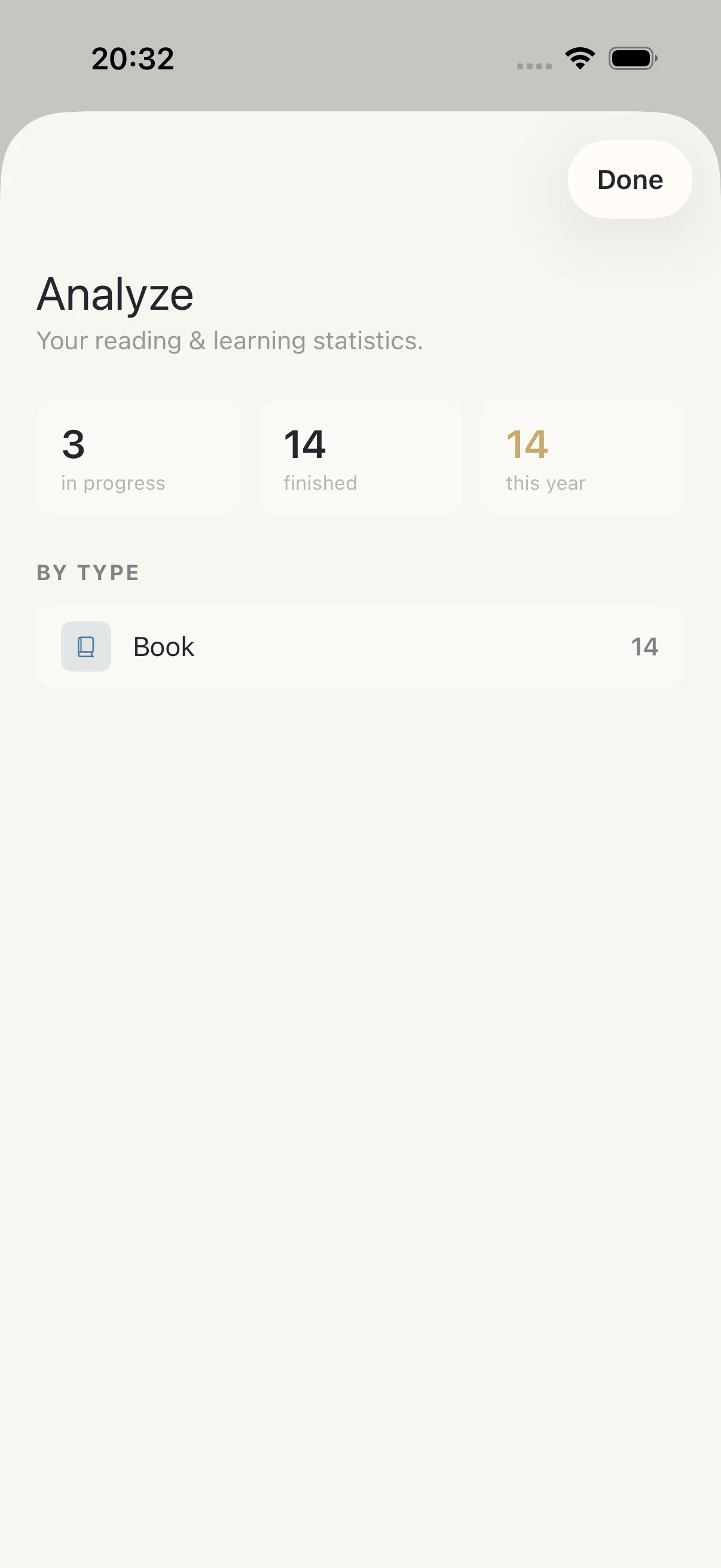
Every module
HourLife covers the whole system — here is the index view of every module.
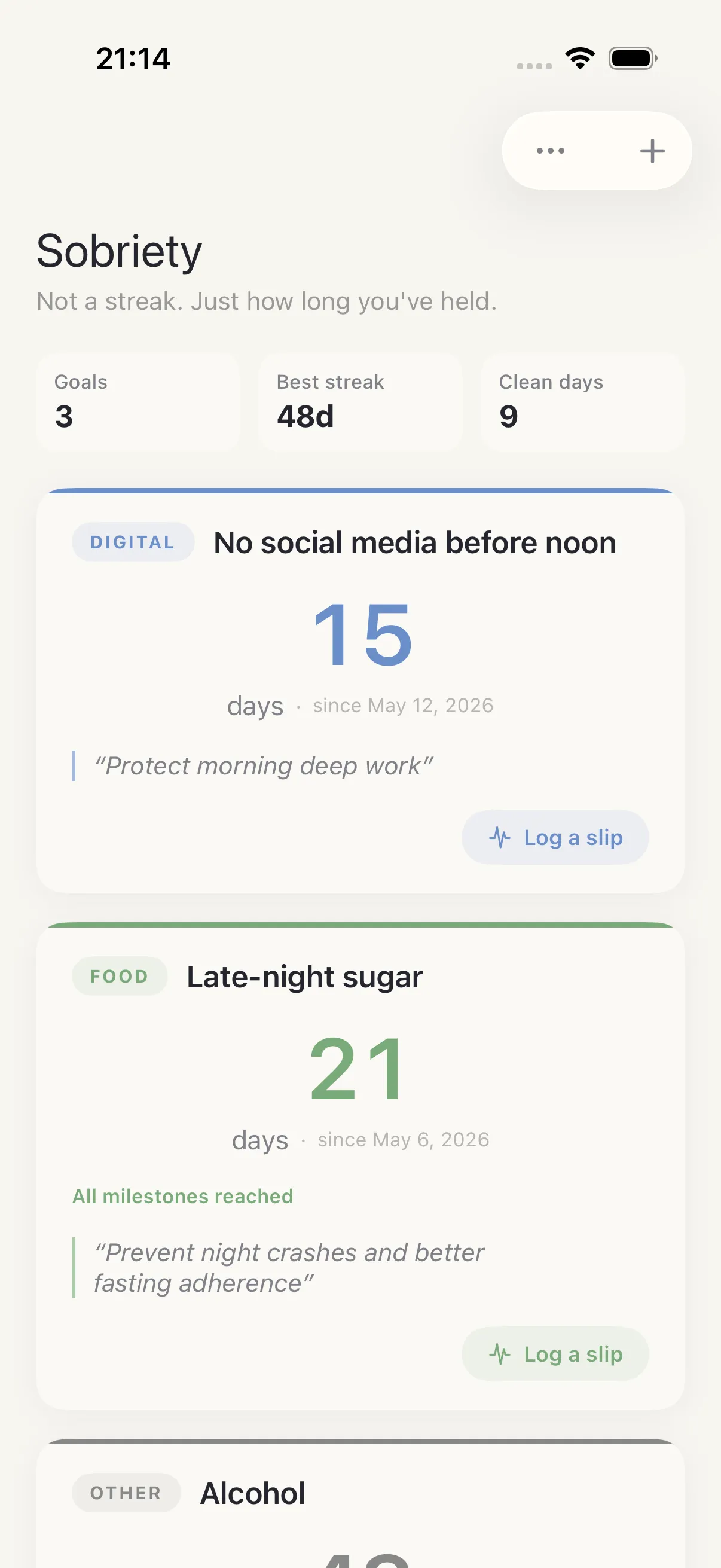
Abstinence
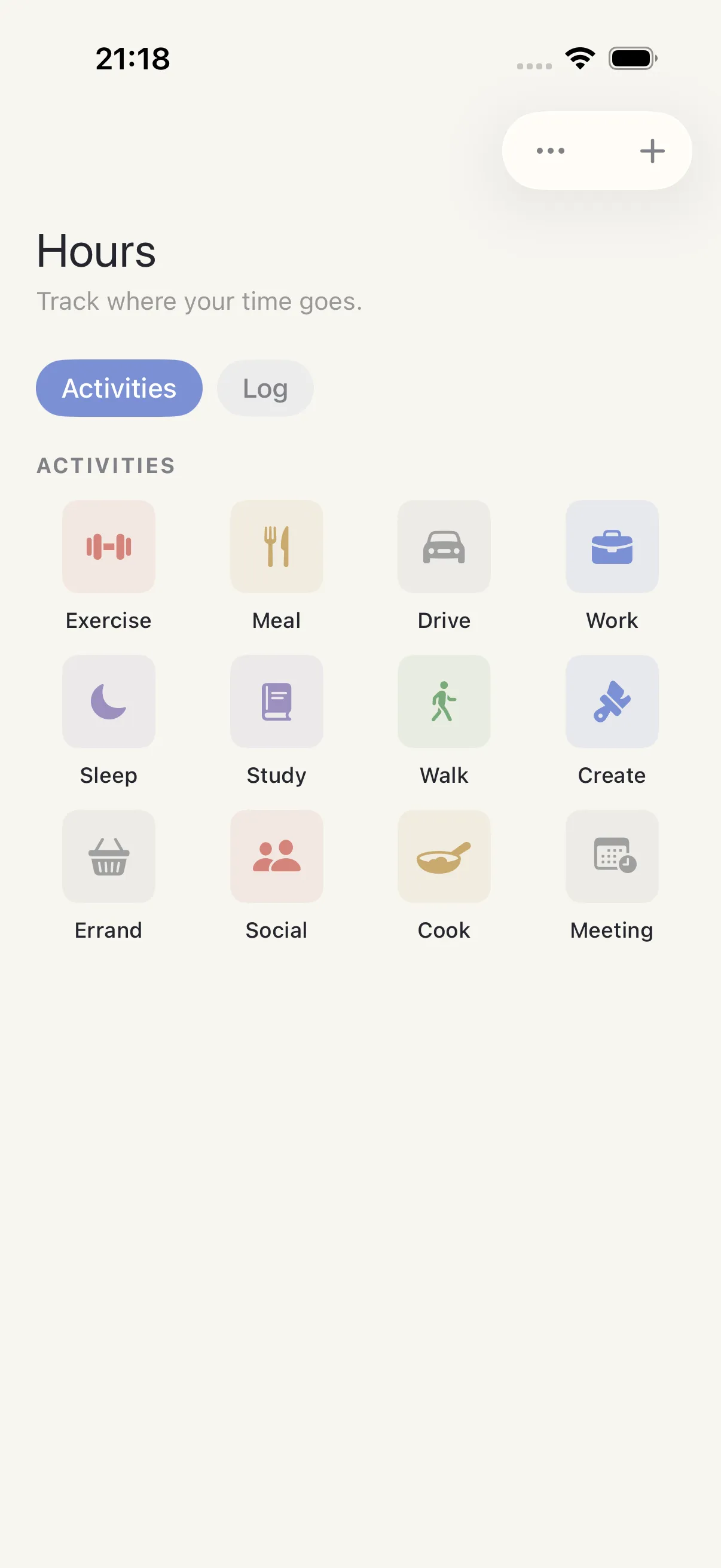
Activity Log
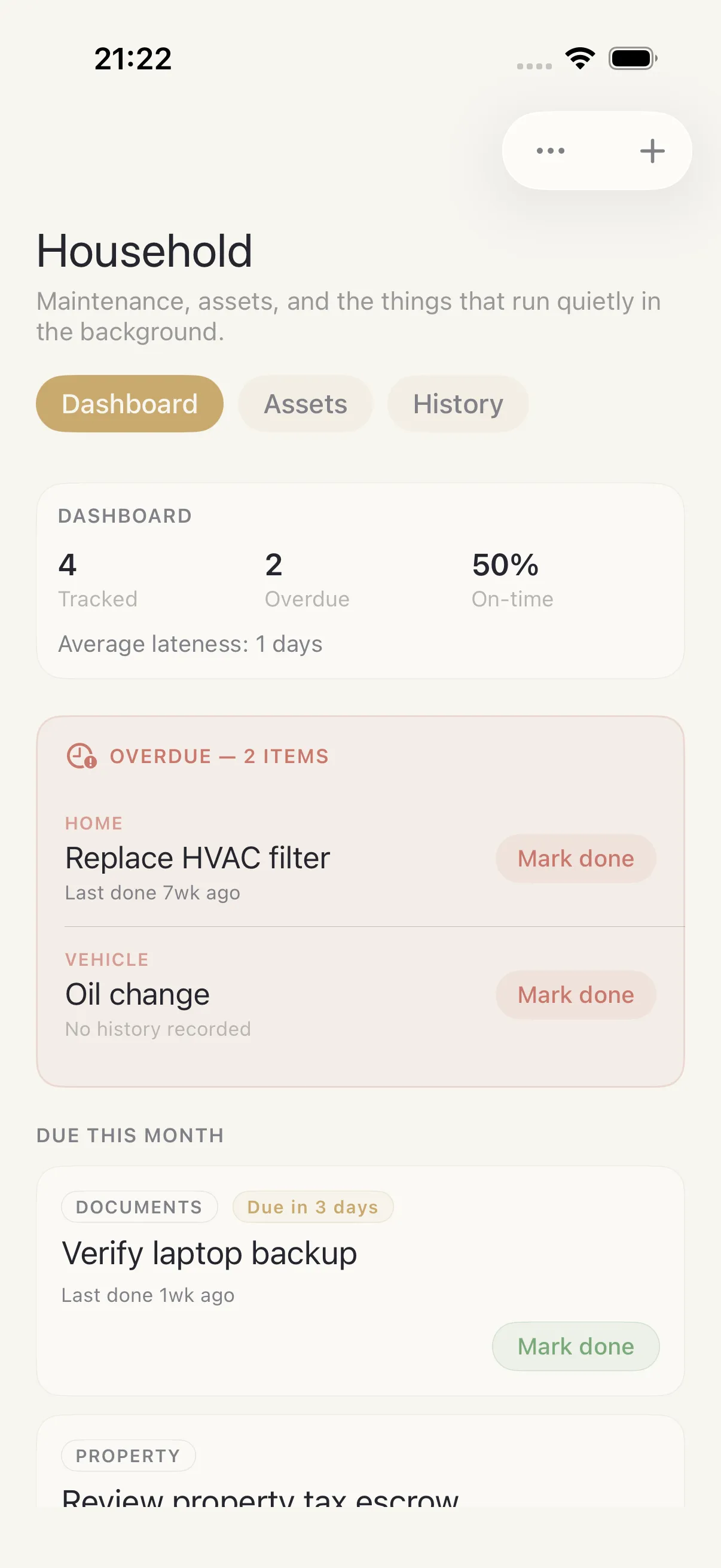
Admin
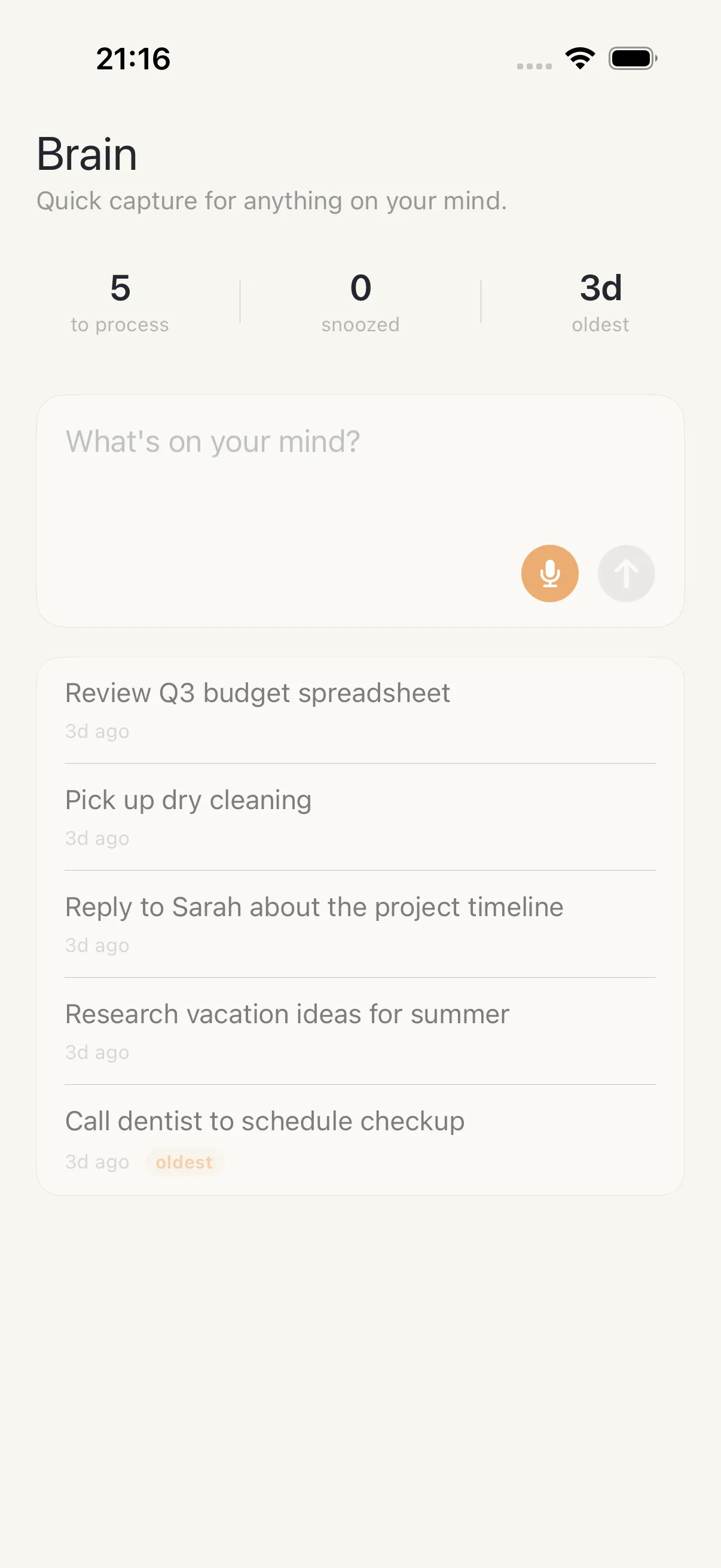
Brain Dump
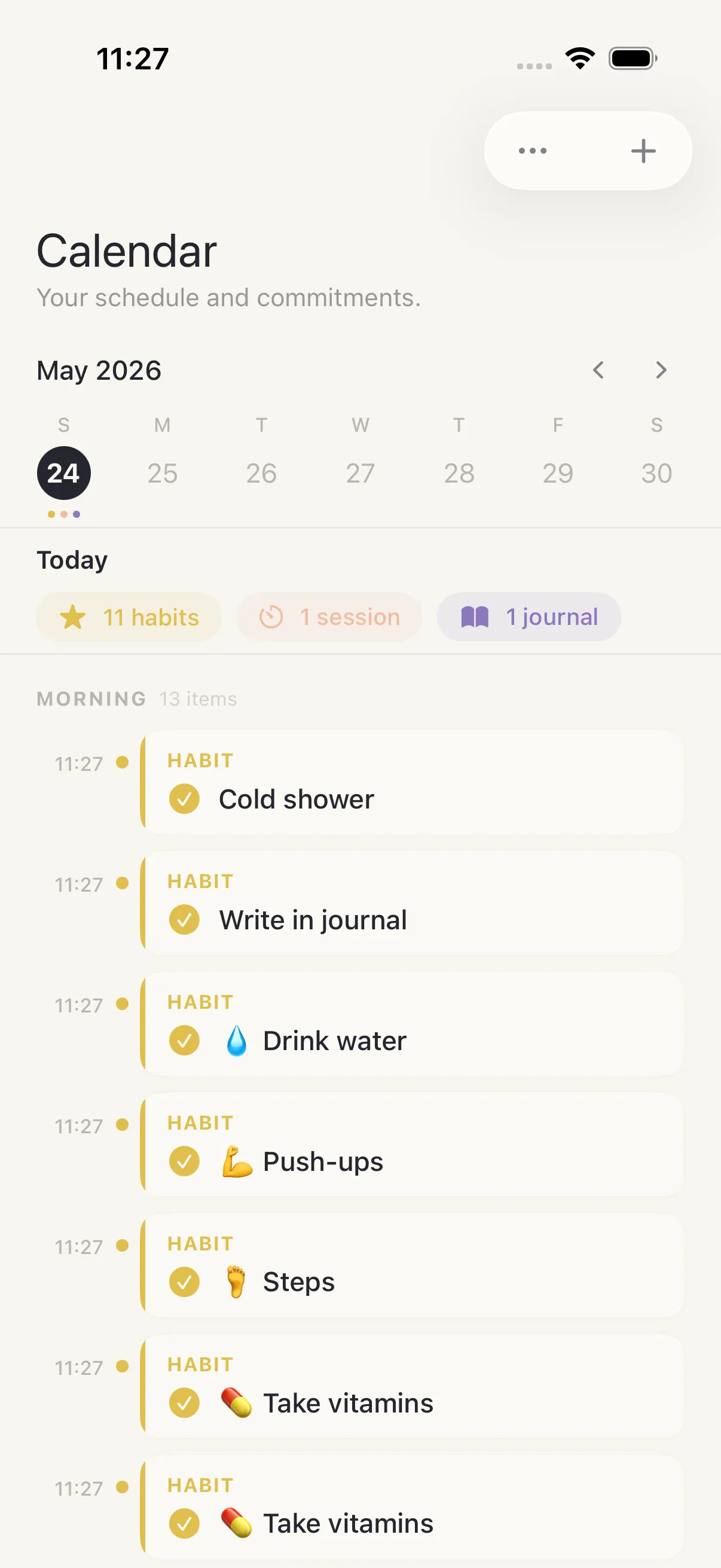
Calendar
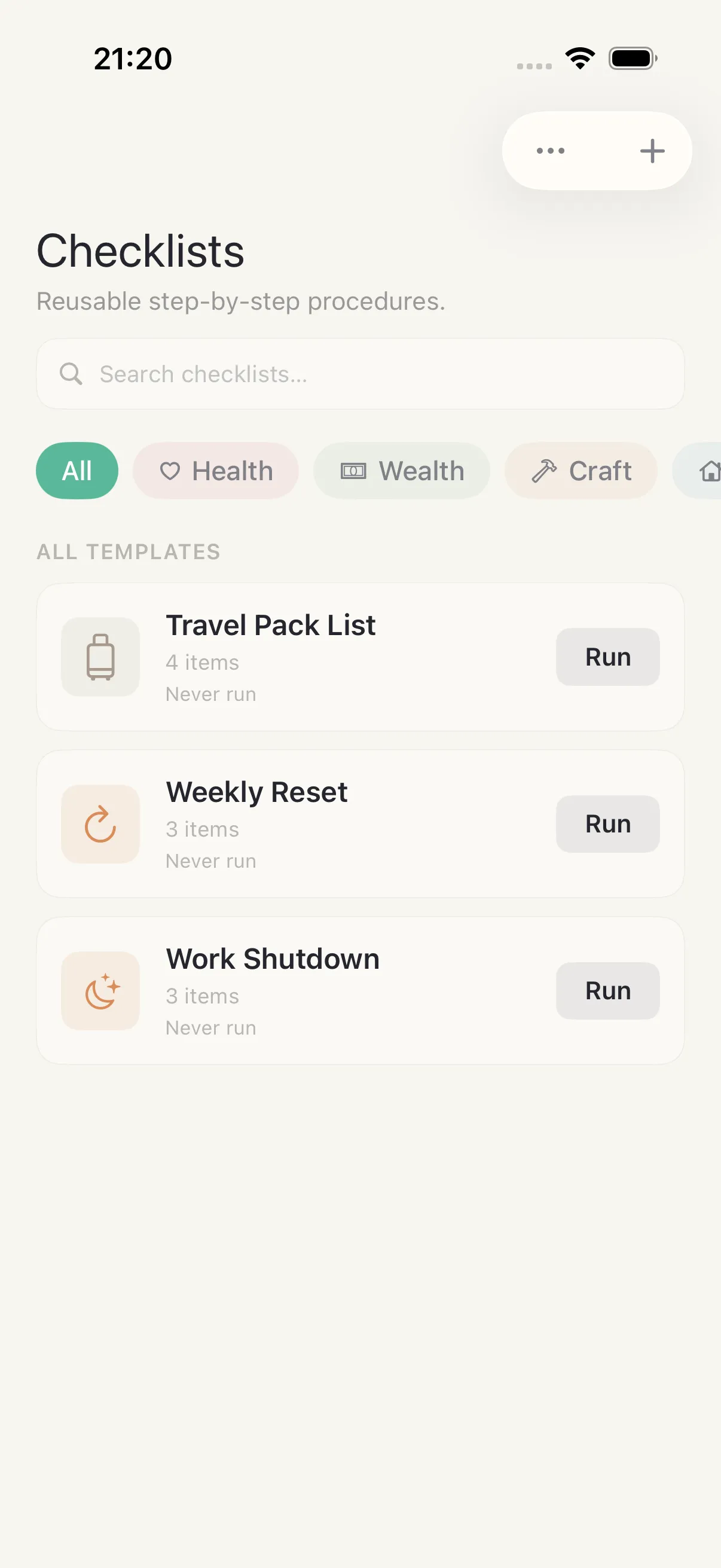
Checklist
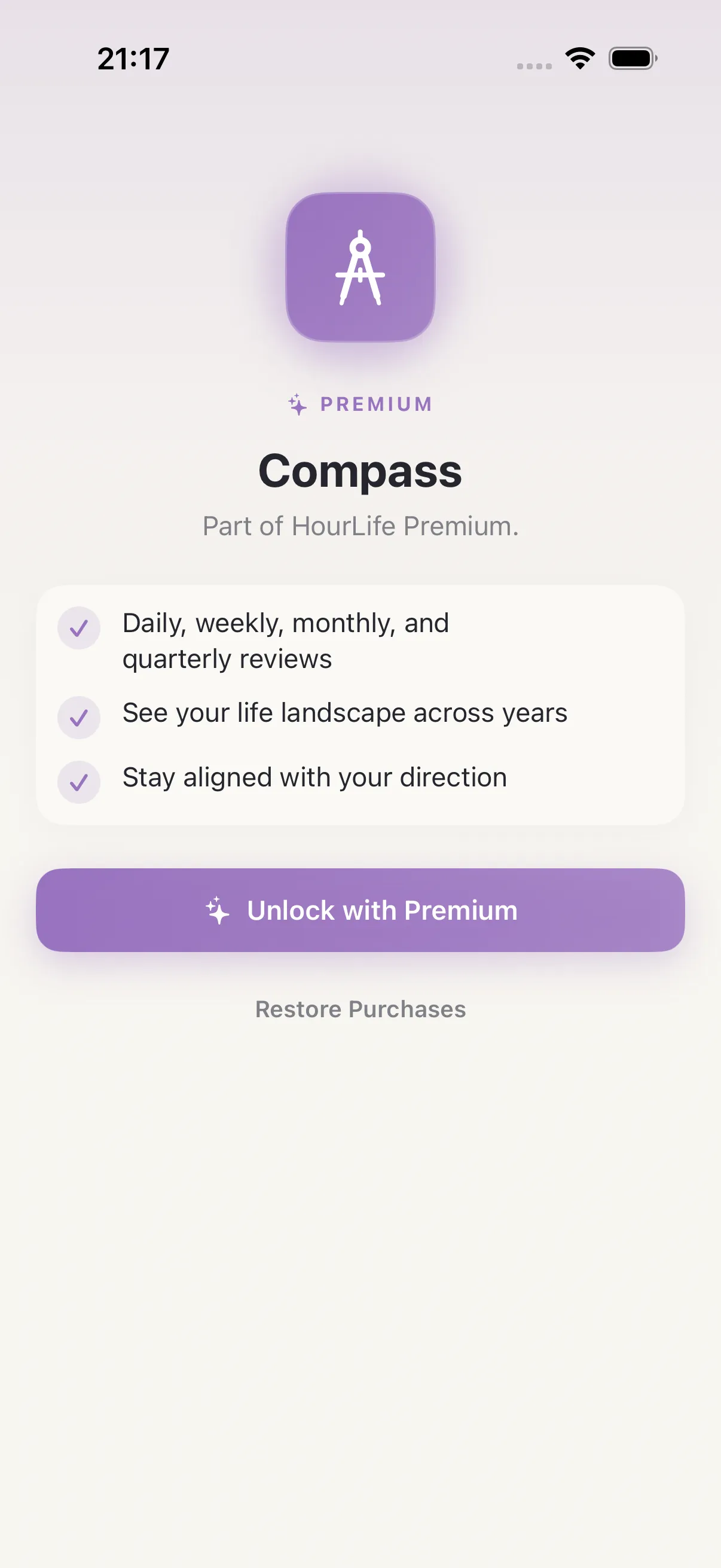
Compass
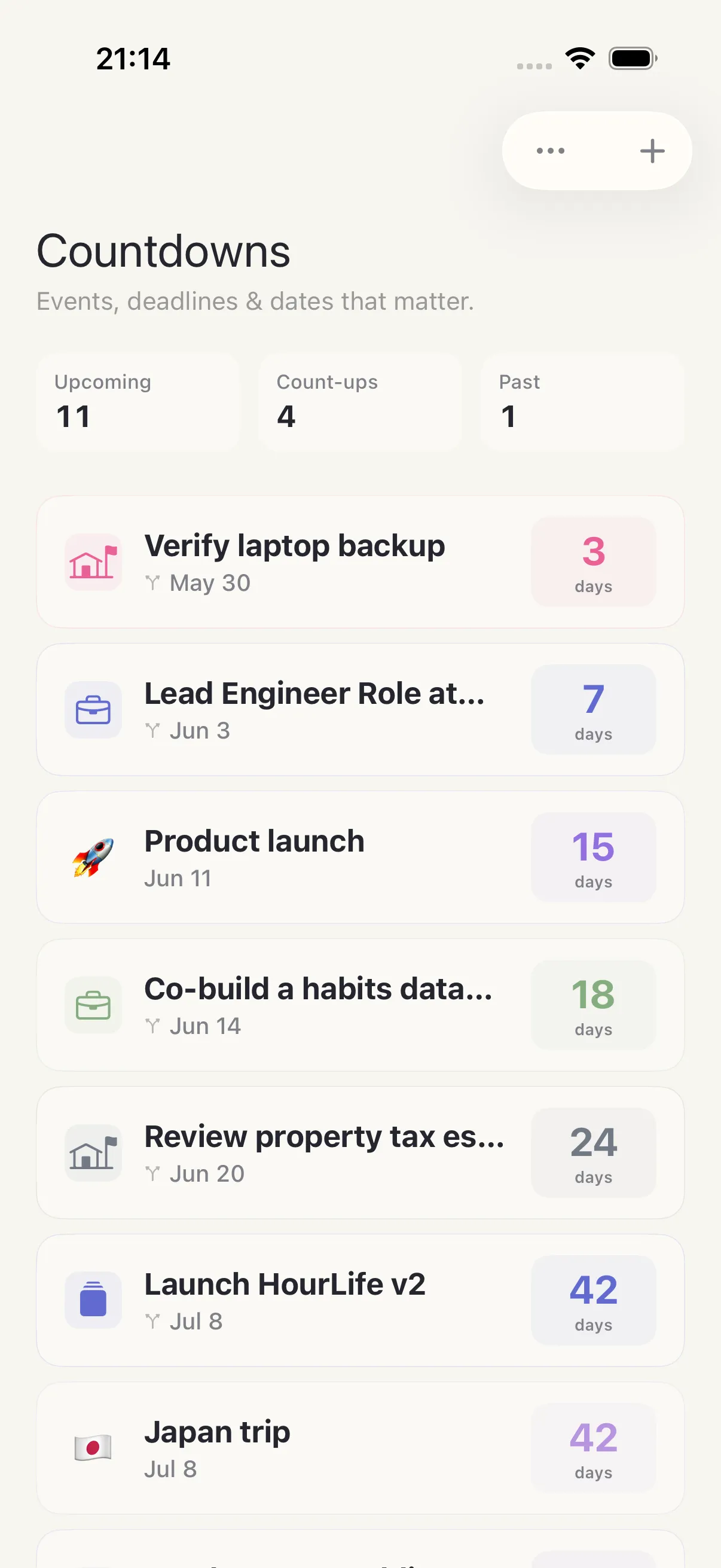
Countdown
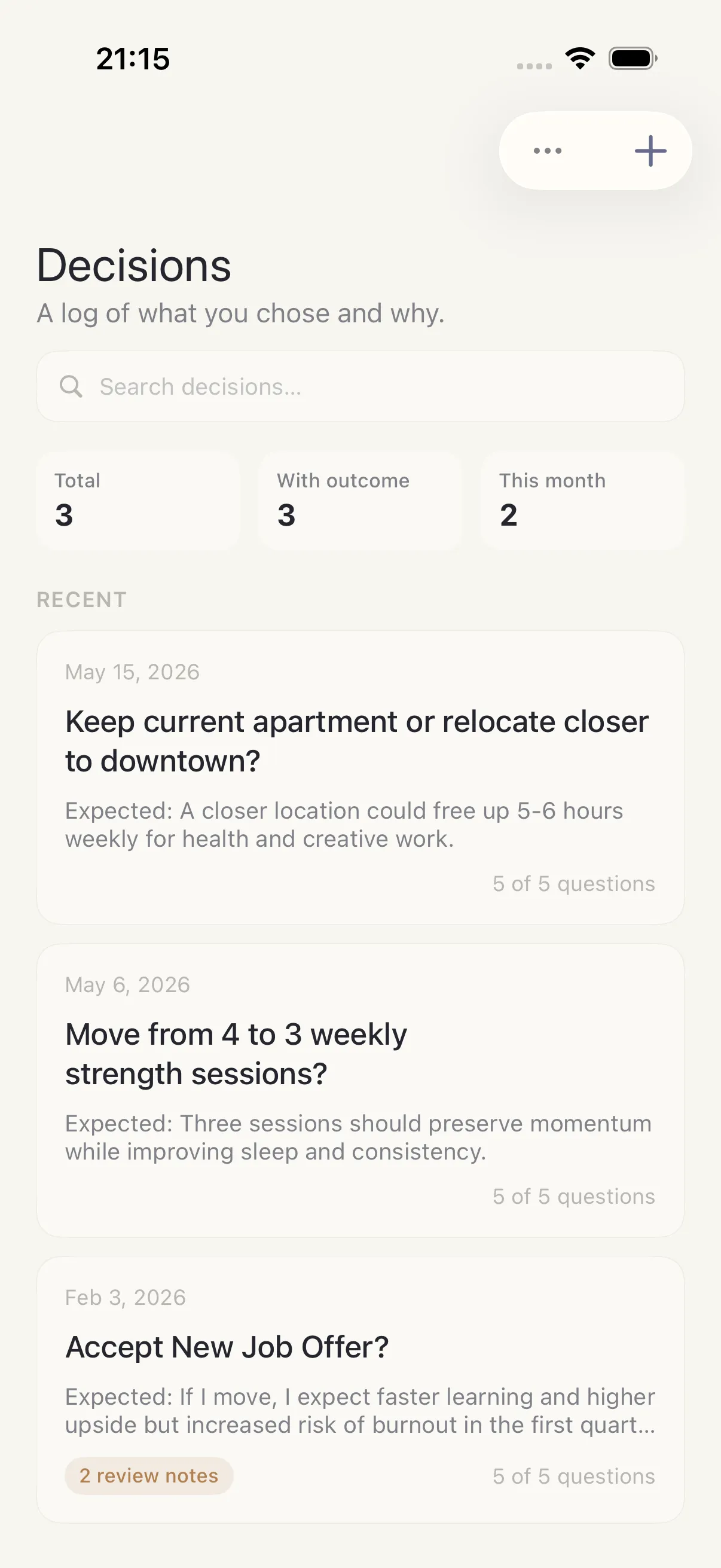
Decisions
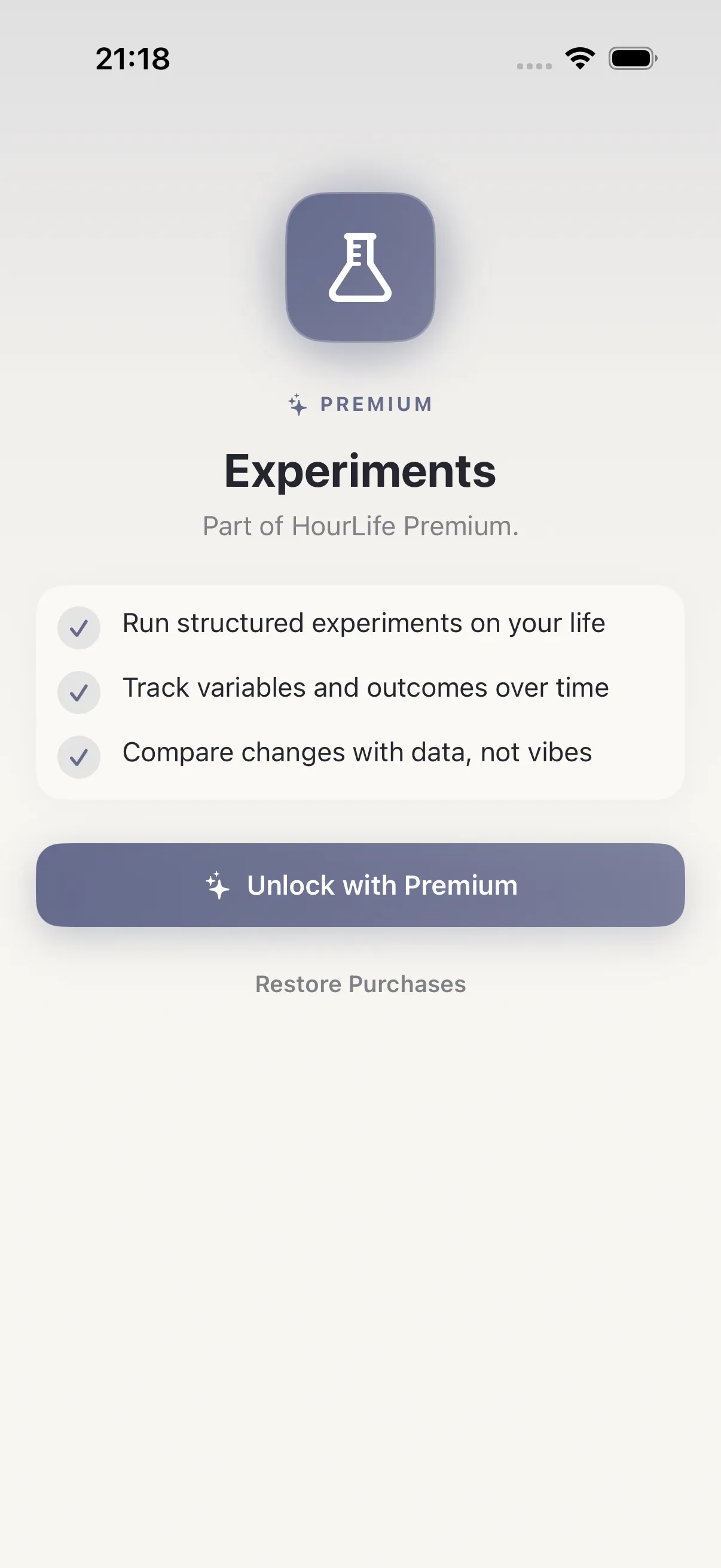
Experiments
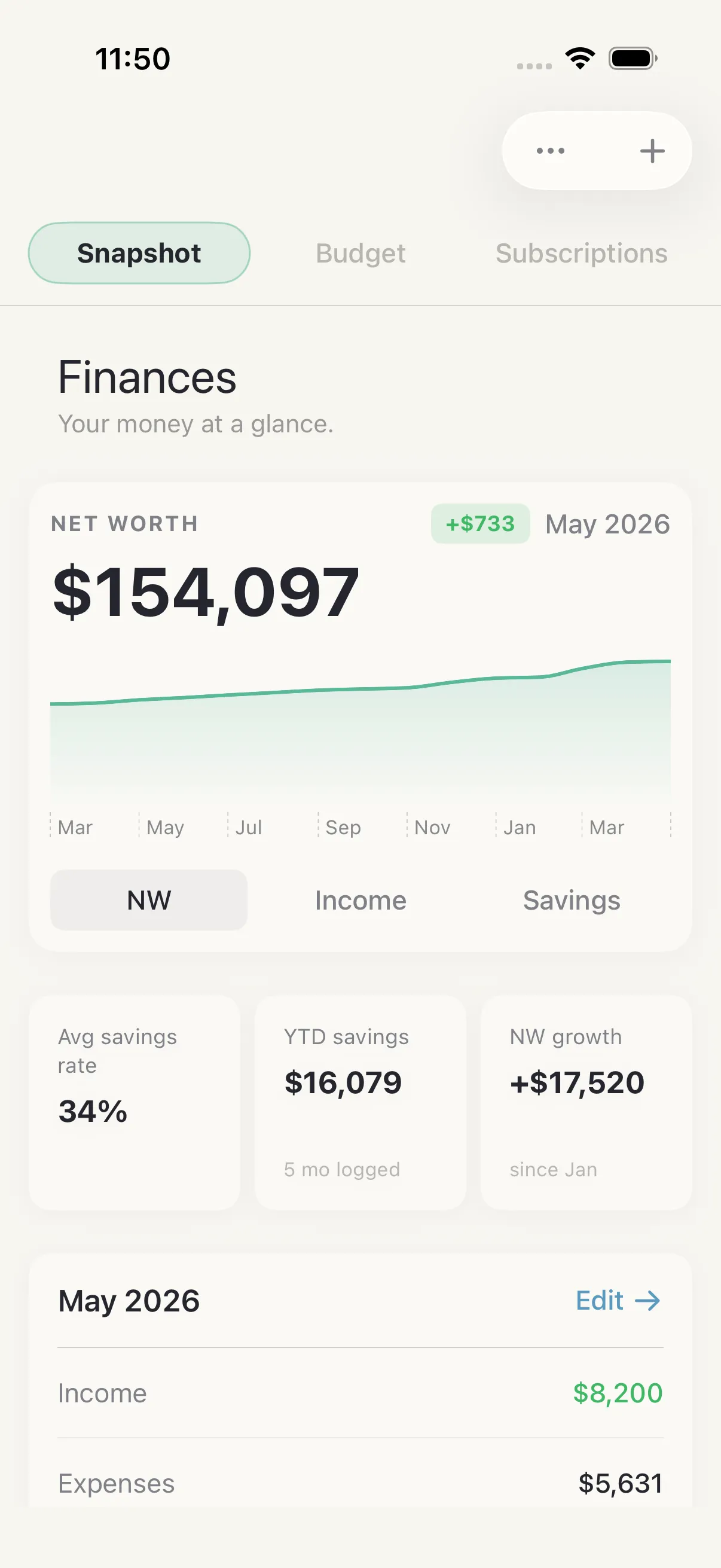
Finances
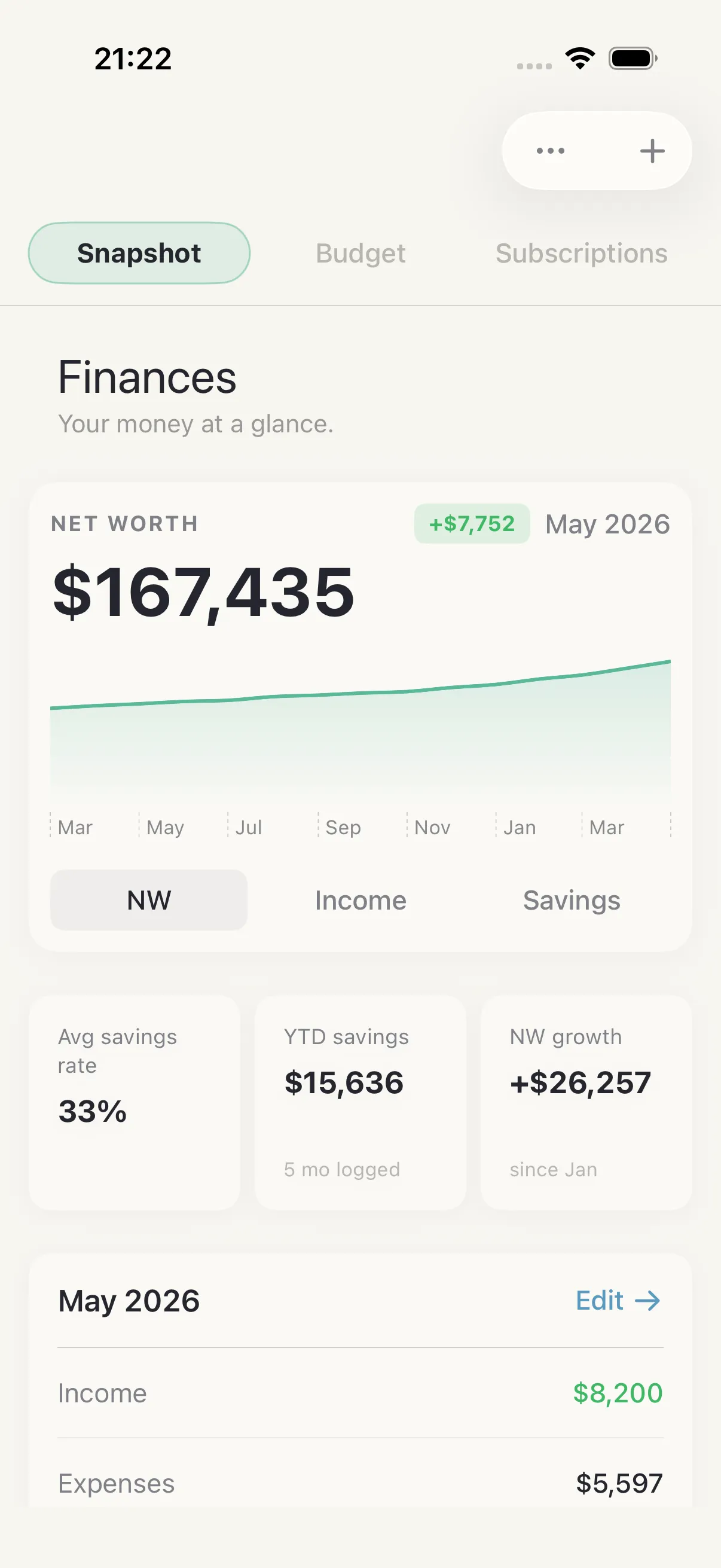
Financial Snapshot
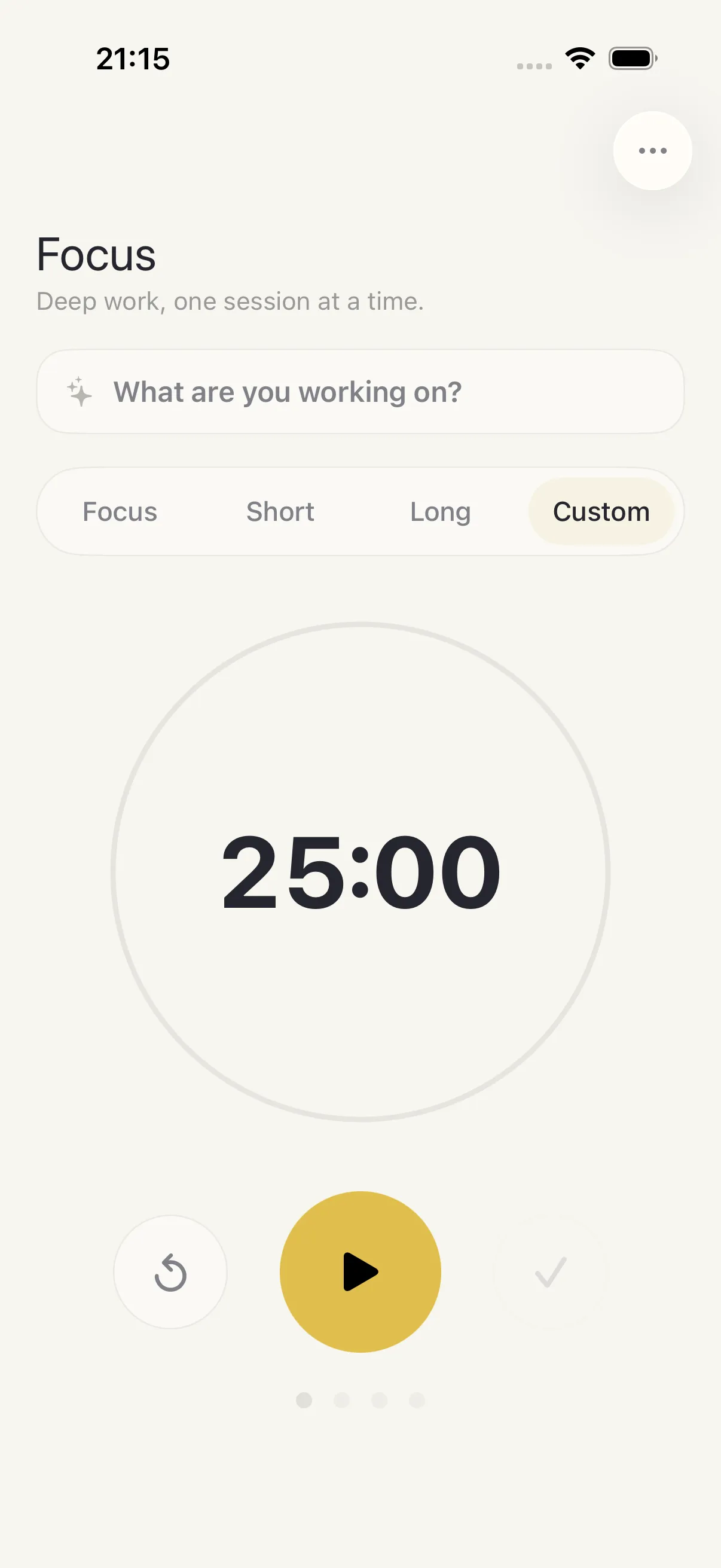
Focus Timer
Goals
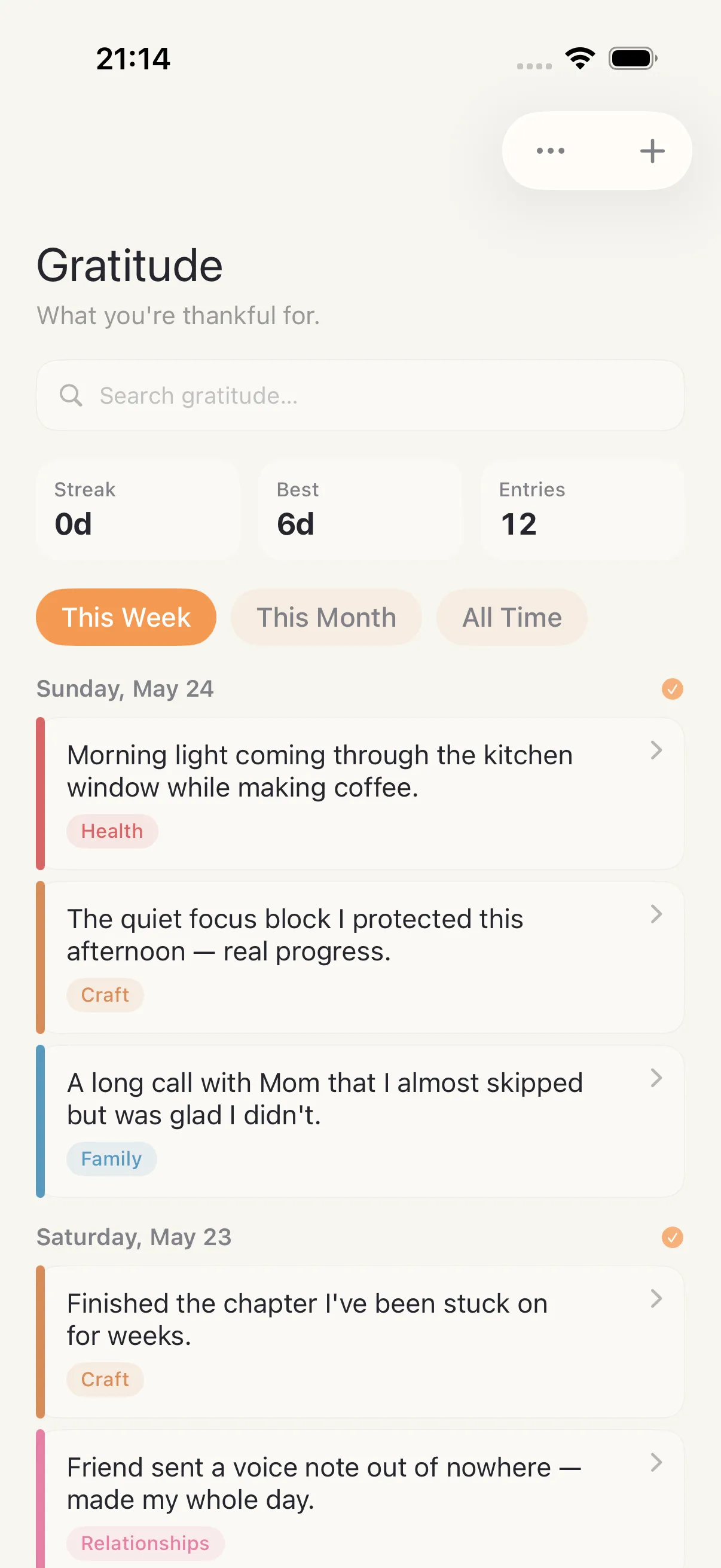
Gratitude
Habits
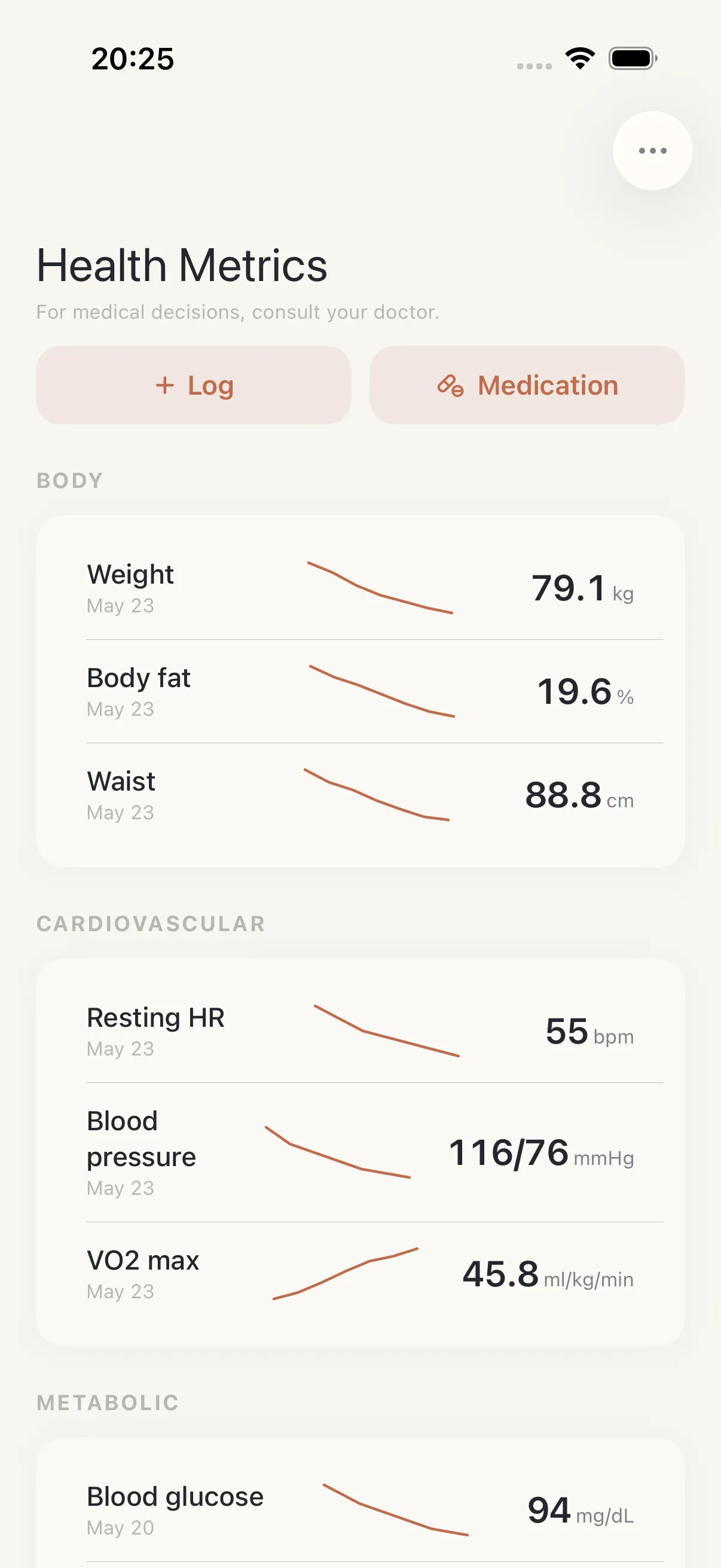
Health
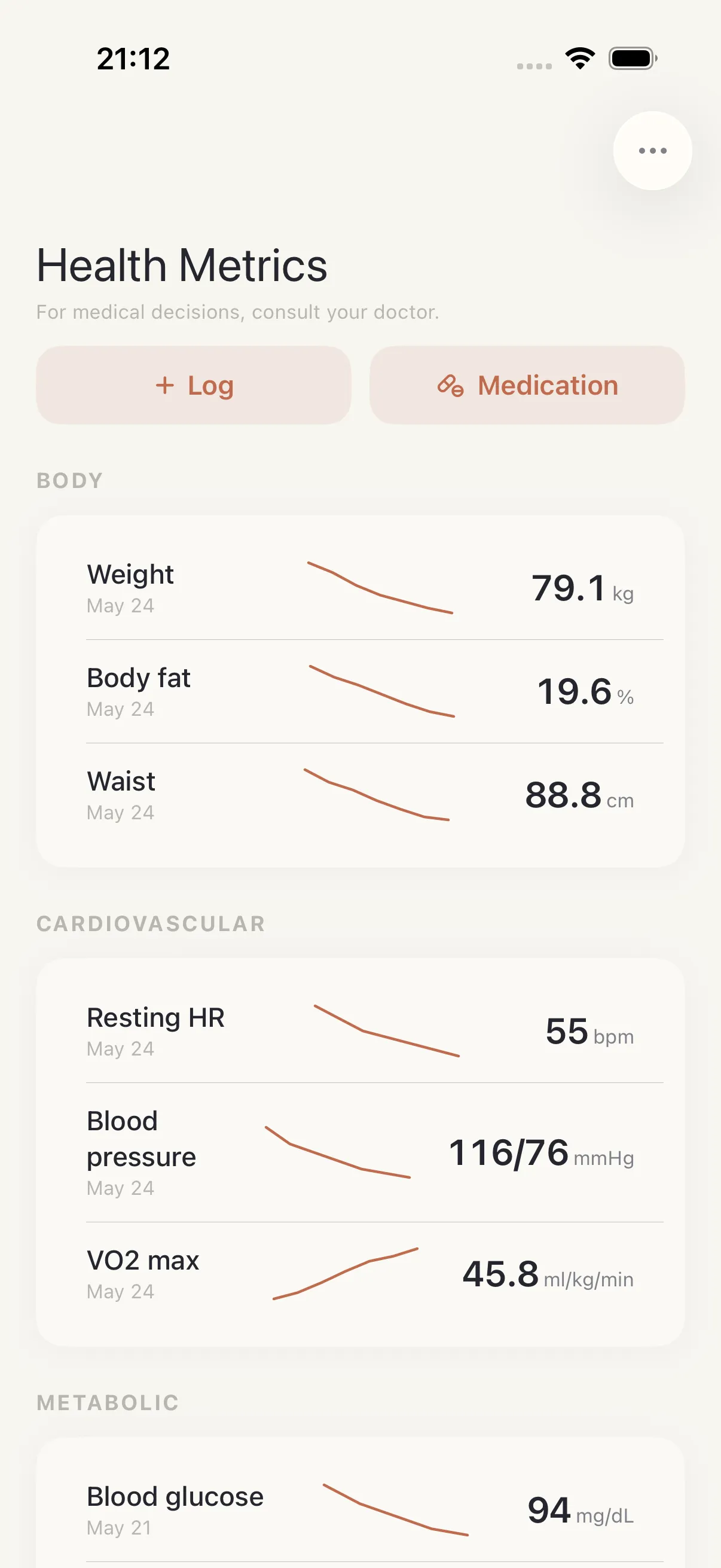
Health Metrics
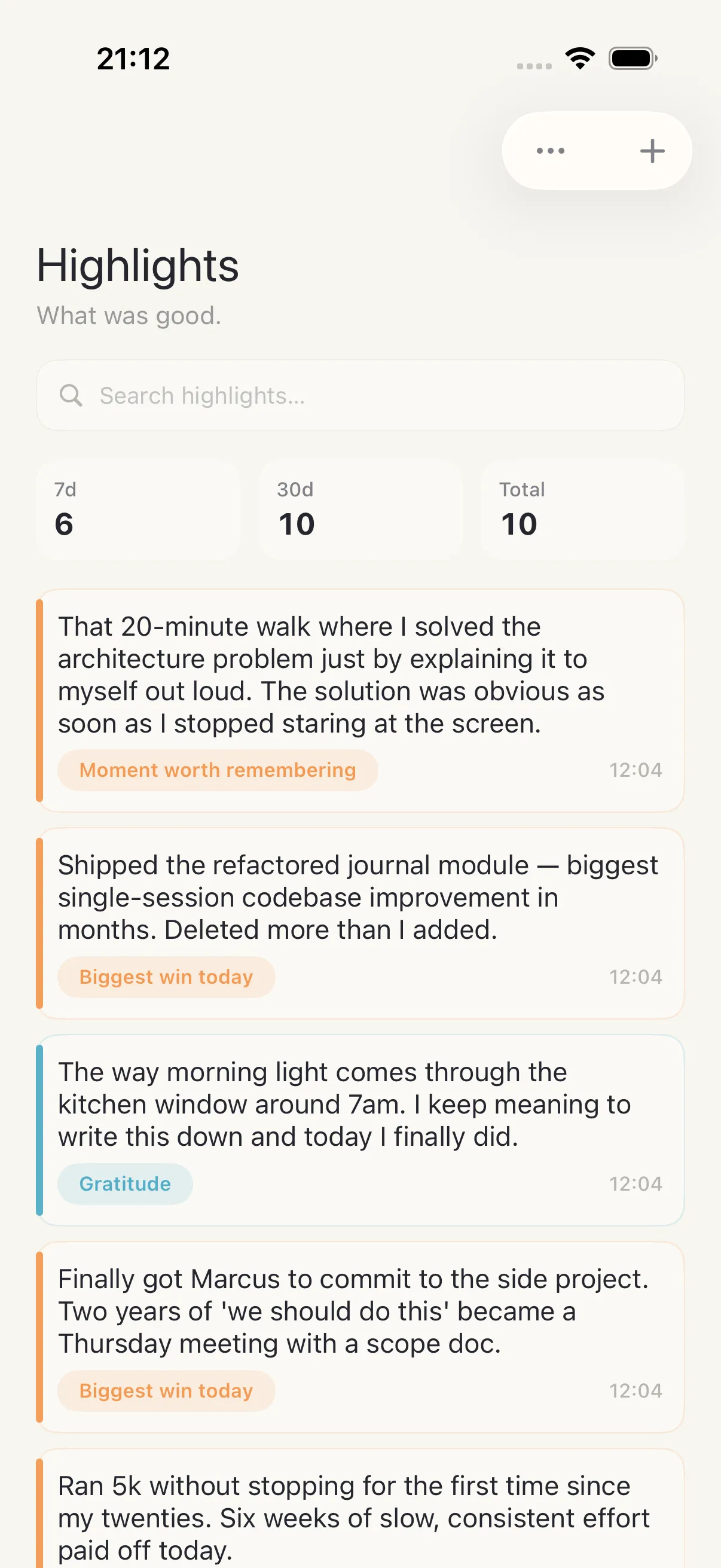
Highlights
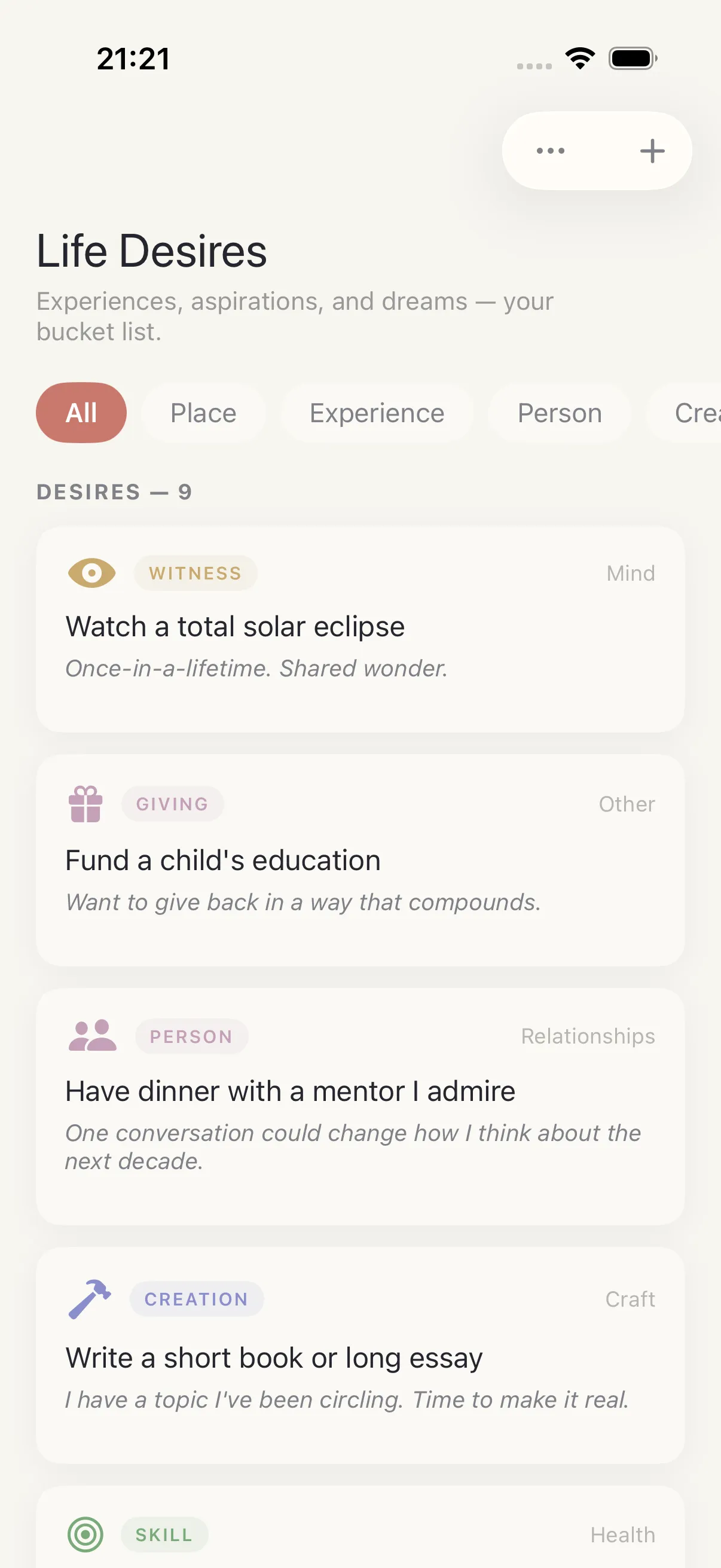
Ikigai
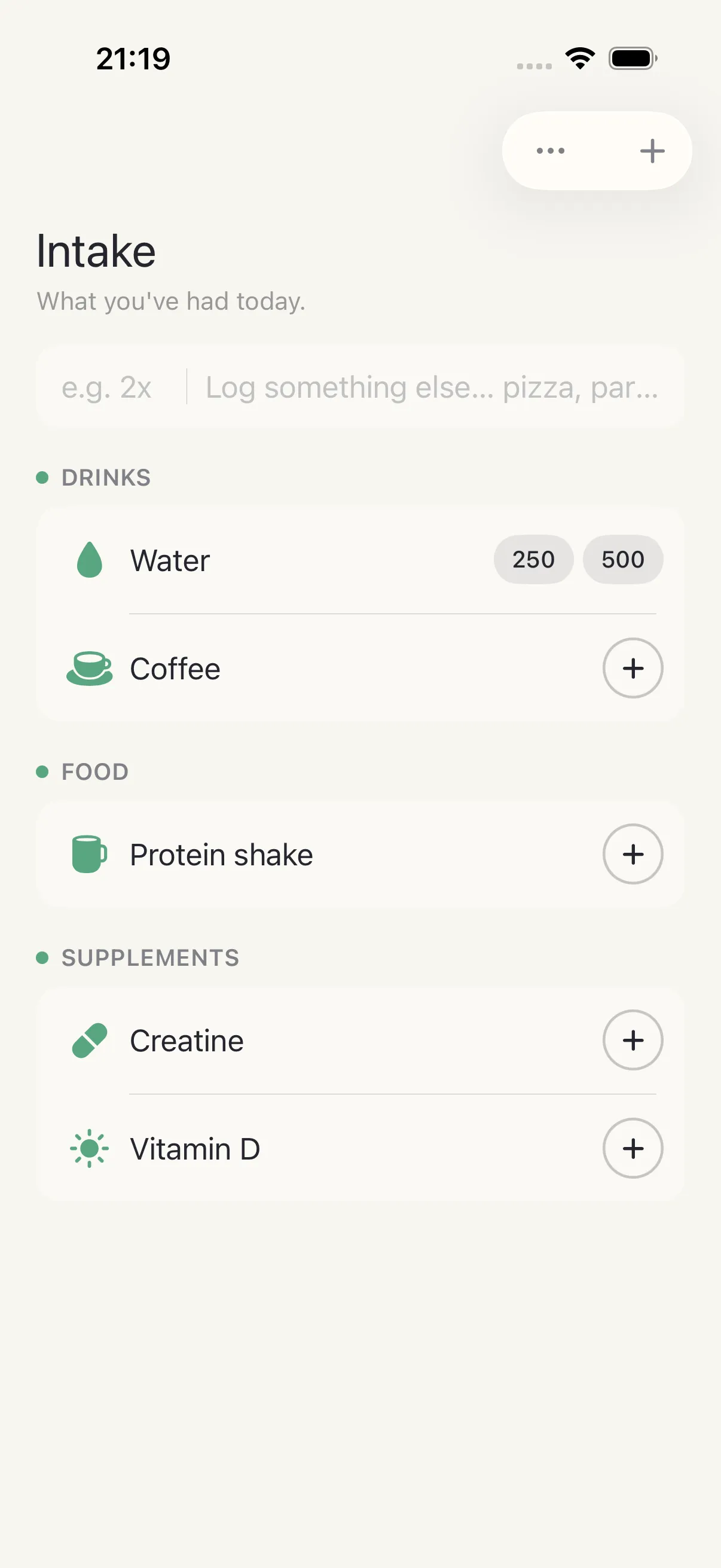
Intake
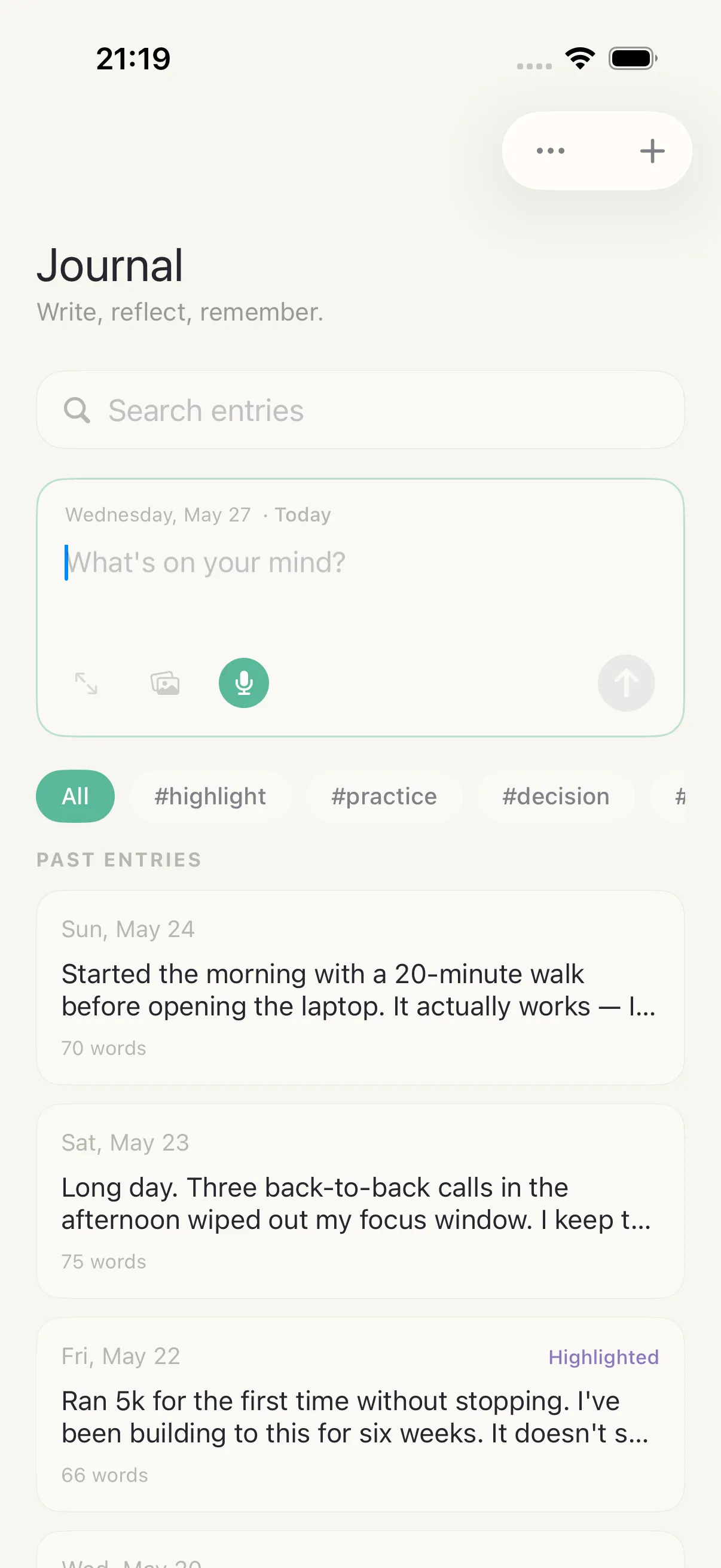
Journal
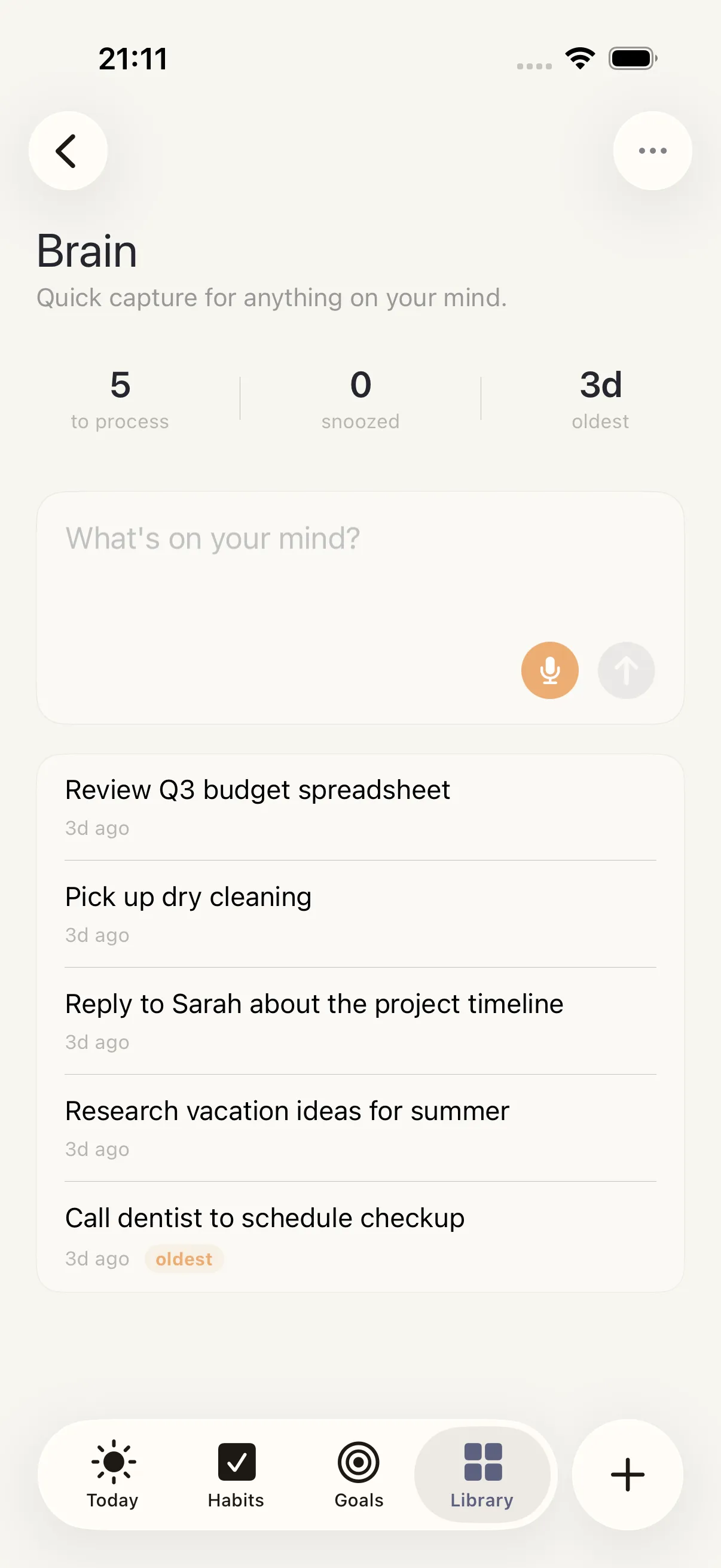
Launch
Learning
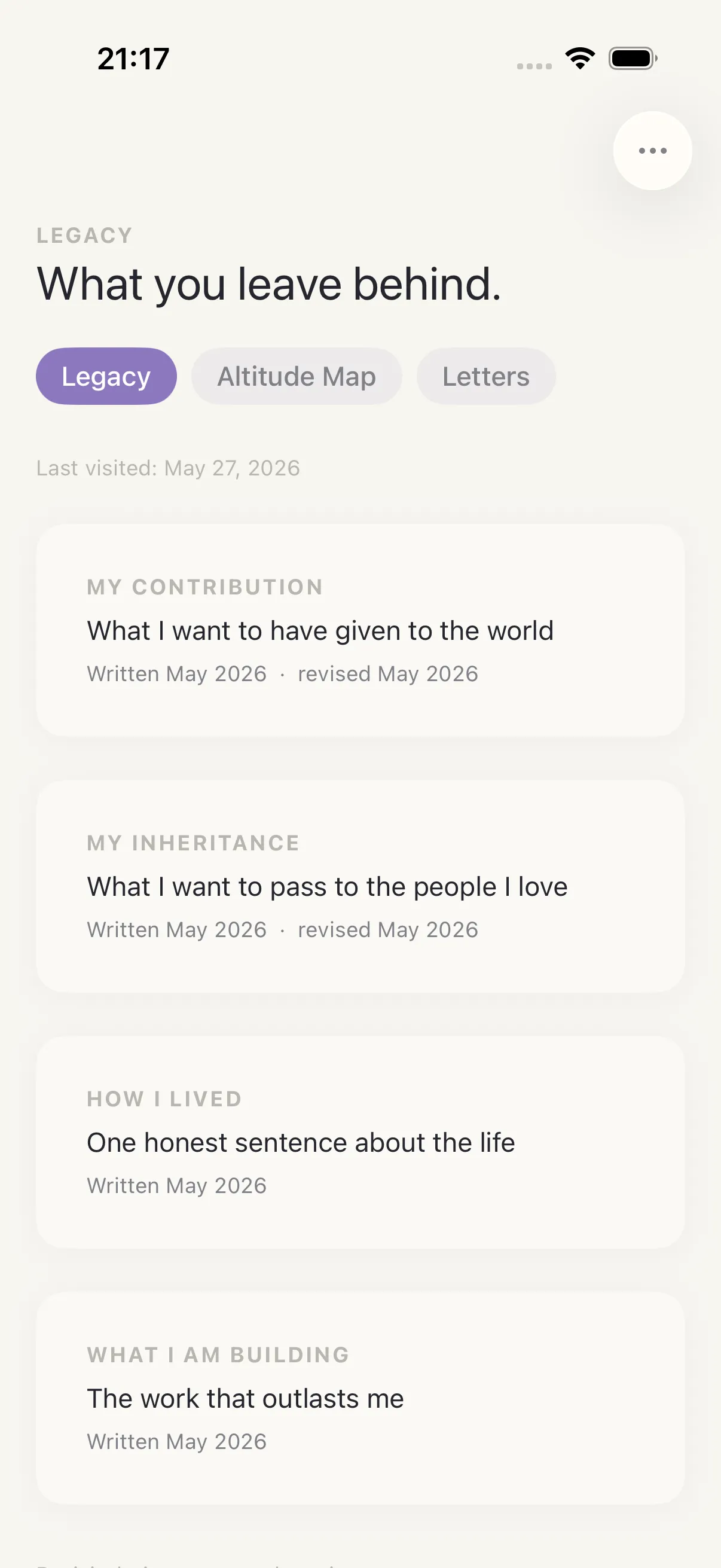
Legacy
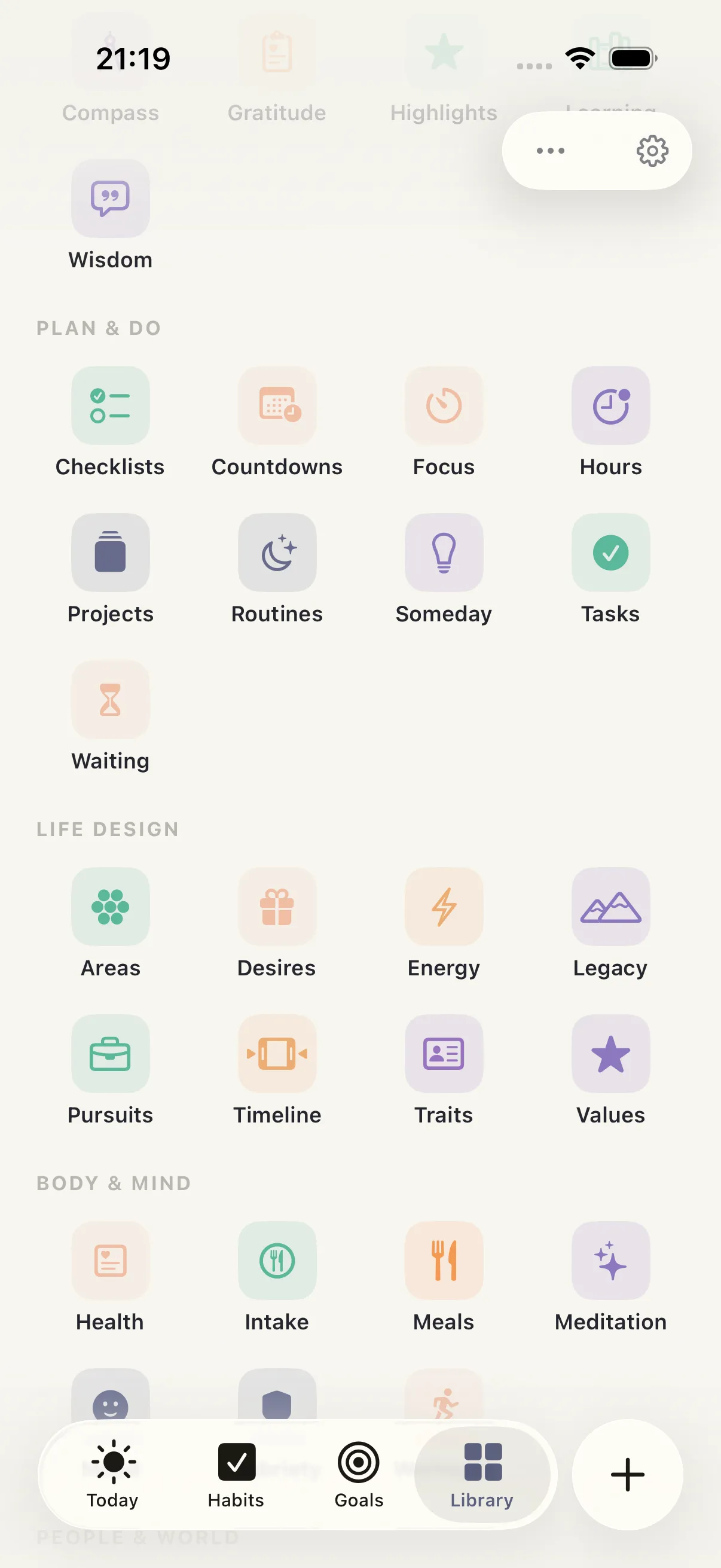
Library
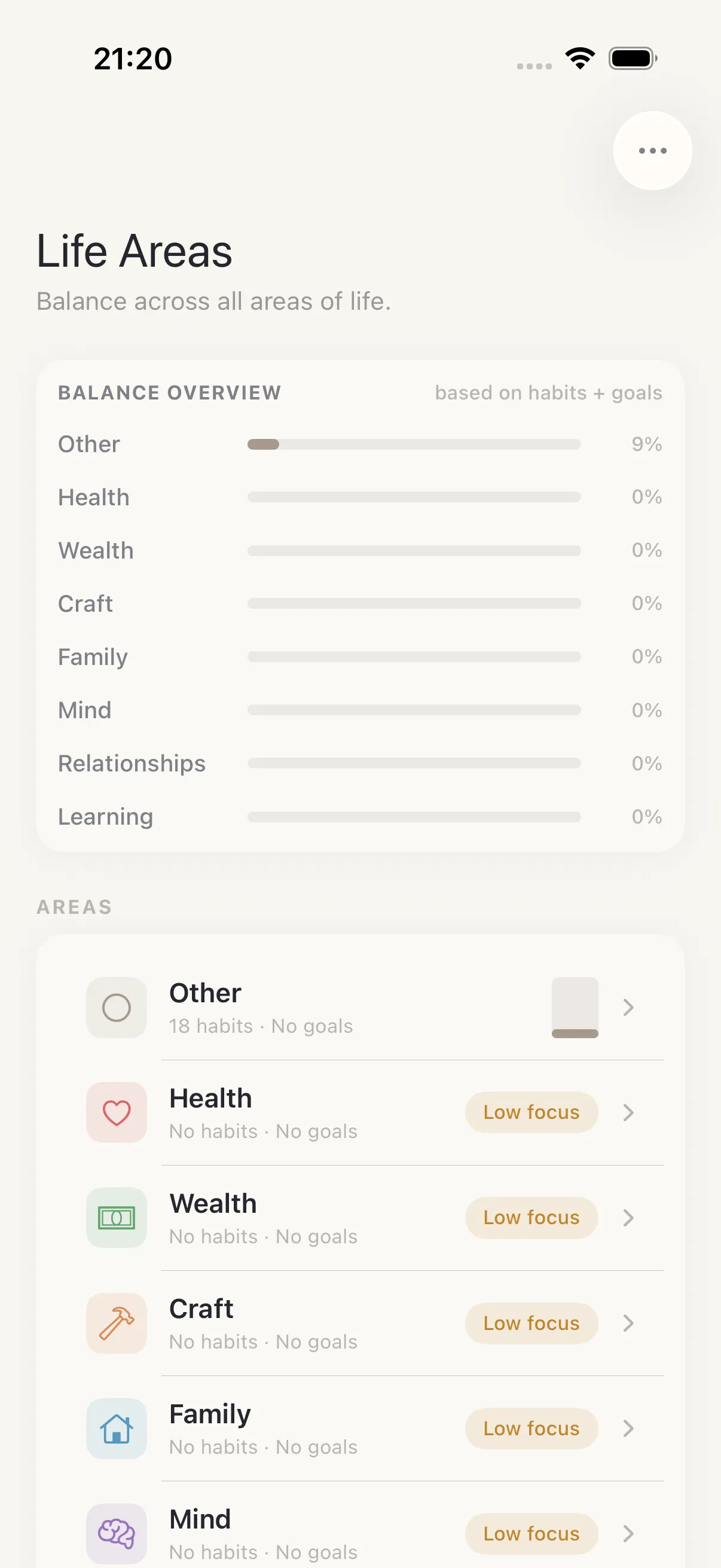
Life Areas
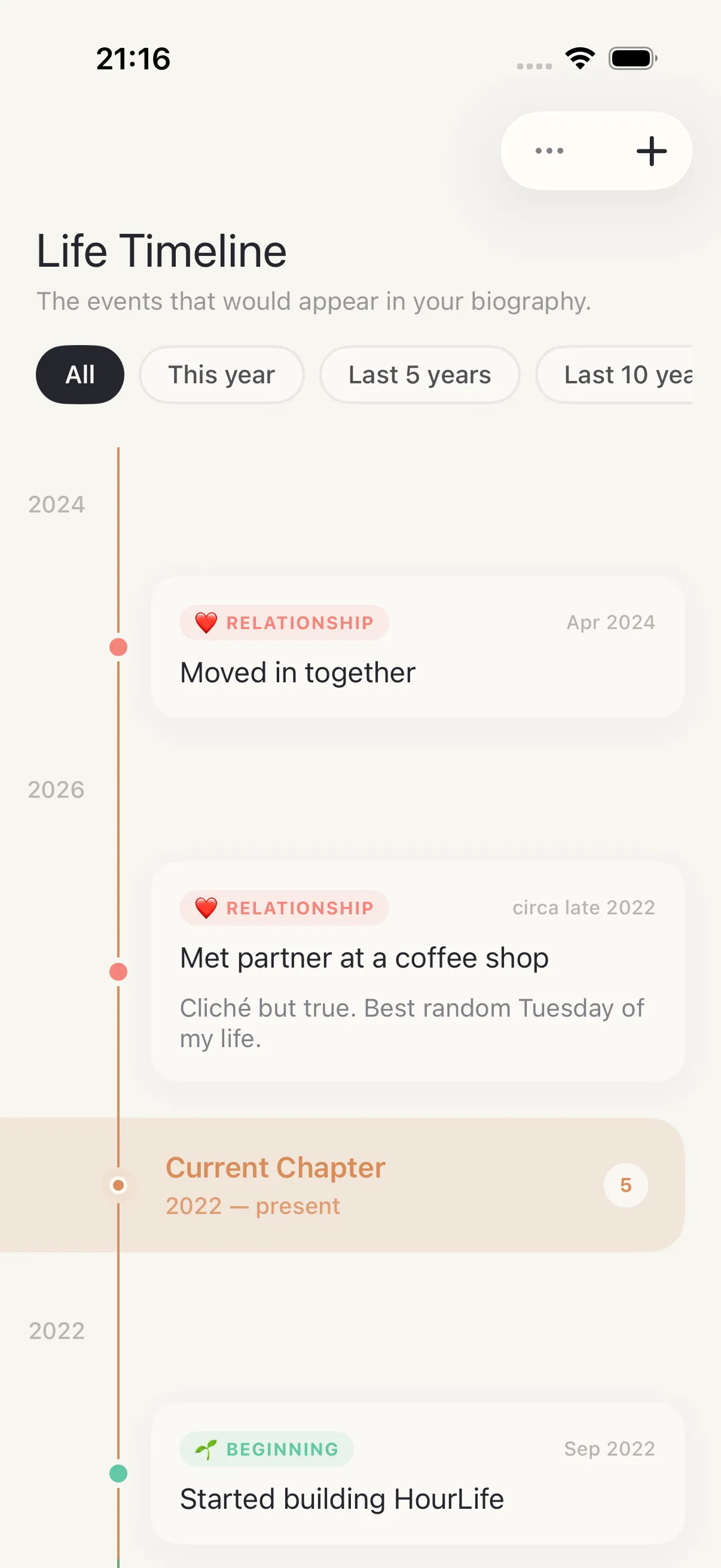
Life Timeline
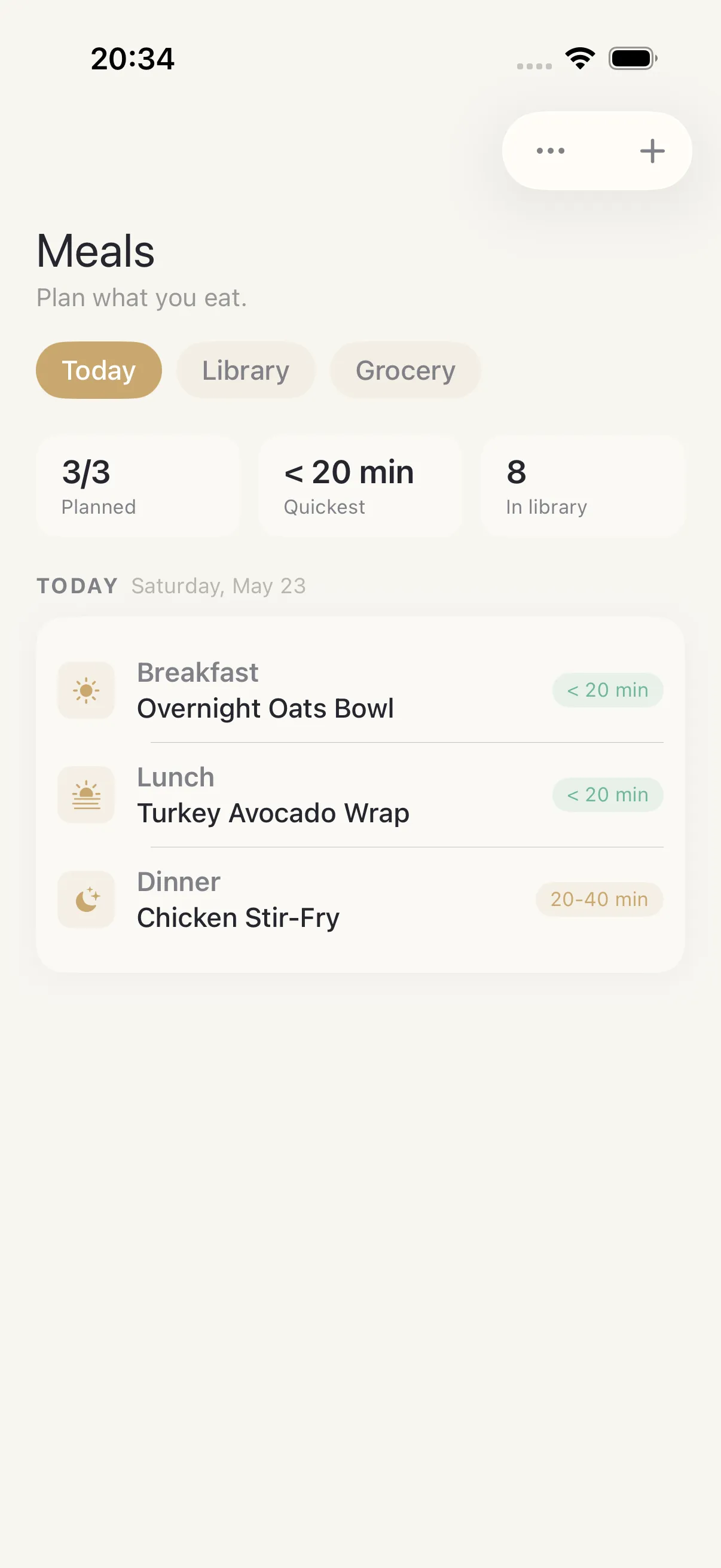
Meals
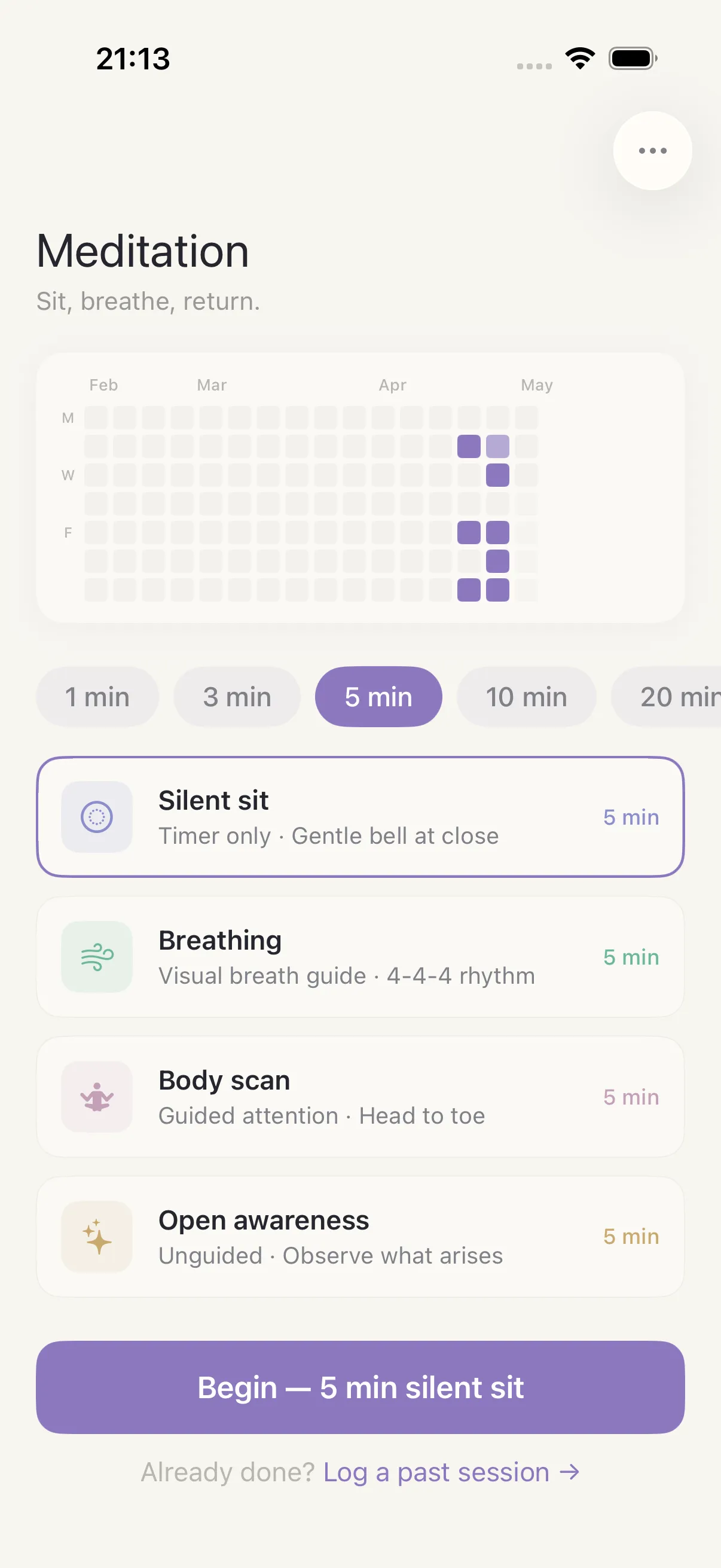
Mindfulness
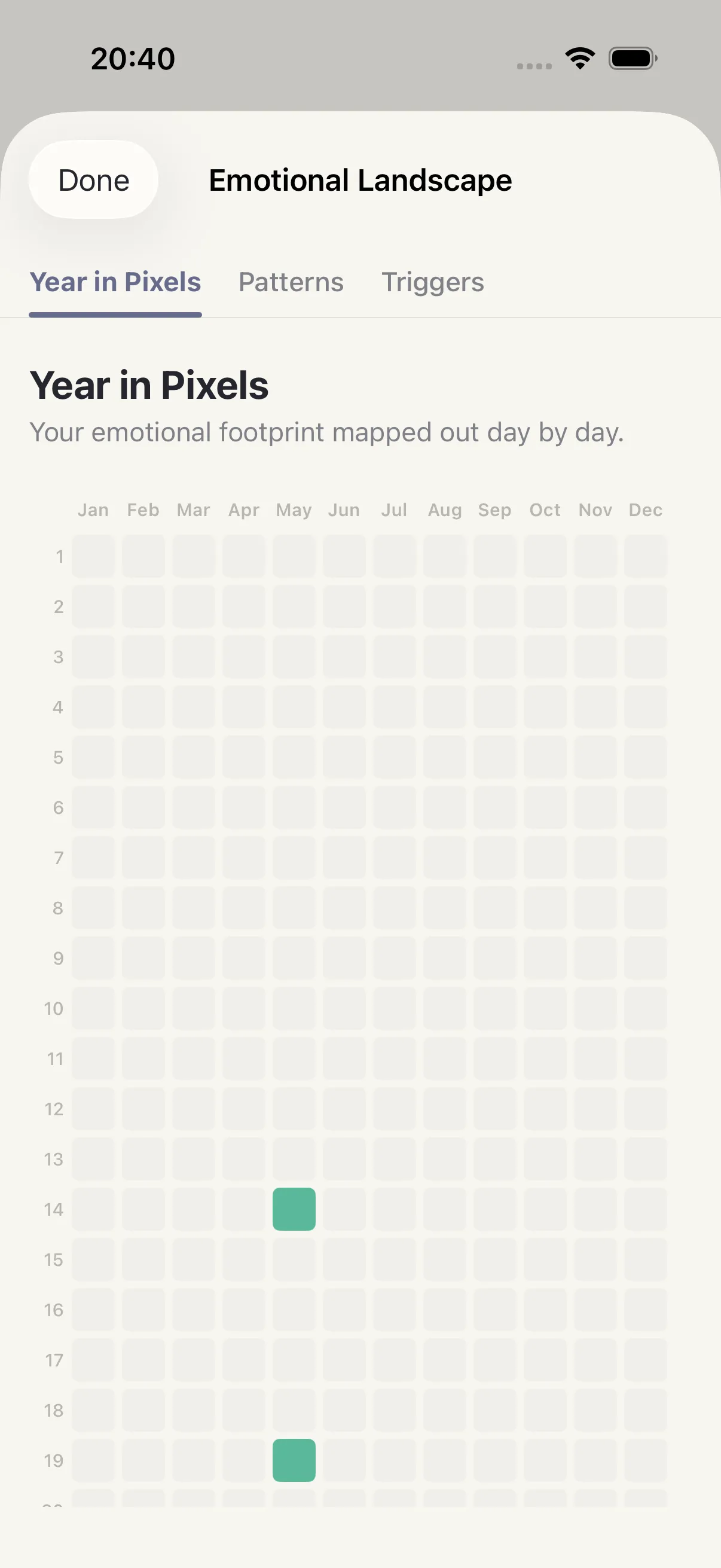
Mood
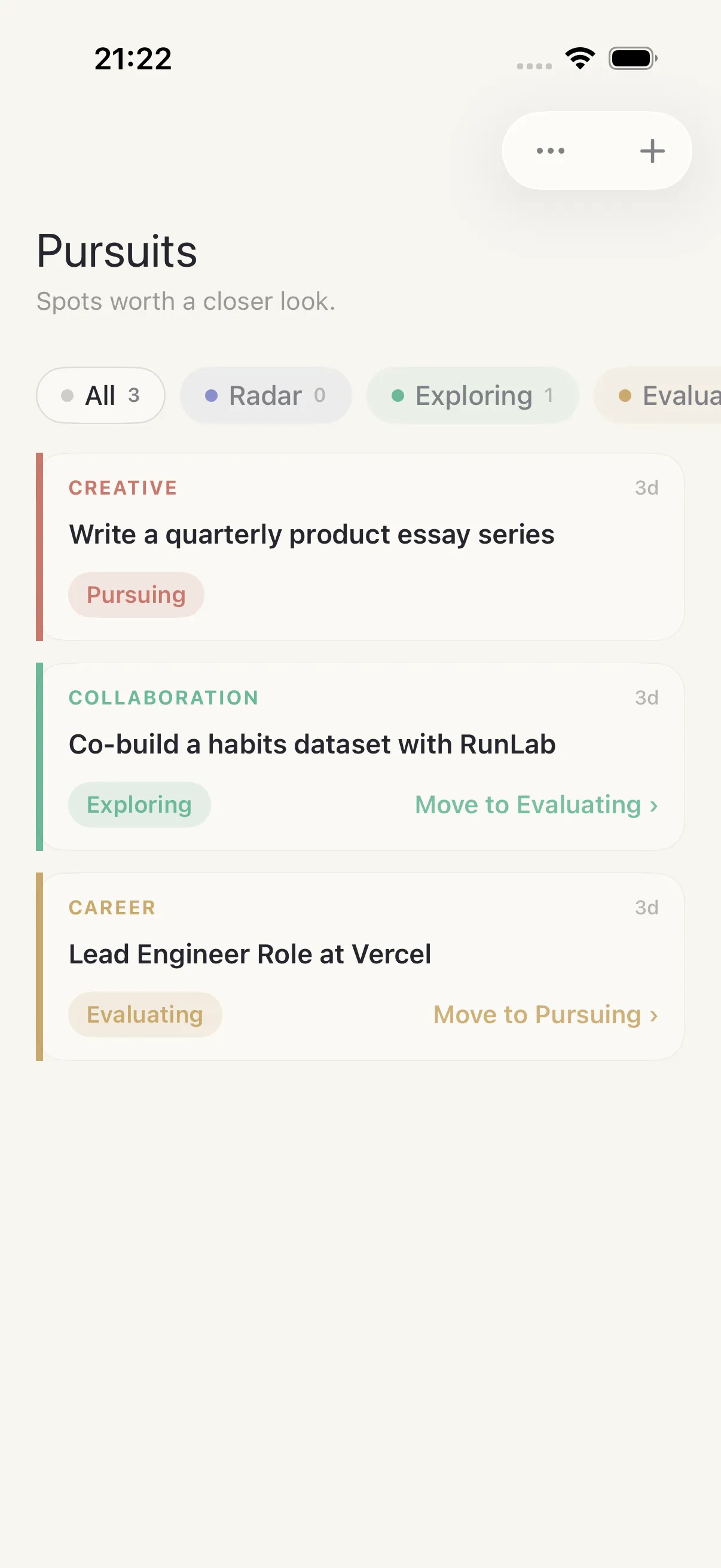
Opportunities
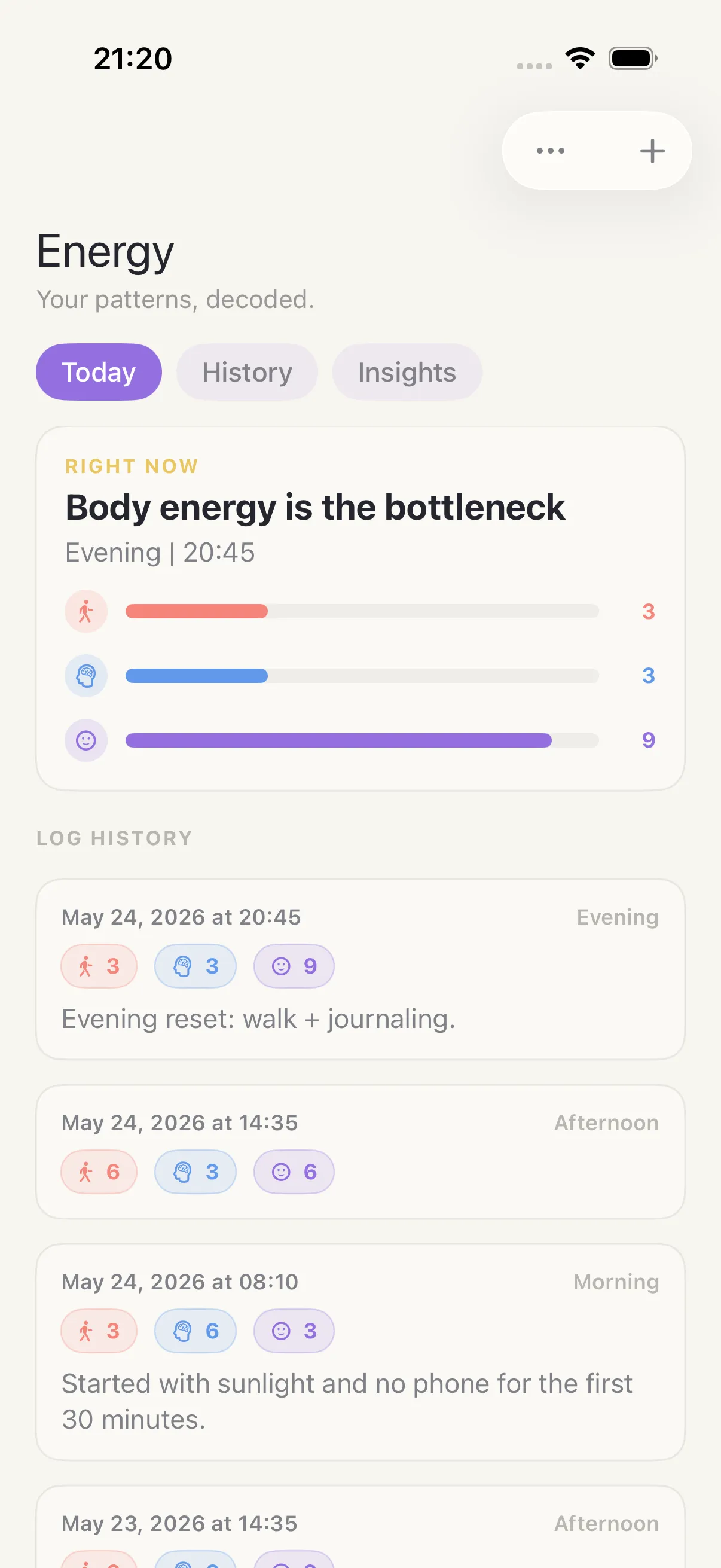
Optimization
People
Projects
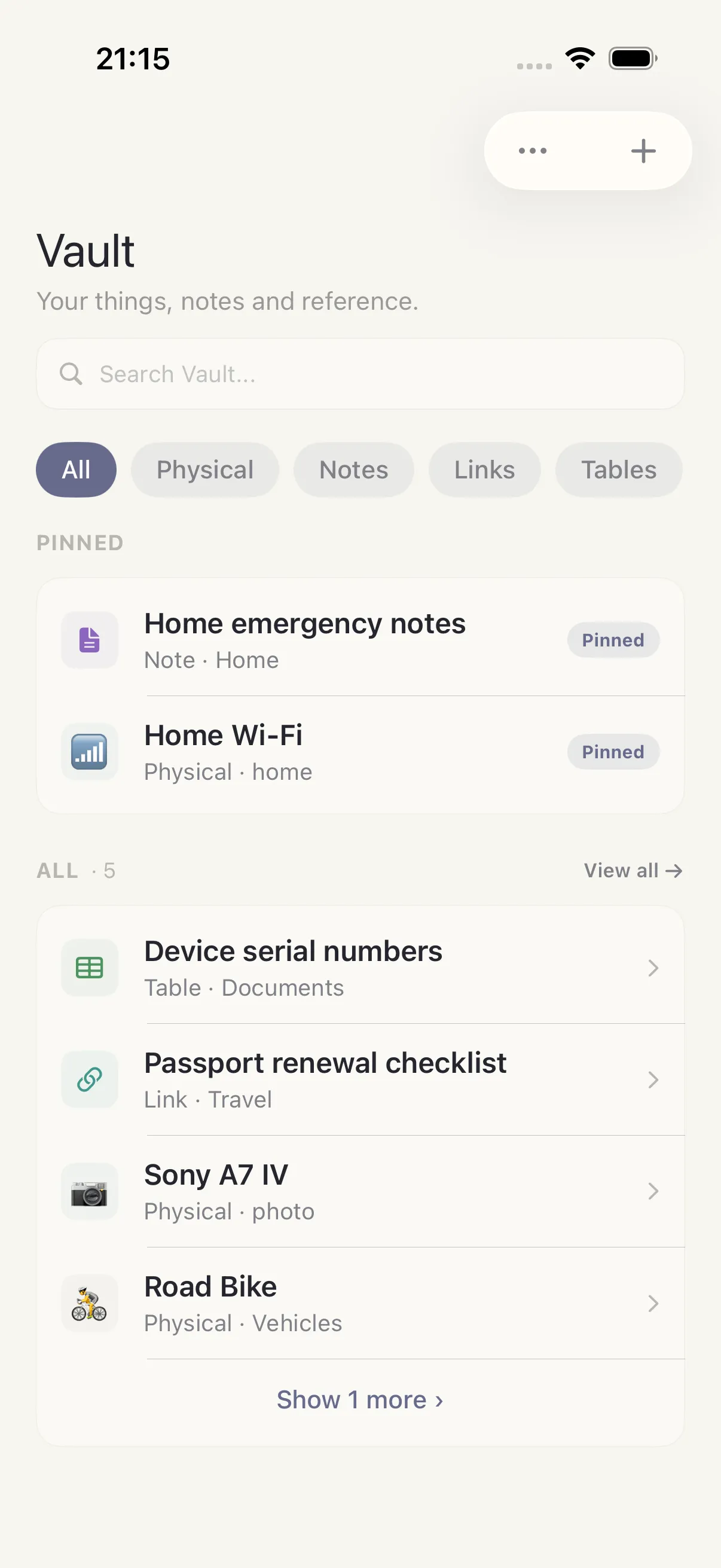
Reference And Things
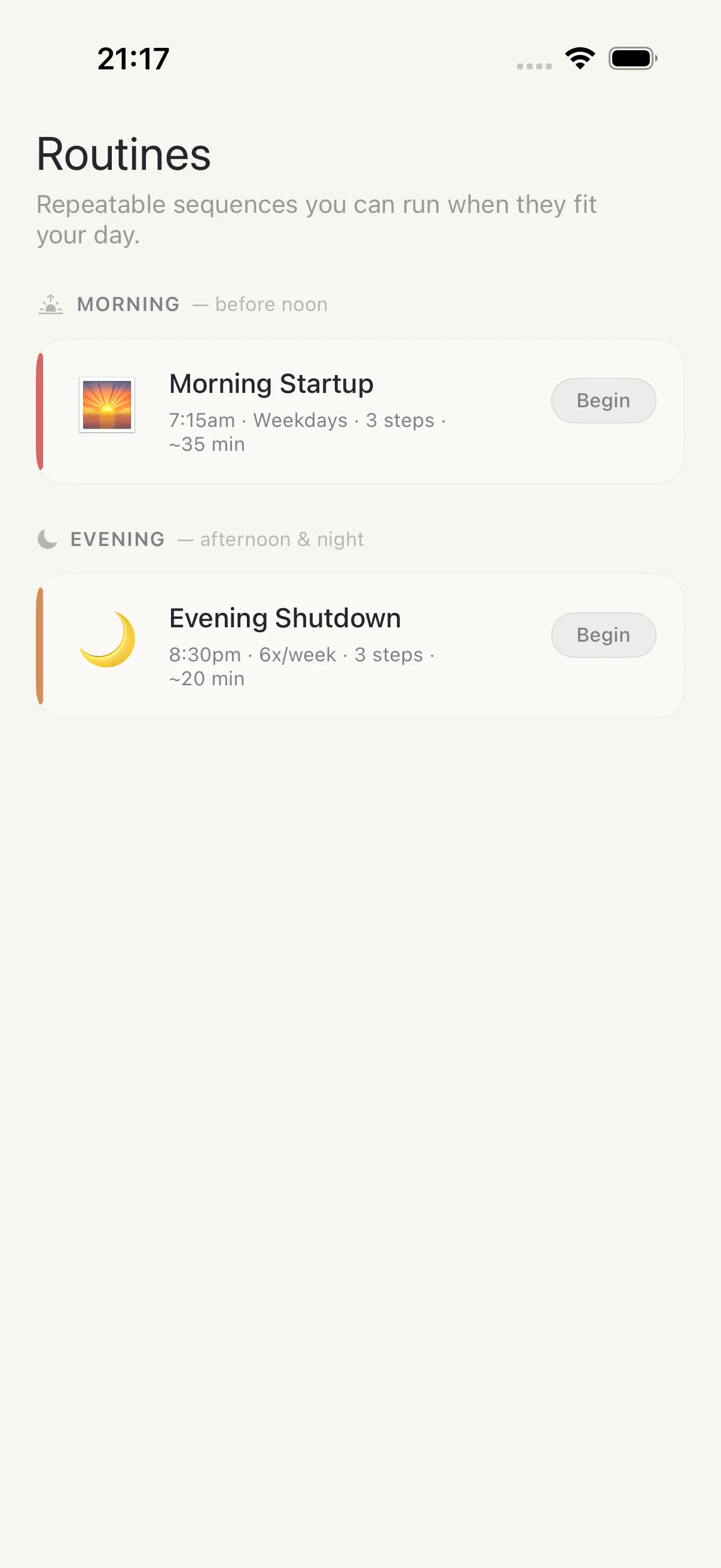
Routines
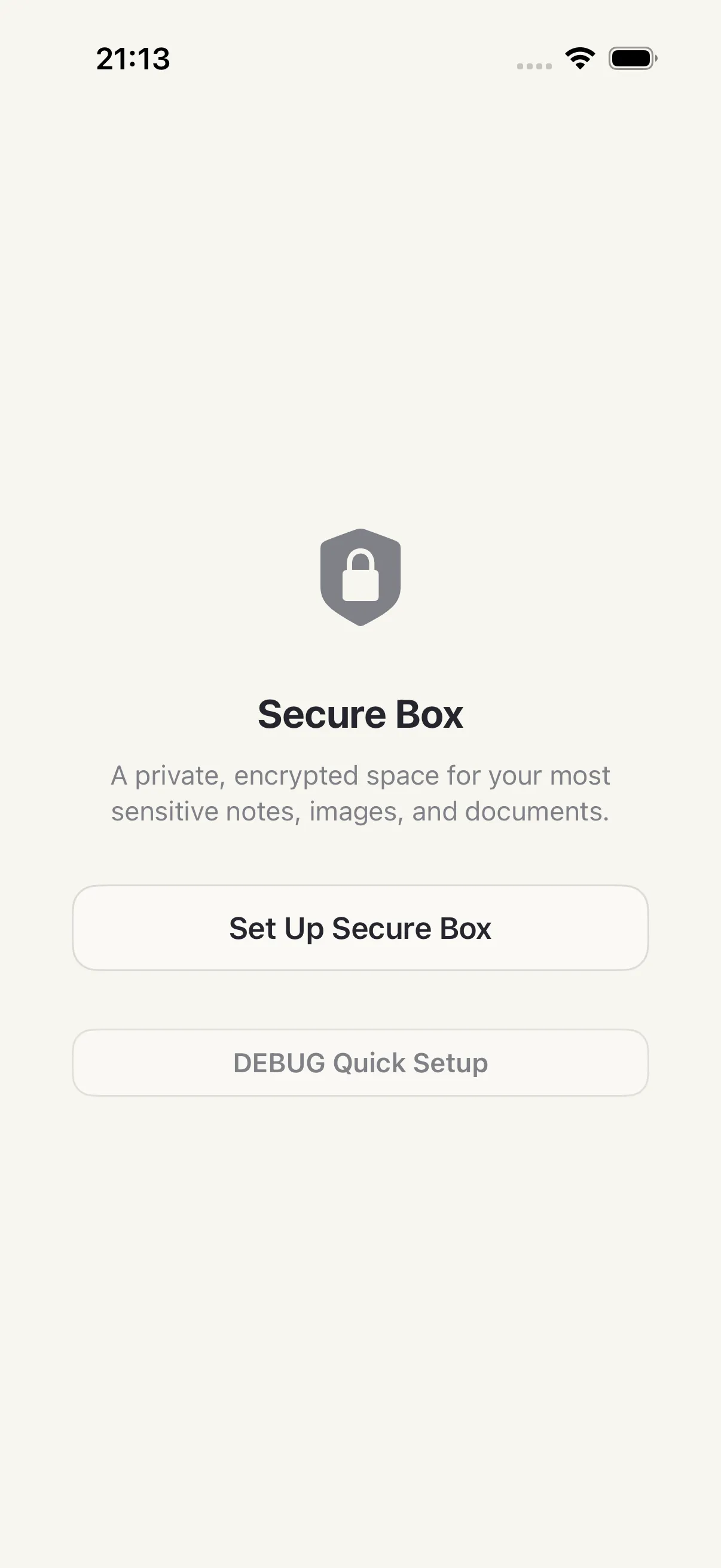
Secure Box
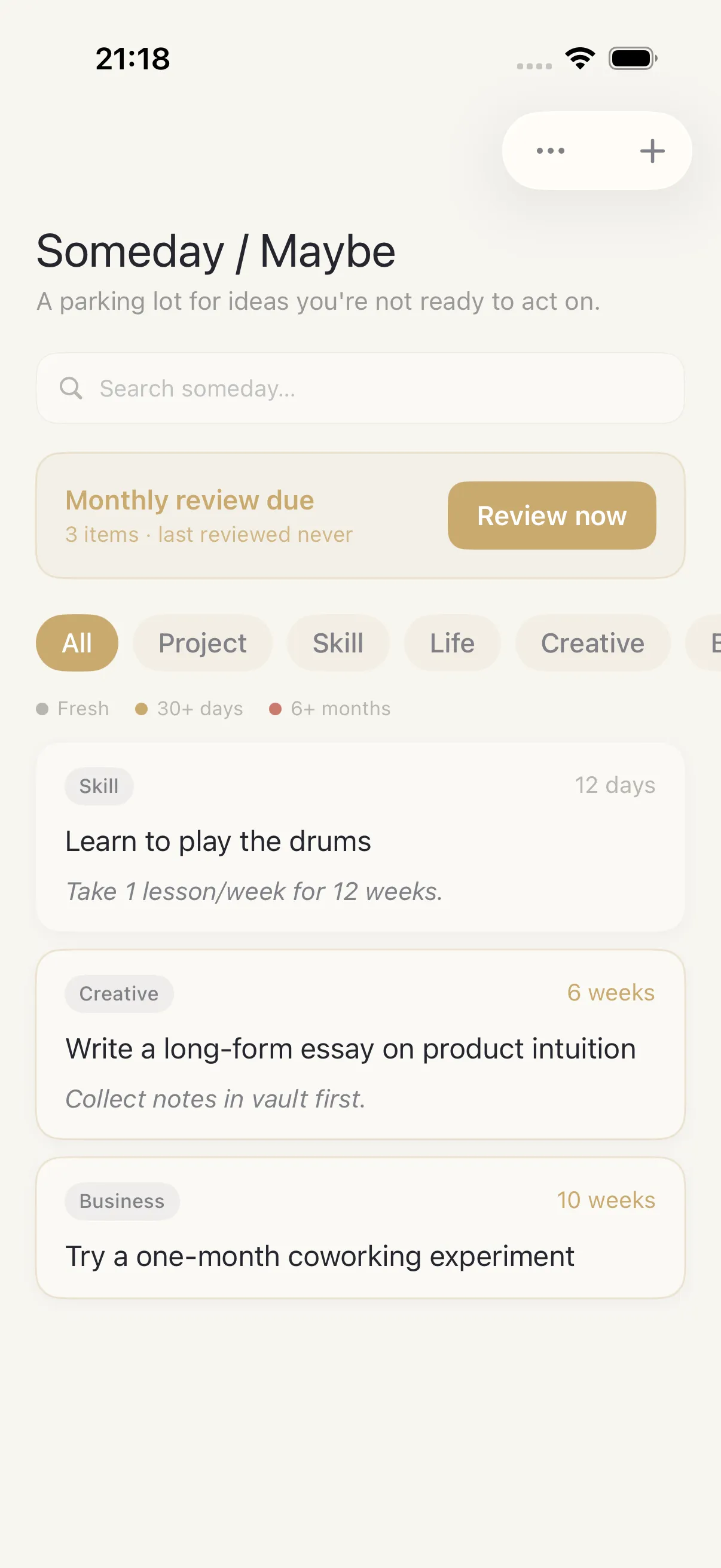
Someday
Tasks
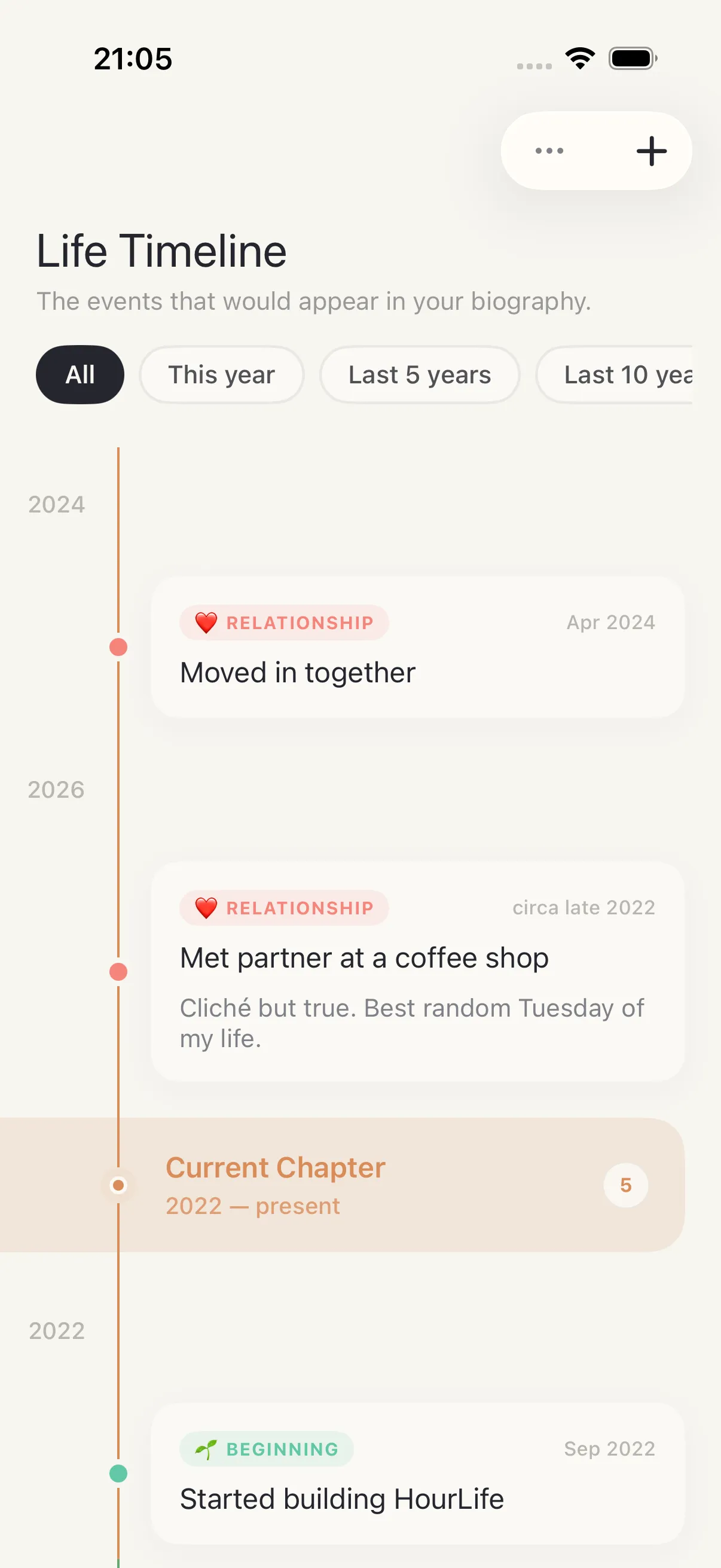
Timeline
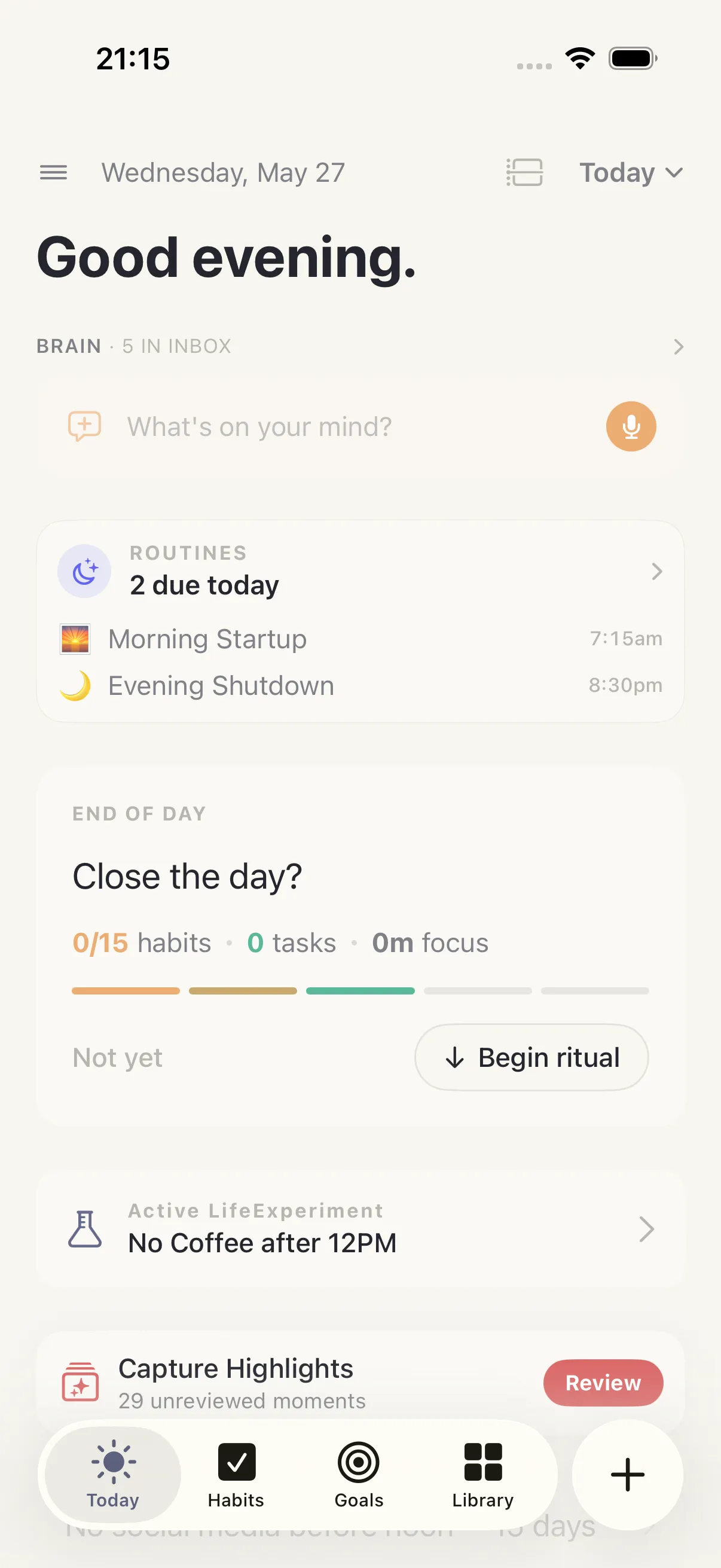
Today
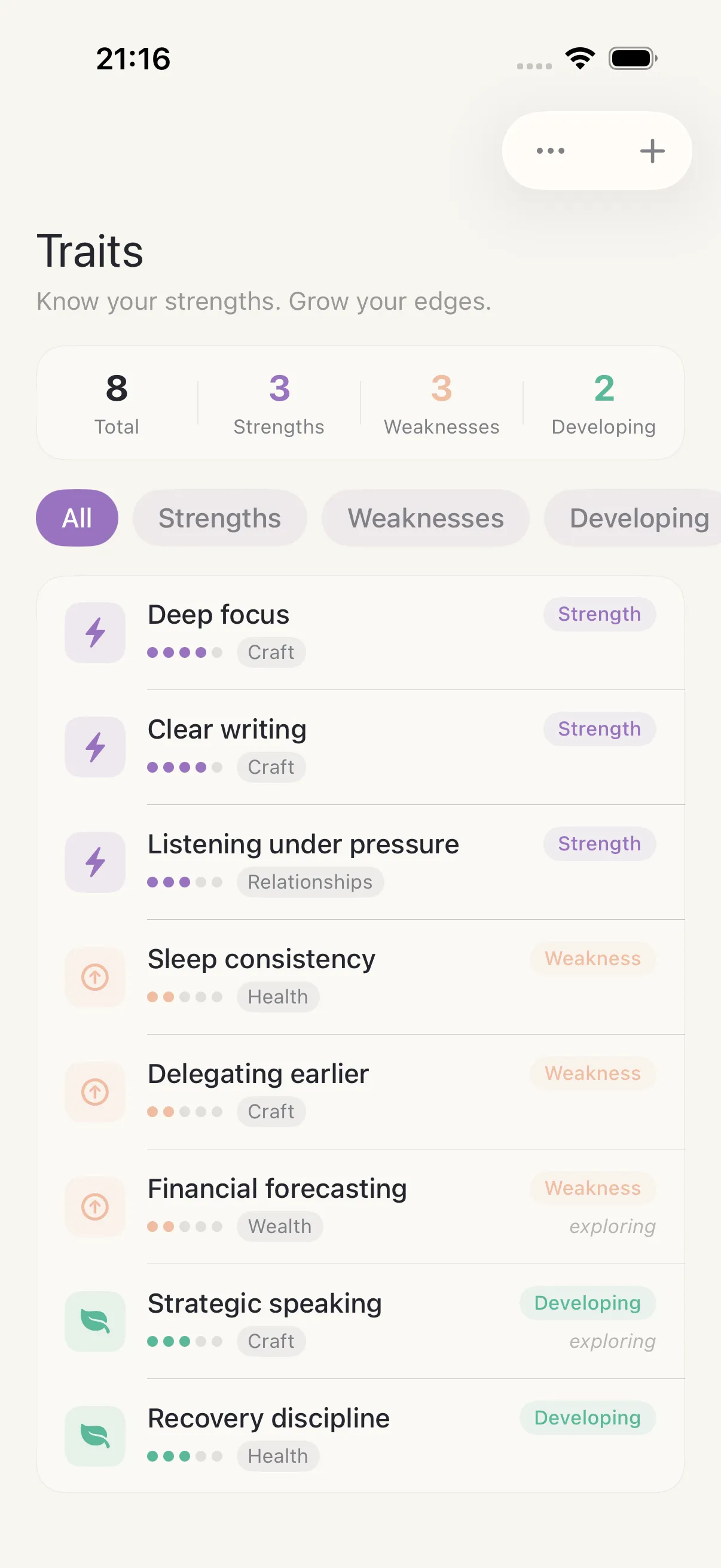
Traits
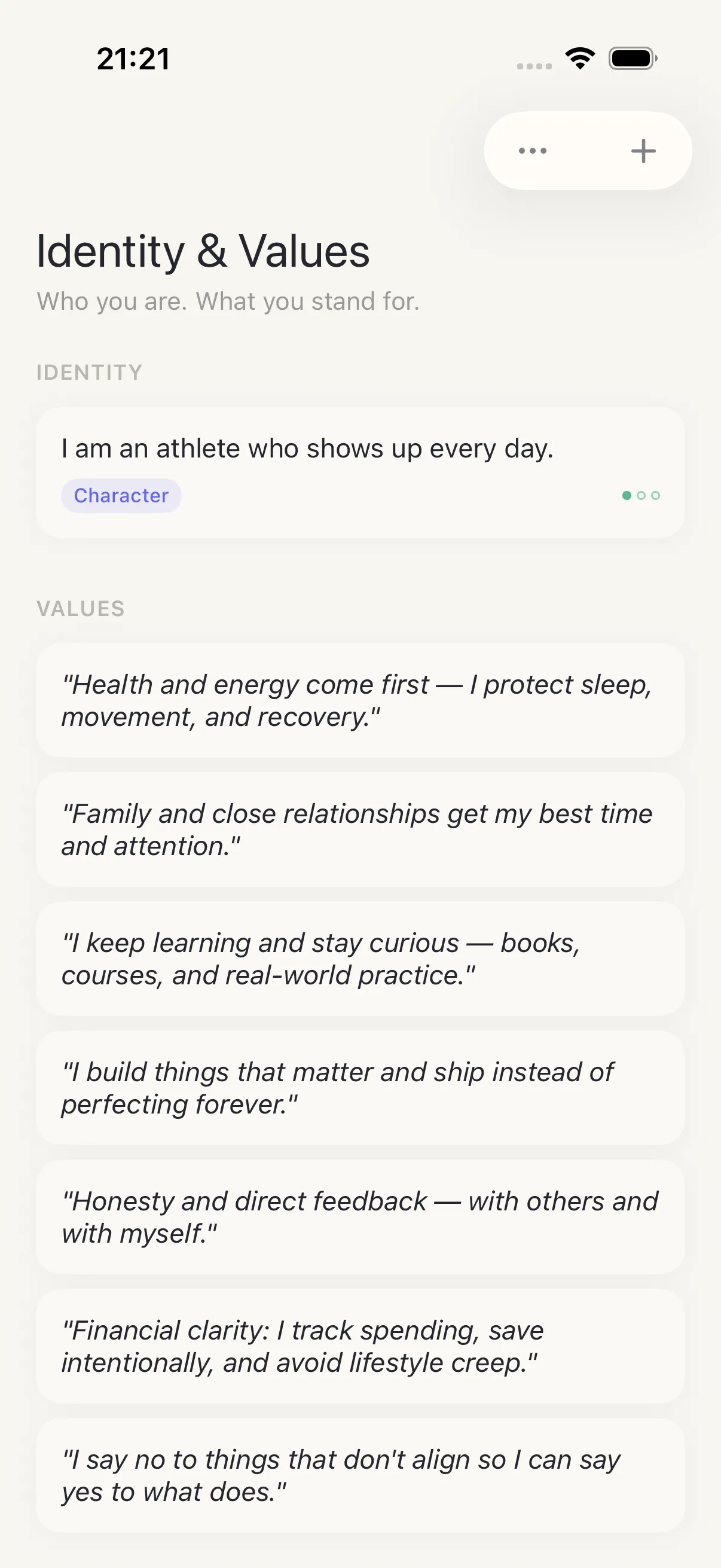
Values
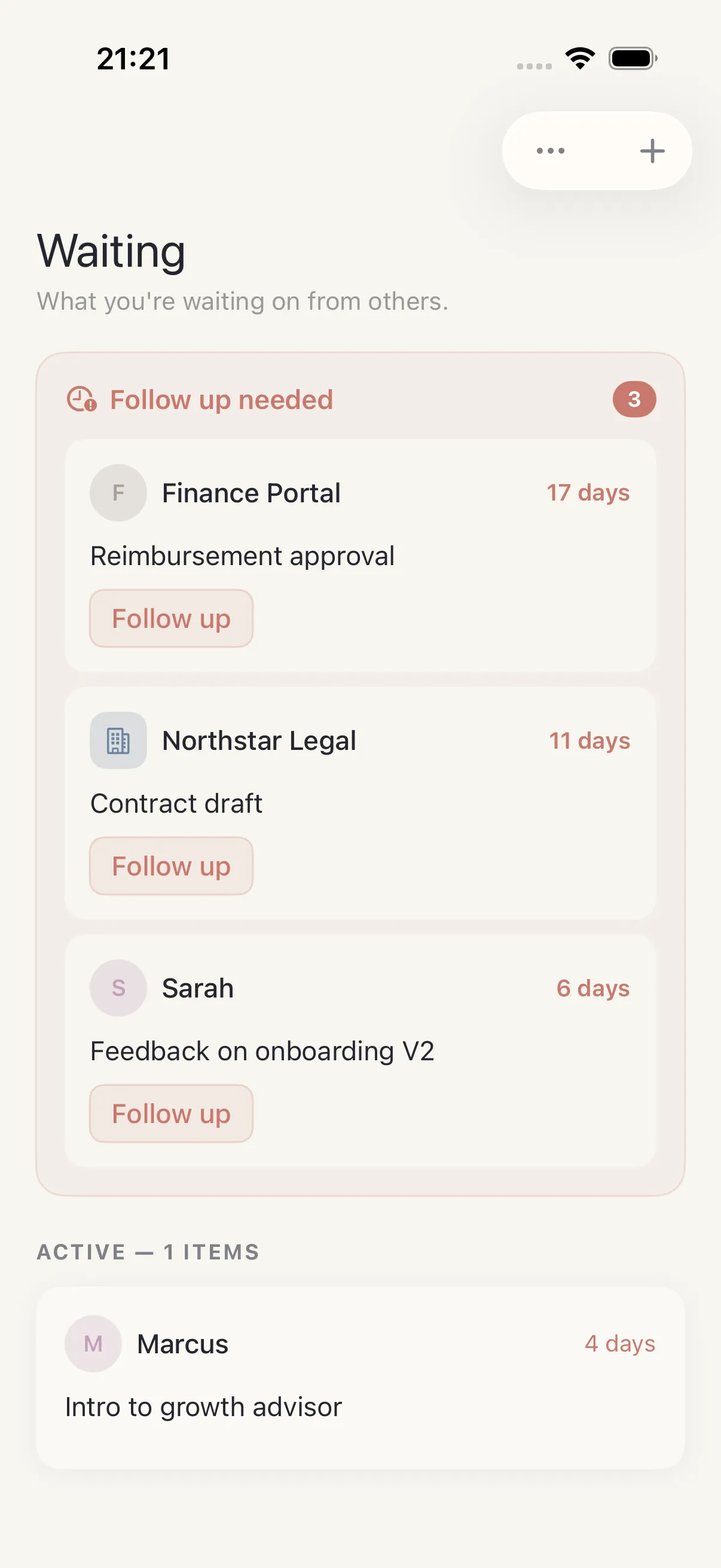
Waiting For
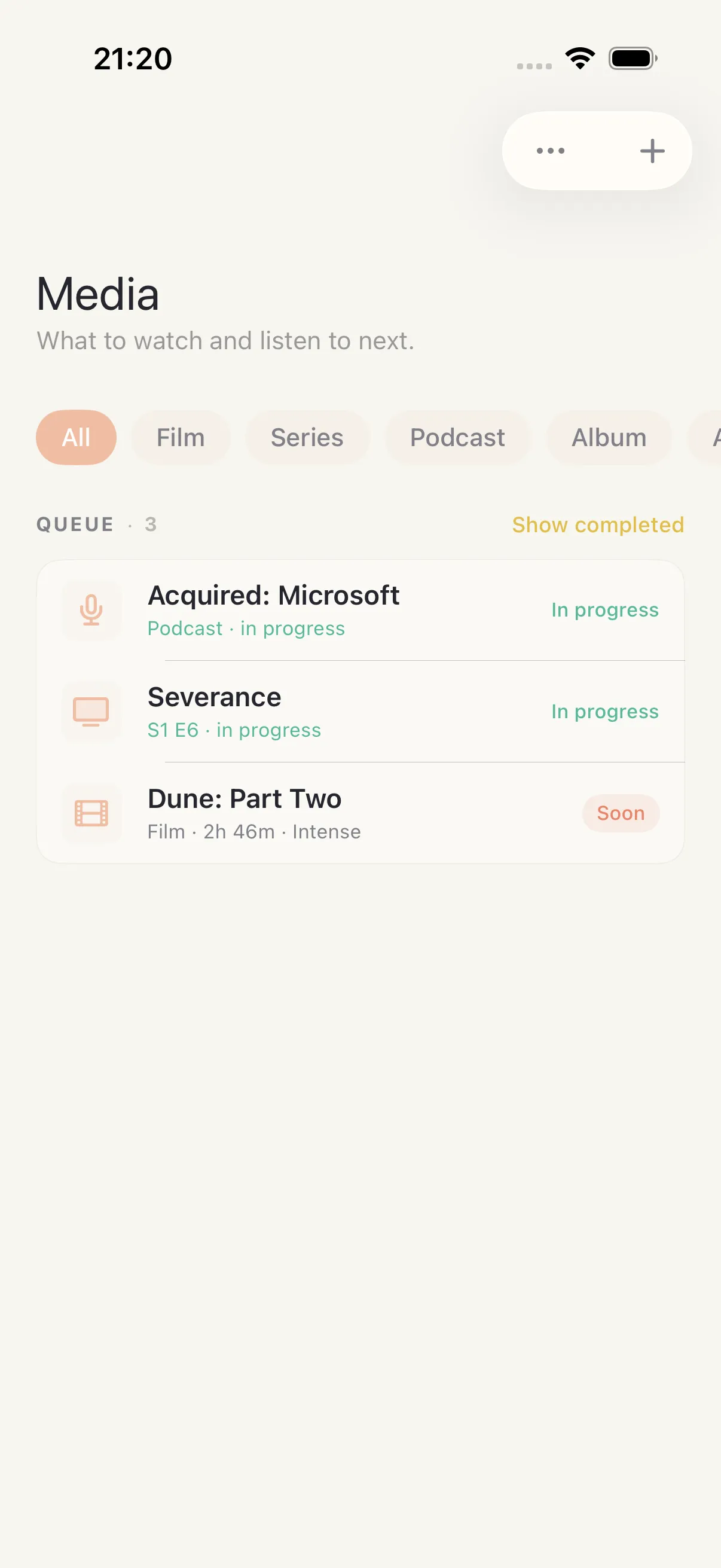
Watch And Listen
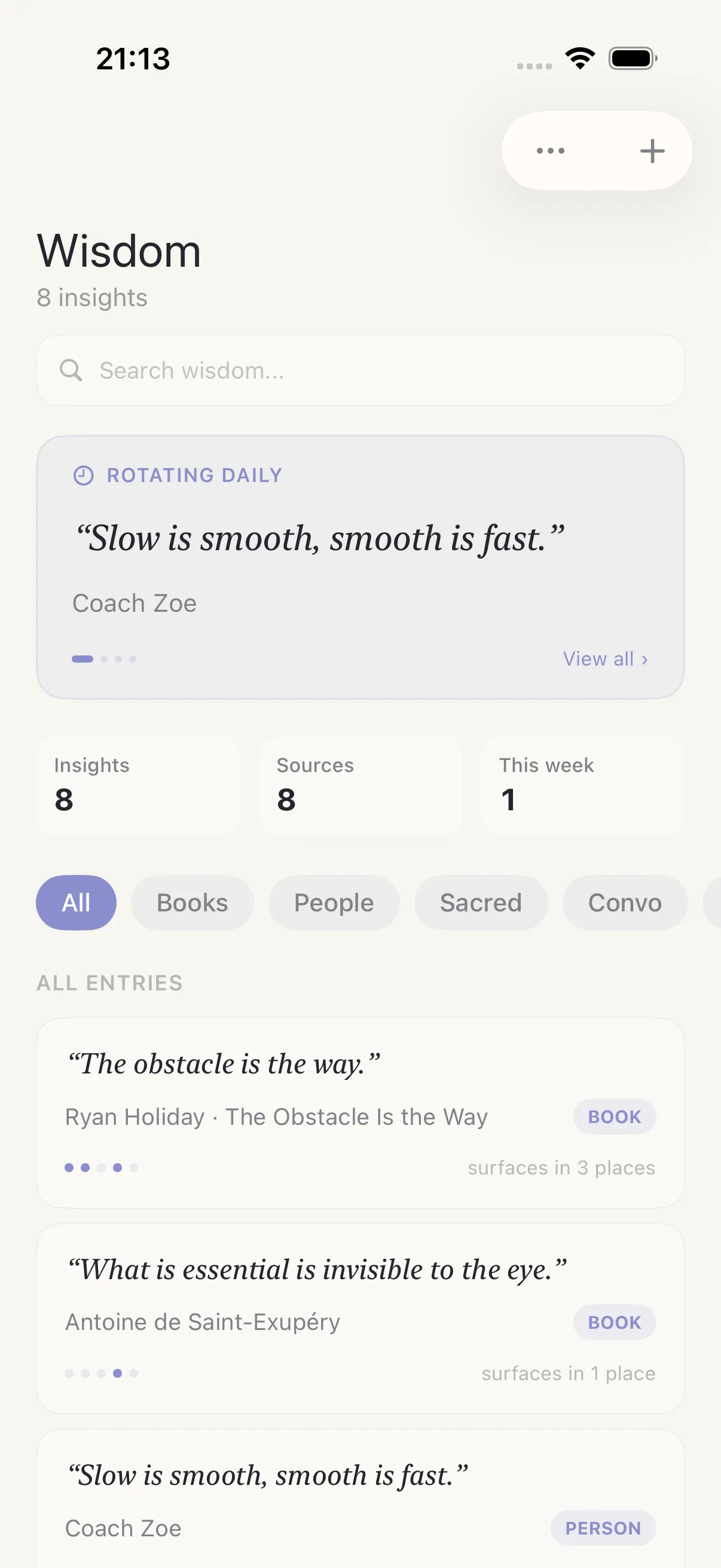
Wisdom
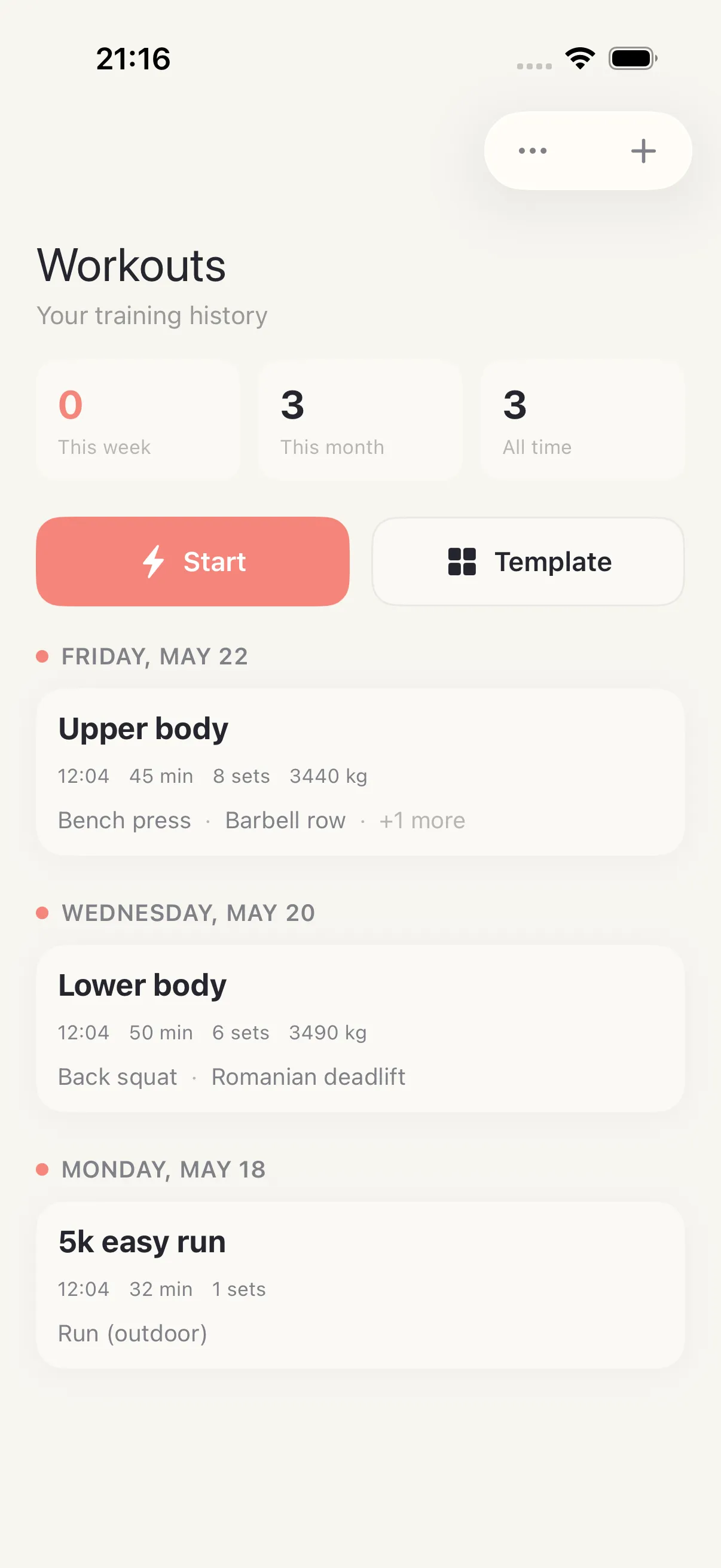
Workout Log
1 · Deterministic state
Stable demo fixtures keep screens consistent across releases — never real user data.
2 · Repeatable capture
Maestro navigation scripts and simulator capture make refreshes boring and reliable.
3 · Optimized assets
Exported to WebP with stable slugs under public/product/screenshots.
Help us explain it better
Ask a question about this feature or tell us what’s missing.
We would like to use Google Analytics to see which pages are worth keeping. It is off until you say yes, and the site works exactly the same either way. How we handle your data.
Google Analytics is currently on. We use it to see which pages are worth keeping, and nothing else. You can change that whenever you like — the site works exactly the same either way. How we handle your data.